.png)
TL;DR
- If you need an intuitive, smooth note-taking app for handwritten and typed notes, whiteboard creativity, PDF annotation, audio recording, and AI study/work tools, try Goodnotes. The Free plan gives you the core experience before you decide whether you need more files, longer recordings, or cross-platform syncing.
- If you’re a developer and you need a note-taking app for Markdown and syntax, go with Bear. It offers a hybrid live editor that hides or transforms Markdown syntax as you type, letting you see the formatted text and code at the same time.
- If you need to combine note-taking and task management, opt for Evernote or Microsoft OneNote. Evernote combines note-taking with task management tools such as a central task view, flags, and in-note tasks, and Microsoft OneNote integrates with other Microsoft tools like Excel, Outlook, and Copilot for productivity.
- Use Liquid text if your focus is on reading and cross-referencing long, complex PDFs. It enables you to pull excerpts out of PDFs, cross-reference and annotate sources, and share projects for real-time collaboration.
If you’re looking for the best note-taking app for iPad, you’re not short of options. Whether you’re scribbling notes over your lecture PDFs or jotting down ideas for your next big campaign, the right notes app makes all the difference.
You want a note-taking app that offers:
- A natural and fluid handwriting experience on iPad
- The ability to import and annotate PDFs, presentations, and graphs
- An easy-to-access, searchable library of your notes
Additional features like math support, AI functionality, and audio recording are also nice-to-haves, but make sure the basics are covered before considering the bells and whistles.
In this article, we compare the best iPad note-taking apps side by side—covering key features, pros and cons, and pricing—so you can choose the right option for your note-taking needs.
The best note-taking tools for iPad: A side-by-side comparison
Here’s the key information on each tool before we dive into specifics.
1. Goodnotes
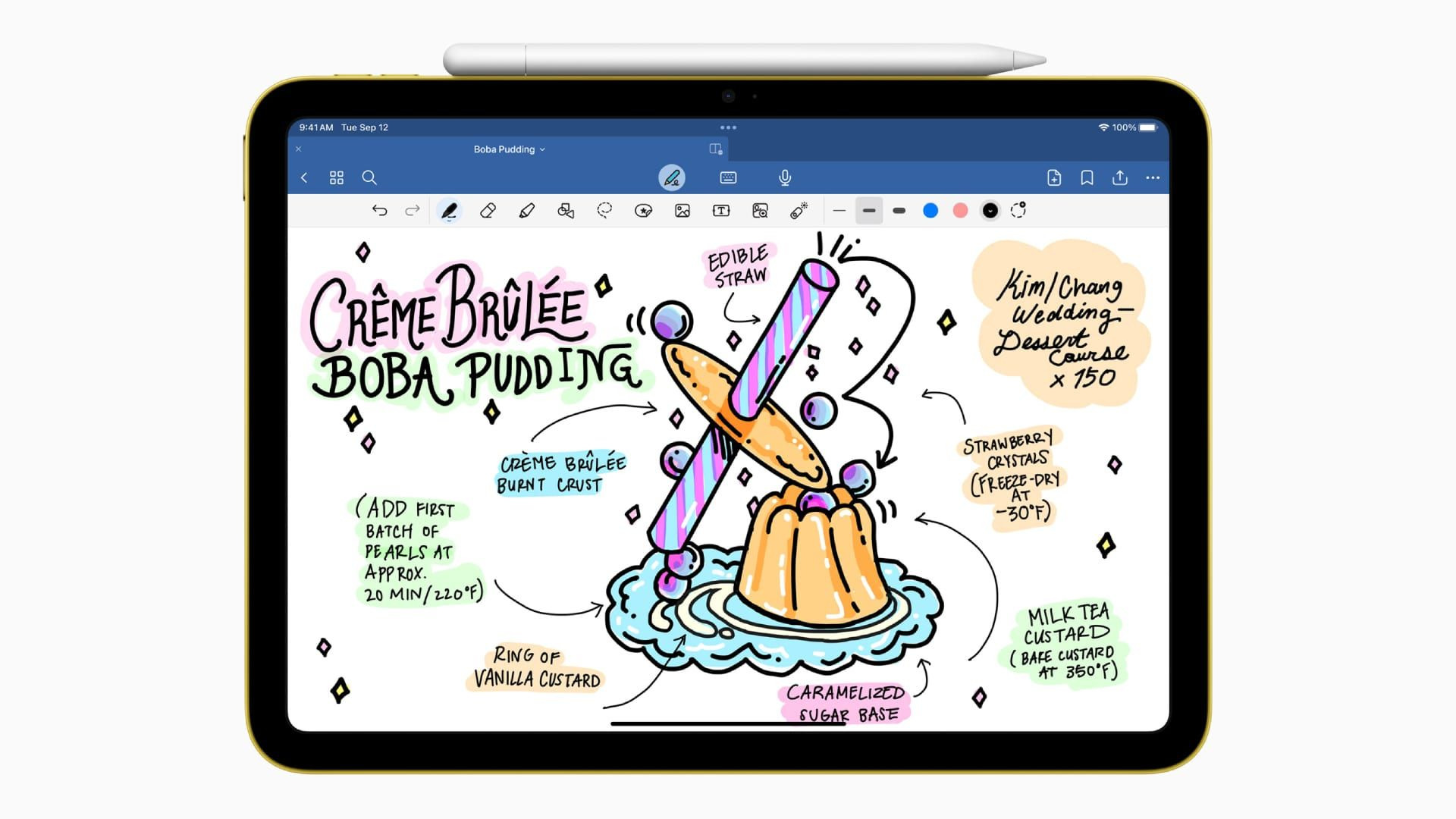
Goodnotes is a comprehensive note-taking experience for professionals and students who rely on an iPad to write, type, and think. Named Apple's iPad App of the Year in 2022, it’s the go-to note-taking app for over 25 million users.
Key features:
- Multiple document types: Import and annotate various PDFs, text documents, whiteboards, and images.
- Comprehensive note-taking tools: Write, annotate, and edit with digital pens, pencils, highlighters, and more. Turn handwriting into editable, movable text with the Lasso tool, and add elements like images, GIFs, sticky notes, and more.
- Study support: Improve your study sessions with AI-powered quiz generation based on your own notes.
- AI capabilities: Access AI features that summarize key takeaways from your notes, create visual summaries, convert your handwriting to text, and more.
- Audio recordings synced to notes: Record audio and jot down thoughts during lectures or meetings and have your notes linked to the transcript.
- Math support: Solve handwritten math problems and get breakdowns with a built-in, AI-powered feature within your digital notebook.
- The best note-taking app for annotating PDFS: Annotate PDFs with ease. Smooth performance with large files, searchable handwriting, and cross-device syncing make it the best option for students and professionals taking notes on PDFs.
Pros and cons
Pricing
2. Notability
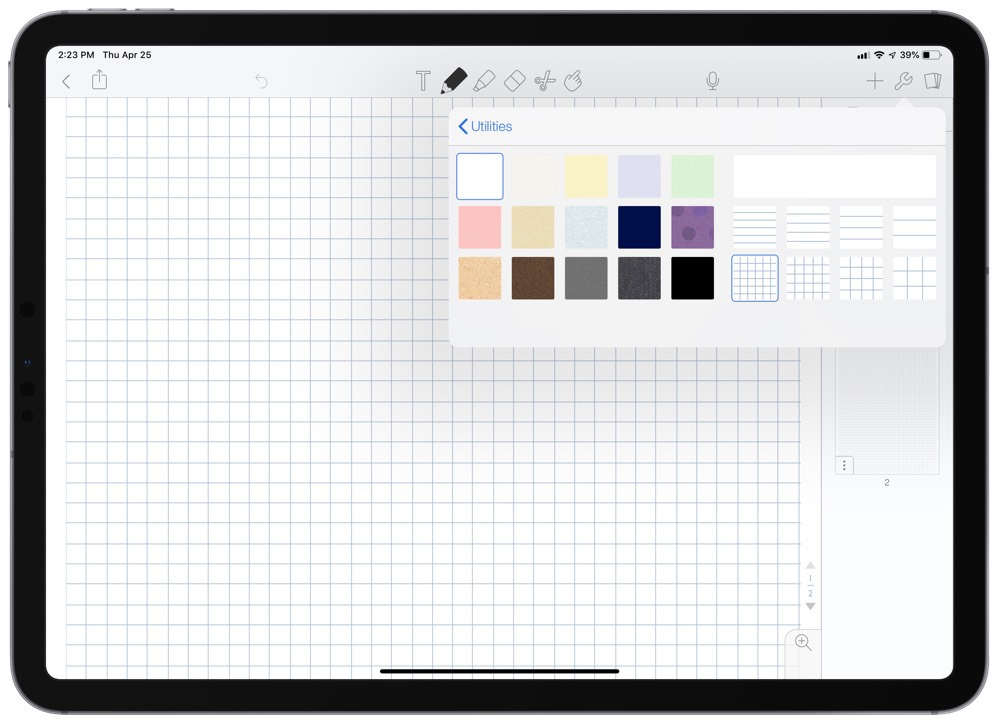
Notability is a note-taking tool for students and professionals who use iPad to manage notes. It holds a 4.8/5 rating across 450,000+ App Store reviews and offers both subscription-based and one-time cost pricing.
Key features:
- Natural ink: Take notes with highly responsive sketching and writing with tools like pens, calligraphy brushes, and highlighters.
- Smart gesture detection: Draw free-hand shapes, keep your stylus pressed down, and have them straightened and perfected with shape detection.
- Practice quizzes and flashcards: Automatically generate multiple-choice, mix-and-match, and fill-in-the-blank questions directly from your note content to test active recall, made especially for students using iPads.
- Split view: Open two different notes side by side for split view and easy copying/pasting across pages.
Pros and cons
Pricing
3. Apple Notes
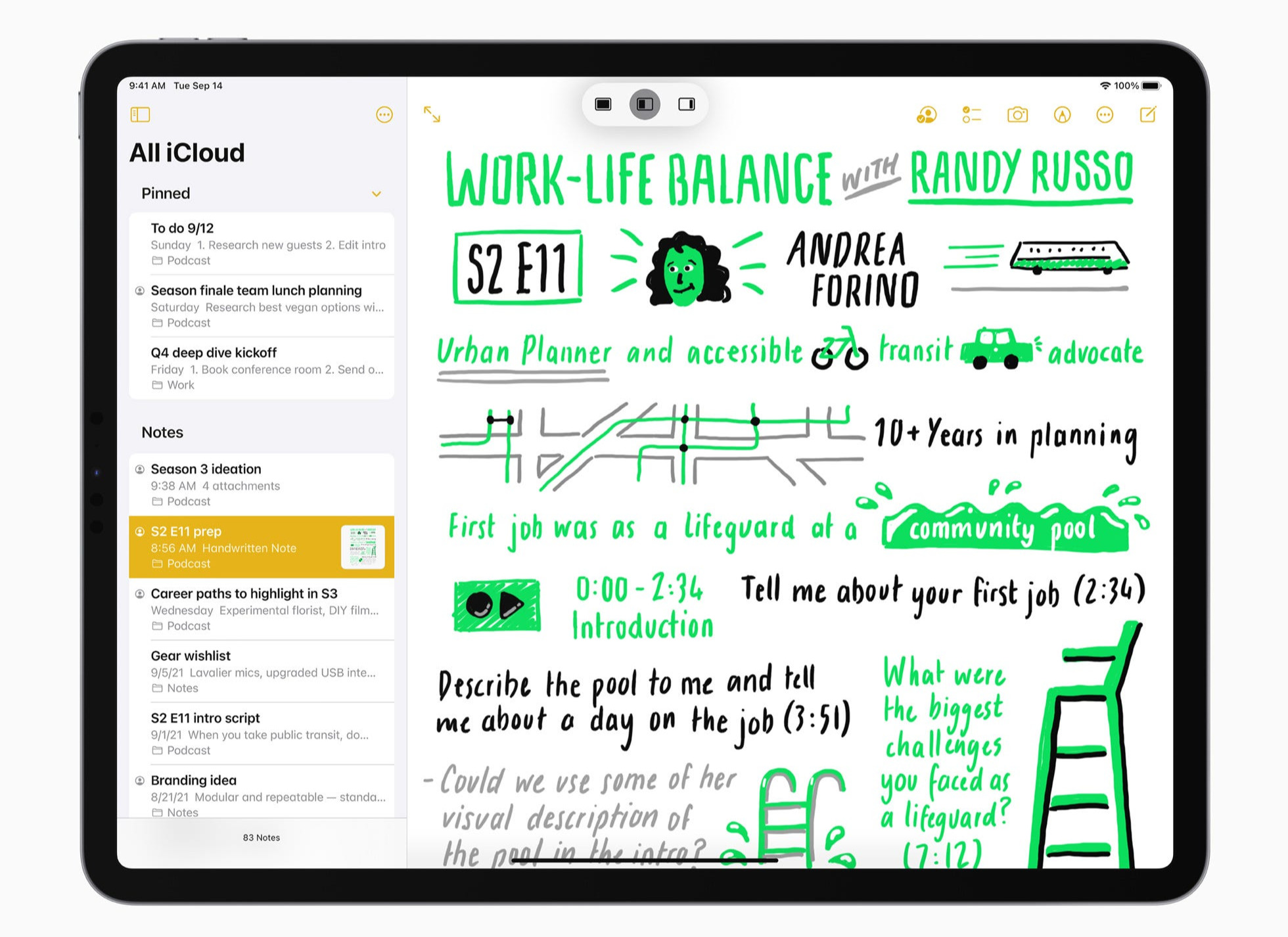
Apple Notes is Apple’s default, native note-taking app. It comes pre-installed on your iPad and offers a basic note-taking experience. As such, it’s best for people who want to stick to native apps and do lightweight note-taking, since Apple Notes lacks some of the more advanced, in-depth features of other apps on this list.
Key features:
- Note-taking toolbar: Use pens, pencils, crayons, highlighters, and more to jot down thoughts in Apple Notes.
- Apple Intelligence: Generate images with Apple’s built-in AI playground, accessible directly within notes.
- Audio recording and transcription: Record meetings directly inside your notes and generate real-time transcriptions.
- Document scanner: Use your iPad’s camera to scan documents, digitally sign them, and save them as PDFs.
- Smart folders and tags: Organize your documents with hashtags and place them in smart folders for easy searchability.
Pros and cons
Pricing
Apple Notes is completely free!
4. Kilonotes
Kionotes is an aesthetic-first note-taking app, known for its large library of customizable templates. Packed with considerable AI tools for studying, it’s built specifically for students who need to regularly go through dense PDFs such as textbooks and lecture notes.
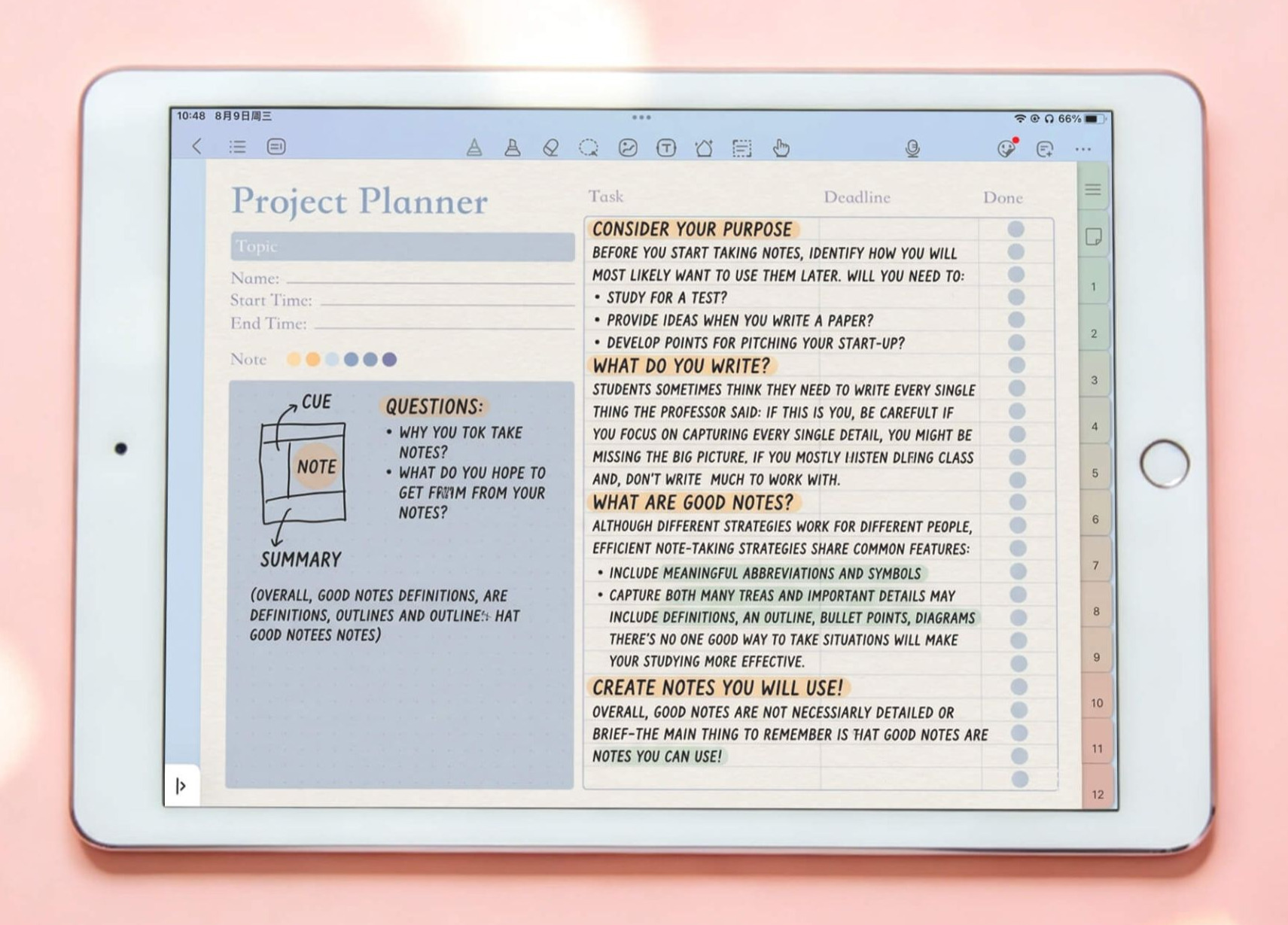
Key features:
- Natural handwriting: Choose from multiple pen tools, including ballpoint, paintbrush, and fountain pen styles.
- Unlimited virtual paper: Take notes without limits, even on the free tier.
- AI-powered features: Record lectures automatically, summarize PDFs, and generate study aids from your notes.
- Interactive templates: Use dynamic layouts including digital trackers, calendars, and structured study notebooks that use interactive hyperlinks to jump between chapters.
- Stationery center: Beautify your notes with stickers, aesthetic fonts, and color palettes.
Pros and cons
Pricing
5. Microsoft OneNote
OneNote is Microsoft’s cross-device note-taking app, built upon the familiar layout and features of Microsoft Office 365. It’s a good option for anyone working within the ecosystem of other popular Microsoft tools like Word or Excel. It can seem outdated compared with newer note-taking apps, but it’s a powerful note-taking tool.
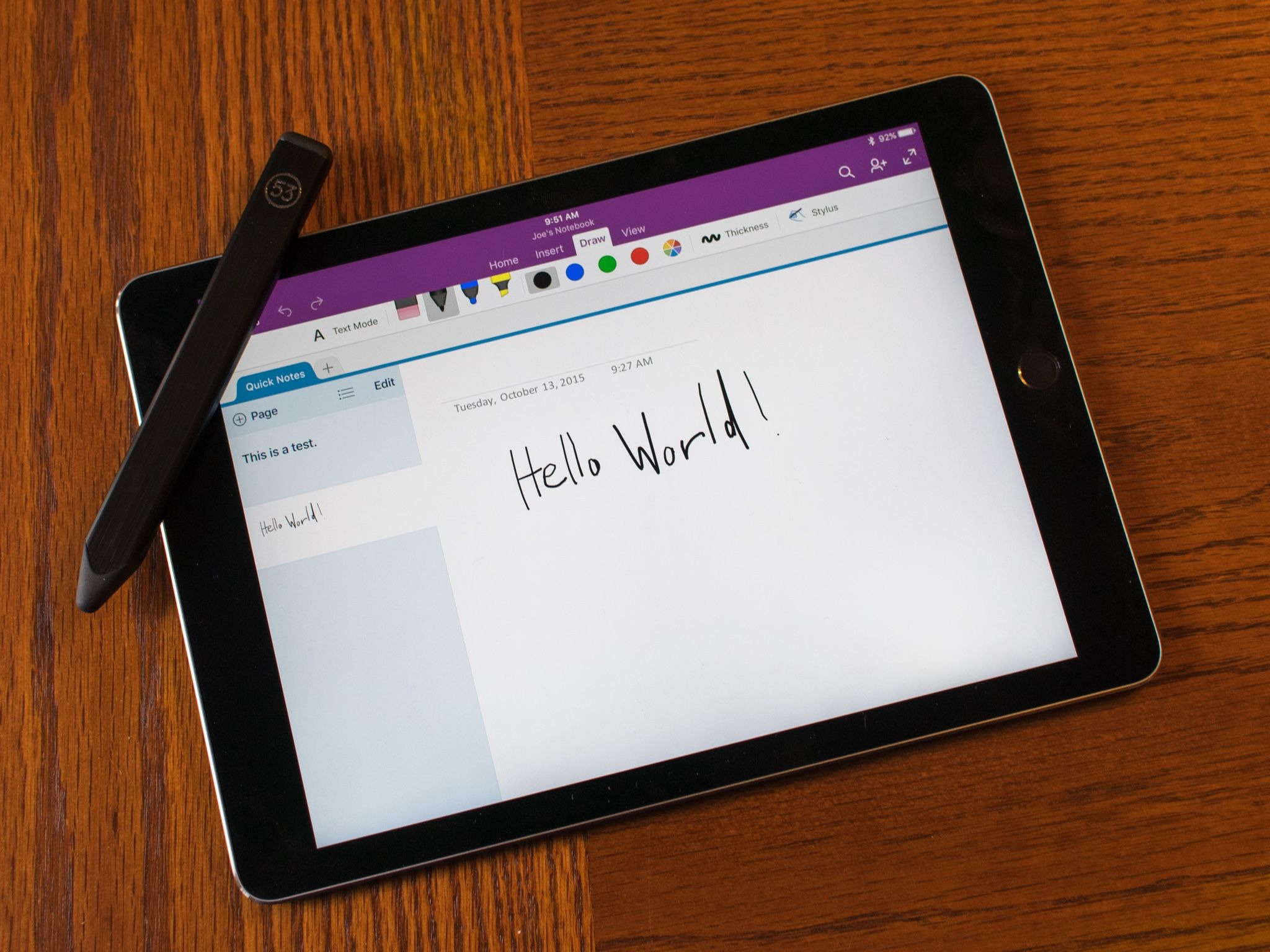
Key features:
- Standard note-taking capabilities: Type, draw, or record audio notes that sync automatically via OneDrive, with 5GB of storage included on the free plan.
- Clean organization: Use OneNote's notebook > section > page structure to keep things tidy. Add, rename, or rearrange sections and pages anytime without disrupting existing notes.
- Flexible canvas: Place text, images, and ink anywhere on the page instead of working top-to-bottom. It’s well suited to freeform brainstorming and mind-mapping.
- Copilot AI features: Summarize long pages, ask questions about your notes in a chat panel, and generate or rewrite content. Do note that this sits on top of the base subscription and needs its own Microsoft 365 Copilot license.
- Handy Microsoft integrations: Link notes to Outlook meetings and attendees, and embed Excel, Word, or PowerPoint content directly into a page.
Pros and cons
Pricing
Microsoft OneNote has a free version for standalone use across devices, including iPads. Key features include core note-taking, OneDrive syncing, and 5GB of free cloud storage. However, additional features require a Microsoft 365 subscription (although this does include all other Microsoft 365 tools, too).
6. Freenotes
Freenotes is a note-taking app that is primarily made for iPhone and iPad, though it’s also expanded into Android devices as well. Since its creation, it’s shifted from a completely free model to tiered pricing—adding advanced AI features for more advanced note-taking to justify the new cost.
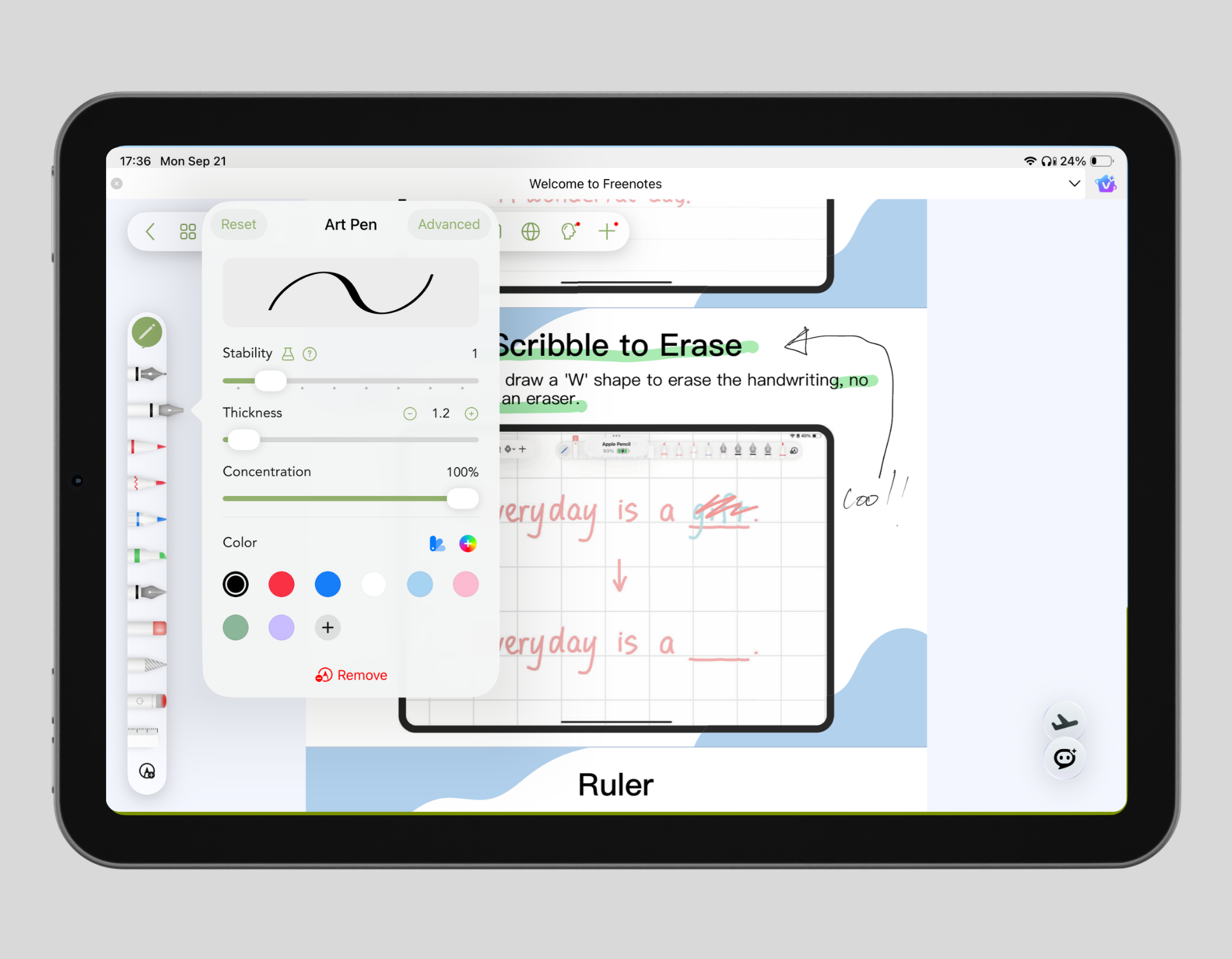
Key features:
- Multiple formats for notes: Write on either an infinite canvas or fixed-sized documents for both brainstorming and active note-taking.
- Direct flashcard generator: Turn your study notes into flashcards to help you retain information and study directly within your note document.
- AI-powered features: Edit and bolster your meeting notes with AI summaries, chat with PDFs to enhance learning, and get a study companion to help clarify concepts, review notes, and define terms.
- Picture-in-Picture (PiP) and split-screen: Take notes alongside video lectures or course content with an integrated split-screen feature.
Pros and cons
Pricing
7. Noteful
Noteful is a simple, easy-to-use, lightweight note-taking tool for people who don’t need AI capabilities or the fancy bells and whistles that other note-takers on this list have. Designed specifically for iPad and Apple Pencil users, it’s known for being highly precise, fast, and easy to use. It’s also one of the few tools on our list offering comprehensive access for a one-off fee.
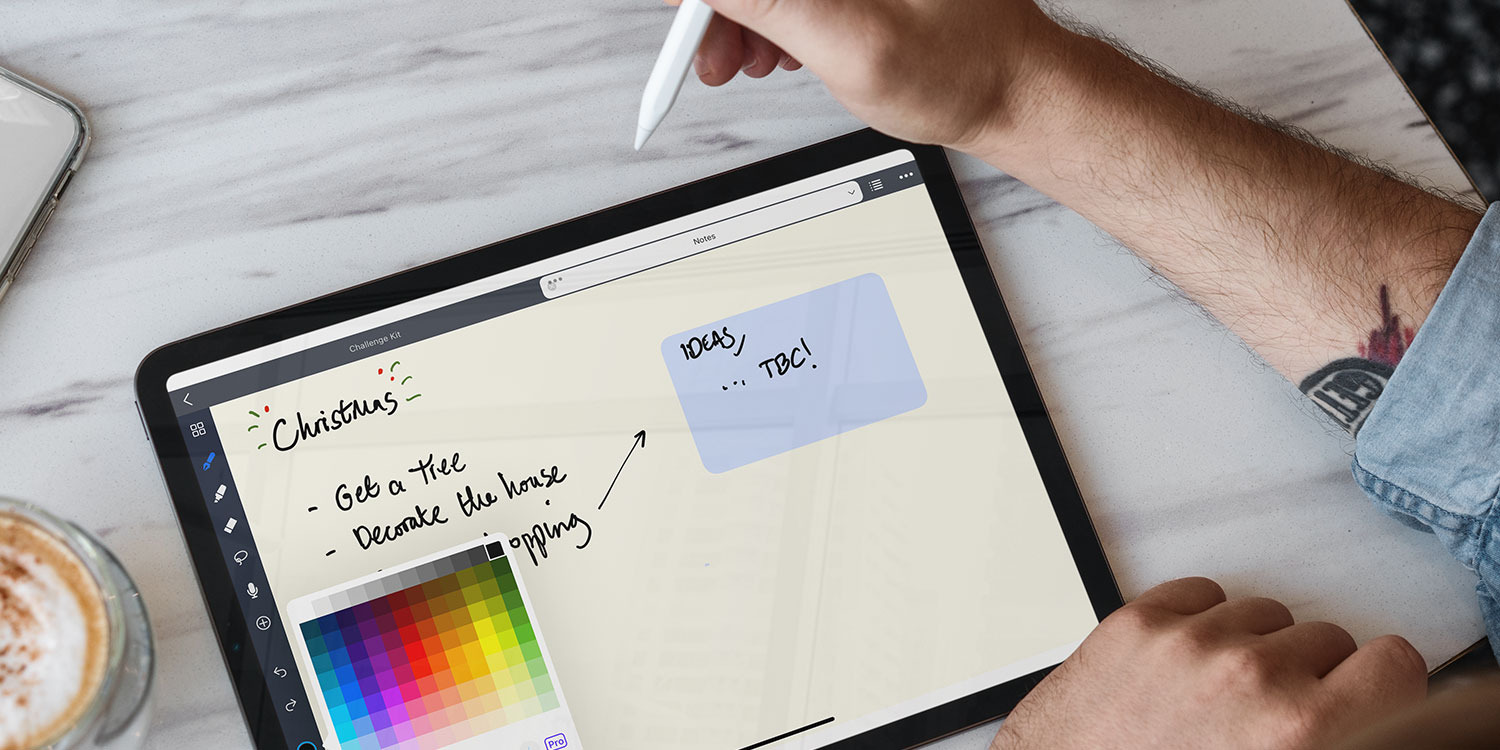
Key features:
- InfiniteStroke engine: Take notes withNoteful’s proprietary tech, made for high-resolution vector handwriting.
- Layer system: Stack different layers of notes one upon the other across your entire digital planner. You can keep calendars, templates, and stickers on locked backgrounds while you write additional notes on top of them.
- Audio recording: Quickly trace your handwriting to the exact moment and quote of your lecture or meeting.
- Sticker and element repositories: Use built-in tools to capture screenshots and save them as reusable custom sticker packs for both notes and your calendar.
Pros and cons
Pricing
Please note that prices vary by region.
8. MyScript Notes
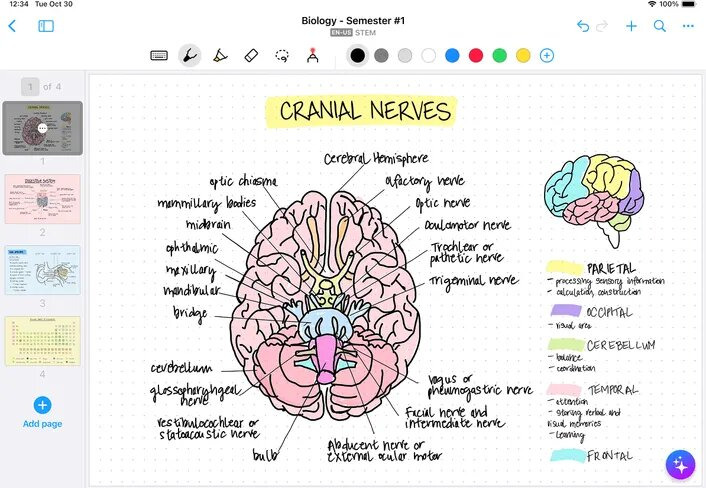
MyScript Notes (Formerly Nebo) has been praised as having the most accurate handwriting and note-taking recognition. The company started as early as 1998, when it pioneered the shift from static to digital ink for flexible editing on the fly. MyScript also won the CES Mobile Apps Showdown Winner in 2017.
Key features:
- Multi-language support: Get support for over 66 languages through MyScript’s leading interactive ink handwriting technology.
- Four core document types for notes: Write on notebooks, boards (infinite canvas), documents, and PDFs.
- Pen gestures for editing: Scratch to erase and underline to emphasize, for example.
- Vector diagram mapping: Turn rough geometric vector outlines into shapes automatically. Each shape remains dynamically editable.
- Integrated AI Tools: Summarize notes, answer context-based questions about your content, and automatically generate interactive quizzes for review.
Pros and cons
Pricing
MyScript Notes offers the following pricing.
9. CollaNote
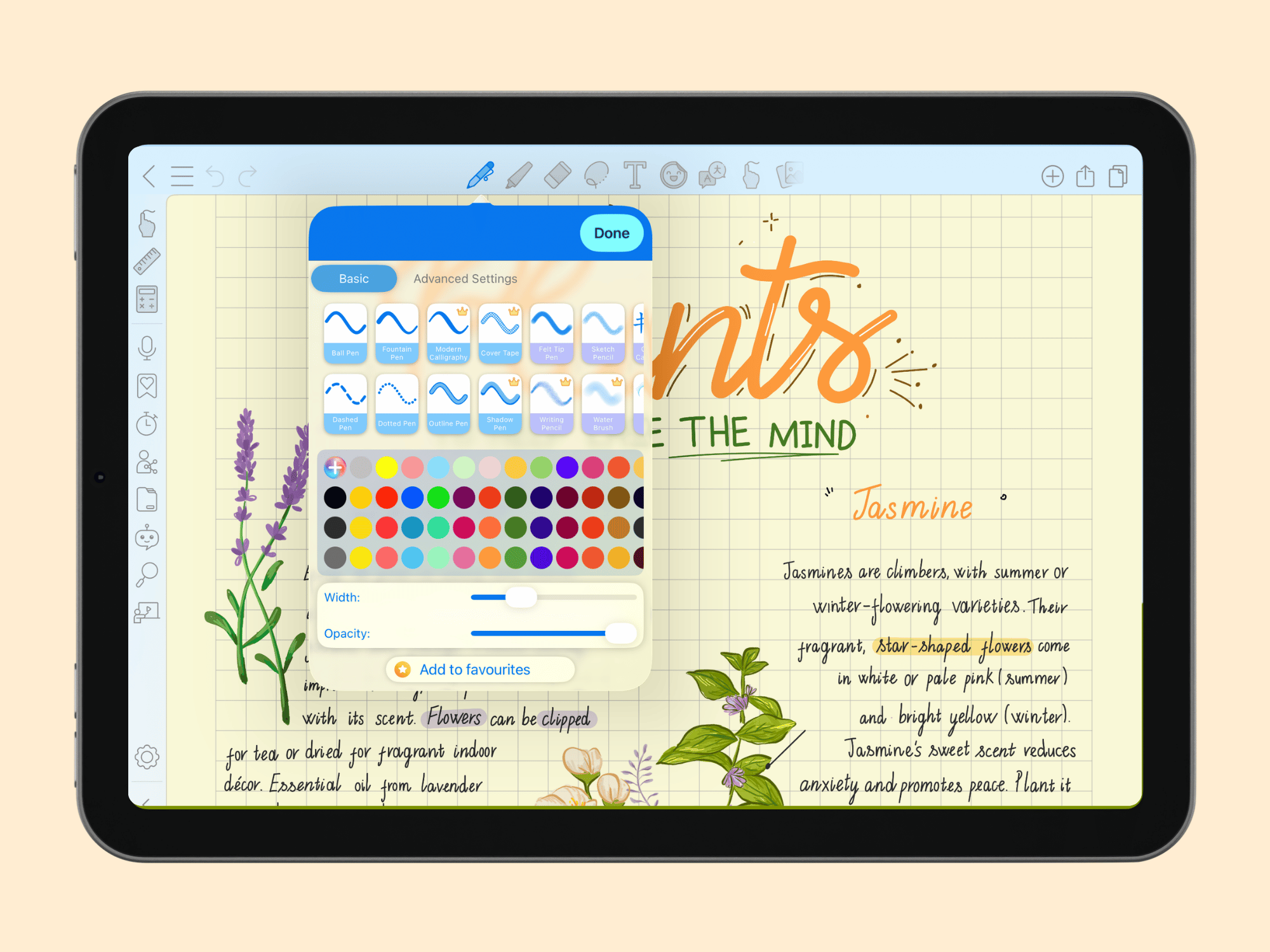
CollaNote is a feature-rich note-taking app. It’s known as an affordable note-taking option that still offers many of the key features of higher-priced apps. Users have access to real-time collaboration, extensive brushes, and AI tools, all within the free tier.
Key features:
- Extensive handwriting tools: Pick from 25+ pens, brushes, and more, and pick your pen stabilization preferences depending on what works best for you.
- AI generator: Automatically create images and backgrounds for your study notes.
- PDF and document markup: Import, annotate, and export PDFs, slides, and Word documents directly on the pages.
- Flashcards: Generate interactive study flashcards with images and audio recordings.
- Cover tape tool: Put digital opaque tape on handwritten notes to cover them and block out answers, so you can quiz yourself and practice recall.
Pros and cons
Pricing
10. Bear
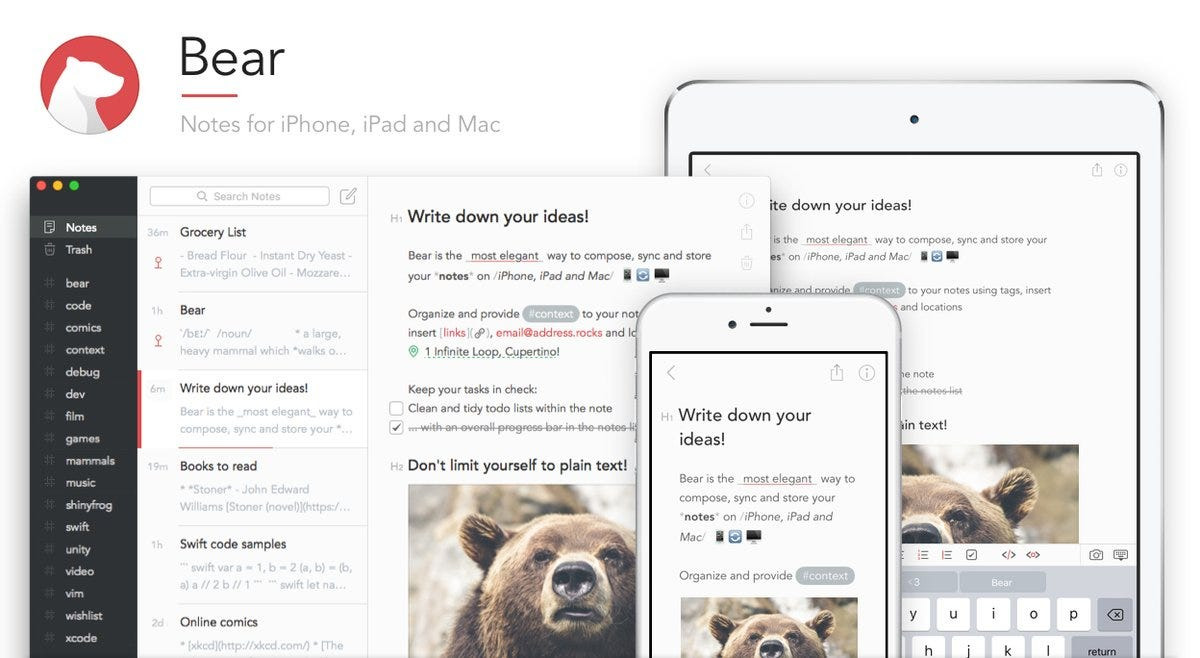
Bear is a Markdown note-taking tool that does note-taking a little differently to the rest of the tools on our list. Built specifically for Apple’s ecosystem, it’s known for its intuitive and clutter-free interface. Bear has won several prestigious awards from Apple, such as the App Store App of the Year in 2016 and the Apple Design Award in 2017.
Key features:
- Markdown editing: Write with full Markdown support, including inline image rendering and syntax highlighting for programming languages.
- Intuitive layout: Manage and navigate your notes with the simple layout and structure.
- Advanced search: Find notes easily with Optical Character Recognition (OCR) for PDFs and images.
- Note linking and backlinks: Connect related thoughts by linking notes directly to one another.
Pros and cons
Pricing
11. Evernote
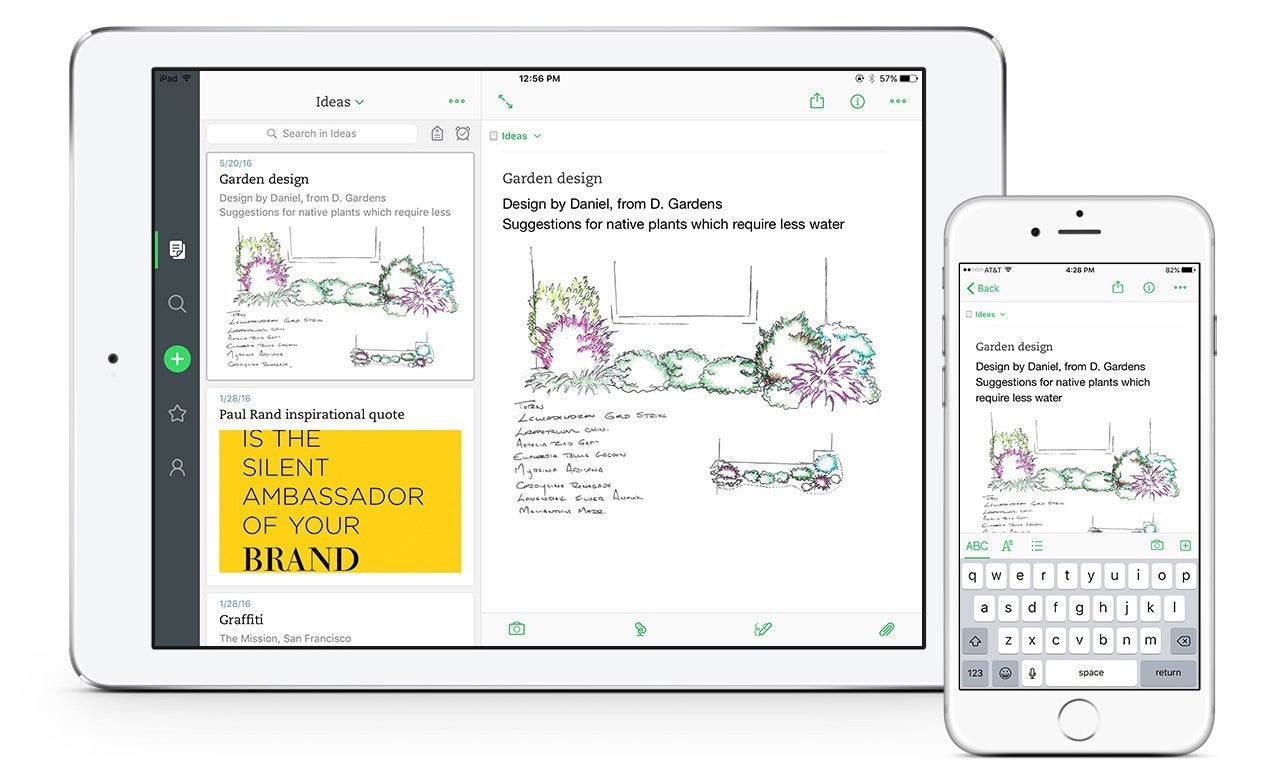
Evernote started as a standard note-taking app but has since evolved into a full productivity workspace, making it a good choice for people who want to handle task management and note-taking from a single app. It received the Apple Design Award back in 2013 and has since won the Webby Award in 2018.
Key features:
- AI note cleanup: Use AI to organize, categorize, filter, and even auto-format content and notes.
- Evernote Tasks: Add tasks next to meeting notes, view them in a unified dashboard, and flag urgent or high-priority items.
- Web clipper: Save full web pages, articles, and bookmarks directly from your browser into your notebooks.
- Advanced search: Find anything fast with search that scans text inside PDFs, images, and even handwritten notes, plus filtering by notebook or tag.
Pros and cons
Pricing
12. Liquidtext
Liquidtext isn’t your standard note-taking app; it’s a document-review and specialized research tool. It’s built for people who consistently read, cross-reference, and annotate long, complex PDFs, rather than take meeting notes. This makes it a common choice amongst students, researchers, lawyers, and consultants.
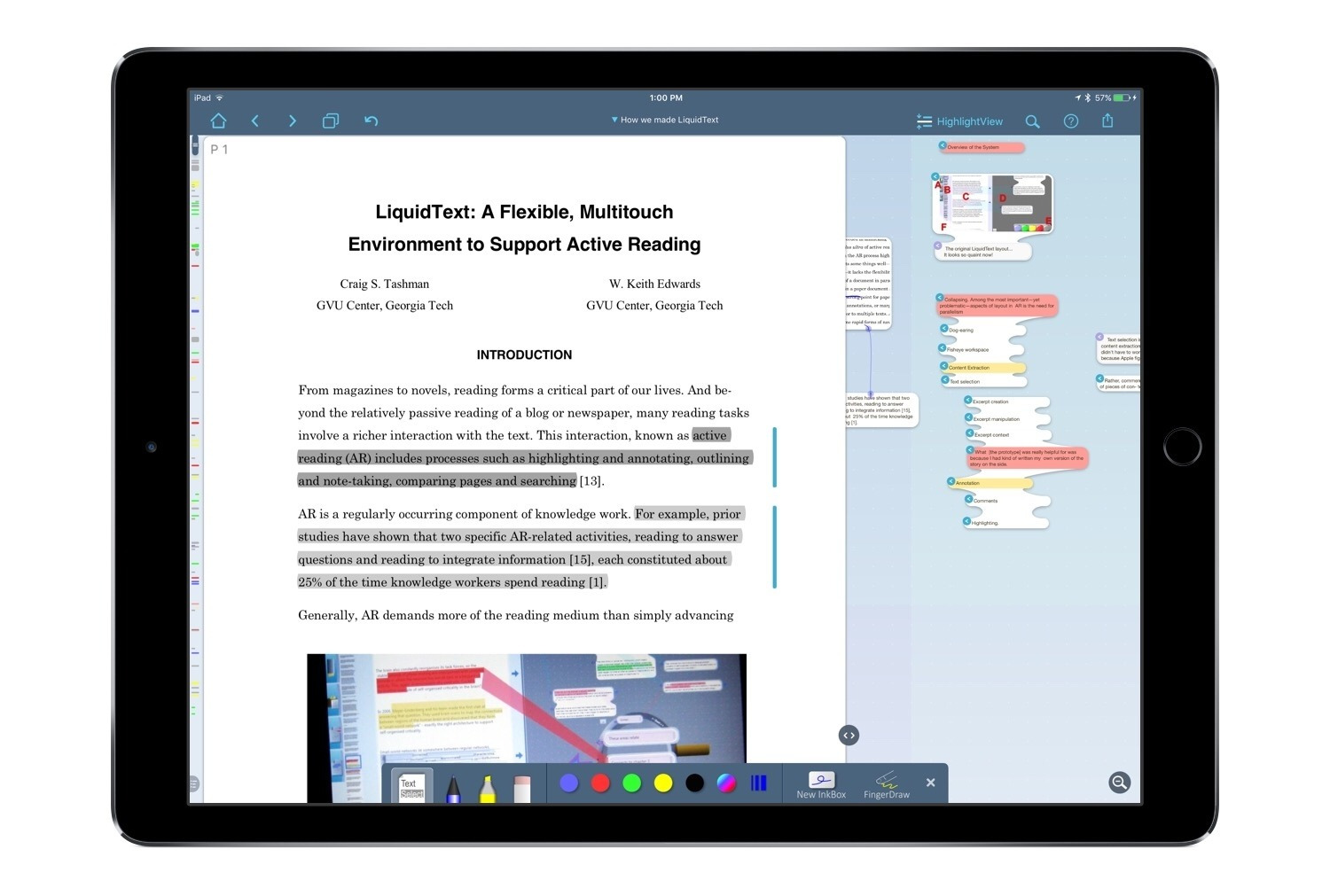
Key features:
- Interactive ‘ink workspace’: Pull excerpts out of PDFs and rearrange/connect them visually.
- Search without losing context: ‘Pinch’ your document to view different pages on the same screen at the same time. Enhanced PDF visualization for when you’re tired of scrolling to compare.
- Multi-document workspaces: Import PDFs, Word docs, and web pages into one workspace, where you can view multiple sources side-by-side and cross-reference excerpts back to their original pages.
- Shared projects: Invite collaborators by email to highlight and comment on the same documents in real time, with changes syncing instantly across everyone's view.
Pros and cons
Pricing
LiquidText offers four pricing options across two distinct plans: LiquidText Pro 2023 and LiquidText LIVE. LiquidText Pro 2023 is a local app available for iPad, Mac, and Windows 10/11. LiquidText LIVE is a cloud-based subscription service that includes all updates.
Go with Goodnotes for the best note-taking iPad experience
There are plenty of note-taking tools on the market, and the right one for you comes down to your specific needs. If you primarily take Markdown notes, Bear is a great option. If you spend most of your time annotating multiple complex PDFs at once, LiquidText could be what you’re after. If it's a free note-taking app you're looking for, and you don't mind ads disrupting your note-taking, try Freenotes.
But if you want an iPad note-taking app that gives you a high-quality note-taking experience, multiple document formats, extensive pen customization options, AI-powered features, and more—give Goodnotes a go. The Free forever plan gives you enough flexibility to get started, and Paid plans are accessible when you need to level up your notes.
Over 25 million individuals and professionals use Goodnotes to take notes every day. Join them to find out why.
FAQs
1. Which is the best free note-taking tool for iPad?
Goodnotes Free plan is one of the best free note-taking tools for iPad. It includes a comprehensive suite of note-taking tools, natural pen pressure sensitivity, and reliable, exportable PDF annotation. Other great free apps for note-taking on iPad include Freenotes (with ads) and Noteful.
2. Which is the best app for turning handwriting to text on iPad?
Goodnotes effectively turns handwriting to text on iPad with ease. Simply use the Lasso tool to circle your text, select ‘Convert to Text’ from the options, ensure everything’s correct in the pop-up editing window, and replace your handwritten text with typed text directly in your document.
3. Is Goodnotes better or Notability?
For most people, Goodnotes is better than Notability. It's the only one of the two with true cross-platform sync across iPad, iPhone, Mac, Windows, and Android, plus a smoother handwriting experience and an easy-to-use folder system for organizing and finding your notes.