Product
Built For












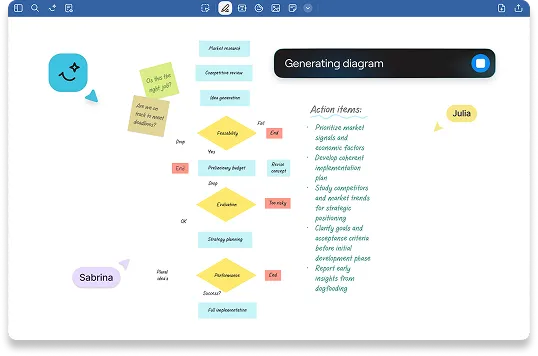
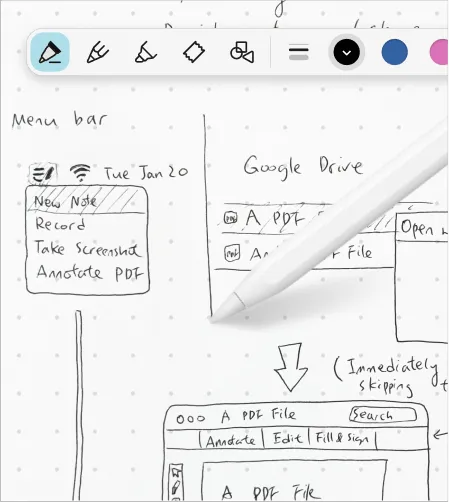
Open a QuickNote instantly. Perfect for jotting down phone numbers, sketching rough diagrams, or starting impromptu meeting notes.
Learn more →


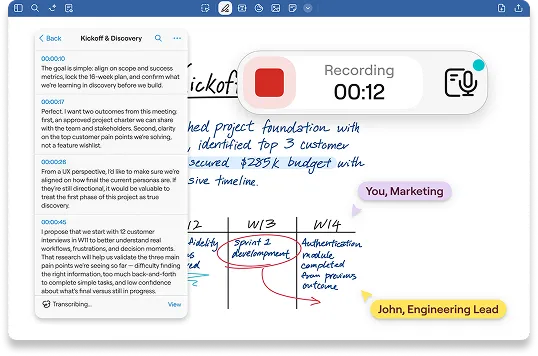
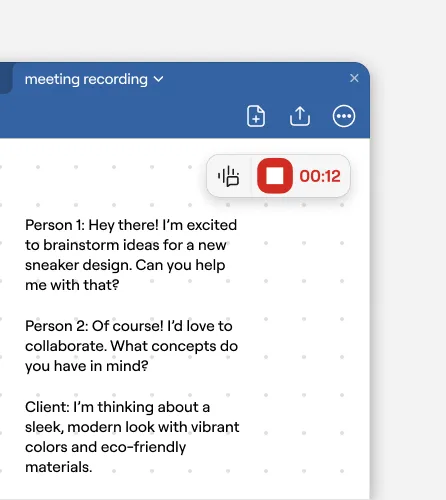
Ideal for when a casual chat turns into a working session. Start recording audio without breaking the flow, then sync it to your notes so you never miss the context.
Learn more →
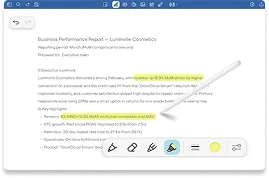
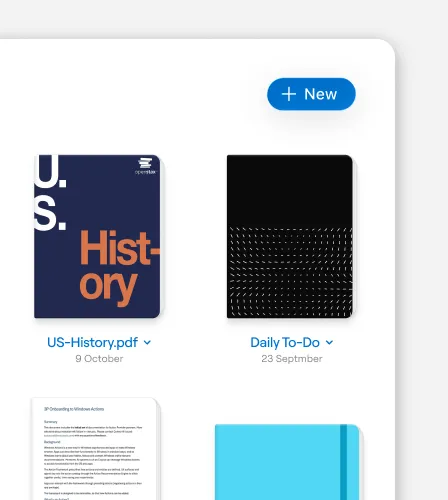
Every QuickNote syncs across your devices automatically. When you're ready, combine it with a document or drag it into the right workspace or project folder. No rush, no pressure.
Learn more →

Saved per week per team member on note organization
Faster meeting recap creation with AI summarization
Teams report improved information findability
Reduction in time spent reformatting notes
“I like Goodnotes for keeping exhibition notes organised and searchable. It lets me sketch layouts, annotate floorplans, and compile provenance details easily. Handwriting recognition is accurate, and syncing across devices helps me work smoothly between gallery, office, and storage areas. It has replaced my scattered paper files, making it much easier to write reports quickly.”


“I appreciate how Goodnotes allows me to have access to my notes from wherever I am. The ability to customize my note-taking experience with highlights, stickers, and tabs makes it particularly enjoyable and efficient, as these features help me locate key points quickly. Additionally, the initial setup was very easy, which made the transition to using Goodnotes smooth and hassle-free. ”
“I love how Goodnotes keeps all my notes well-organized, making it easy for me to access them and helping me stay productive both at work and in my personal life. The software is easy to use, allowing me to focus on my tasks. It significantly reduces the need for paper, keeps everything in one convenient place, and allows me to quickly find the information I need.”
Try Goodnotes today
Start Free