Product
Built For












Your personal secretary for every call
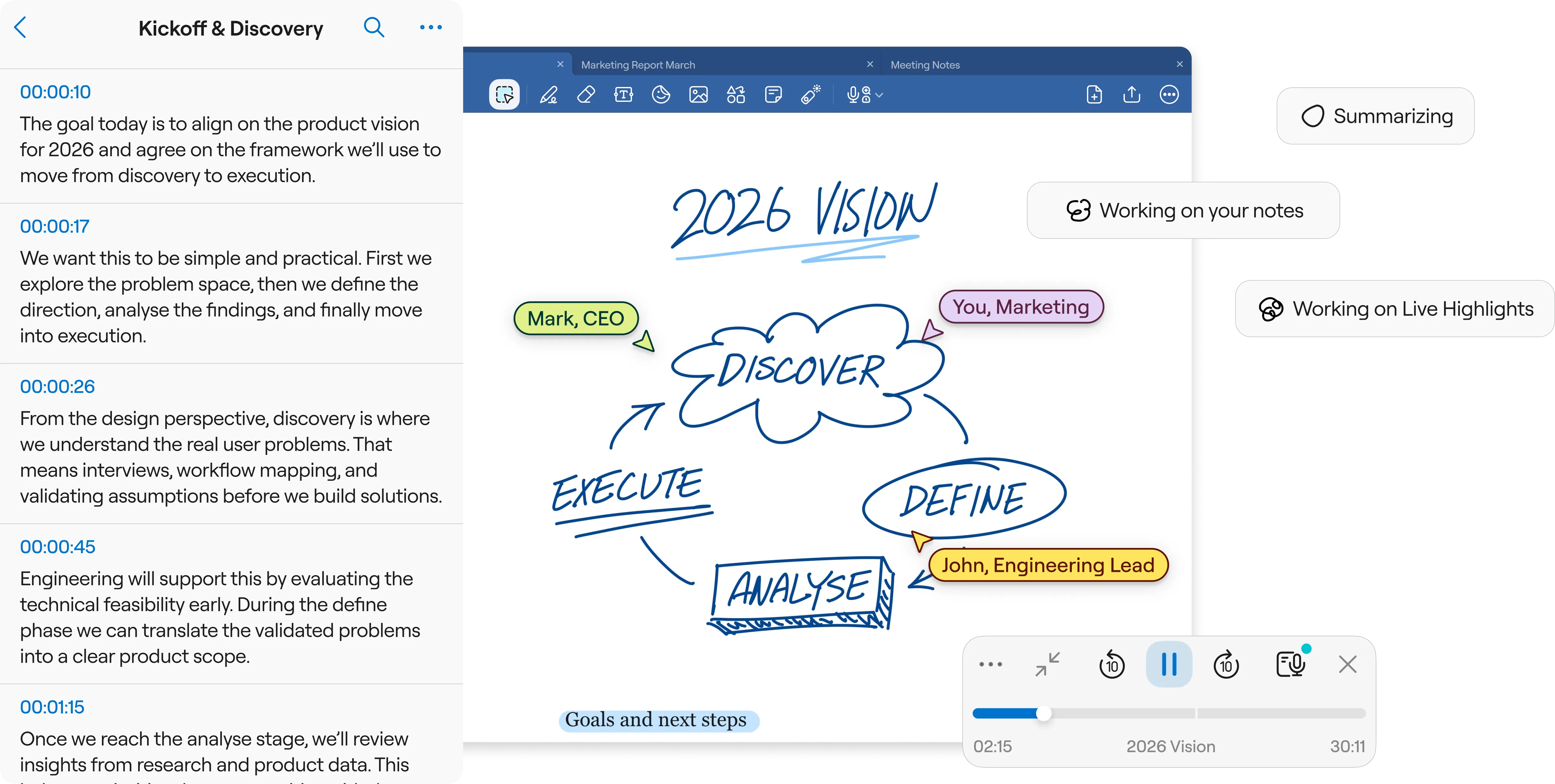
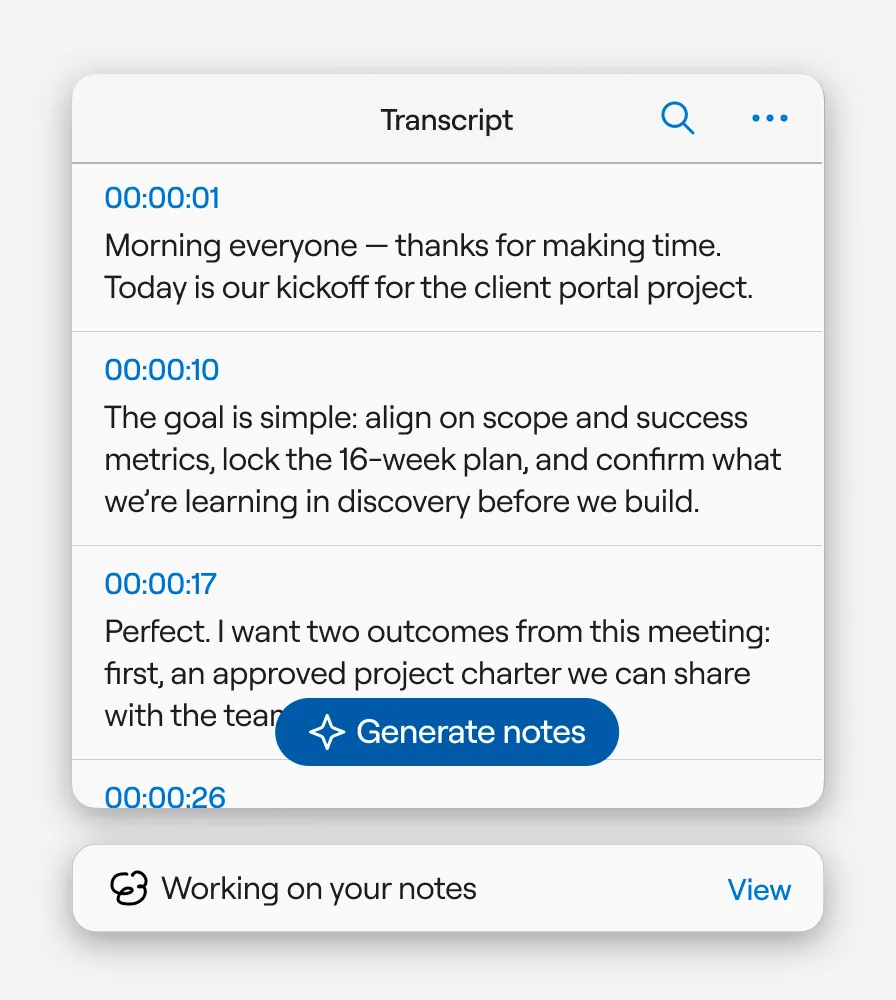
Watch the conversation turn into text in real-time. Identify speakers automatically and get a complete written record of every brainstorming session or client review.
Learn more →
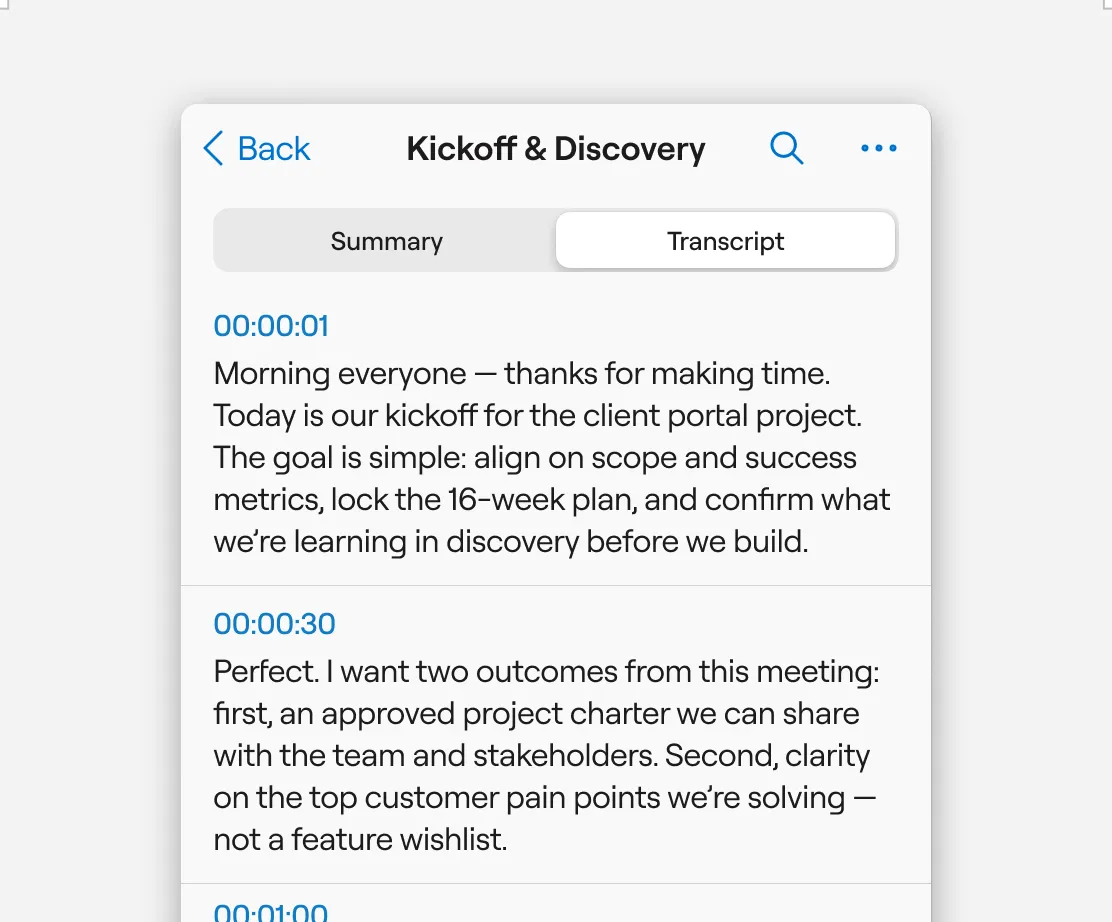

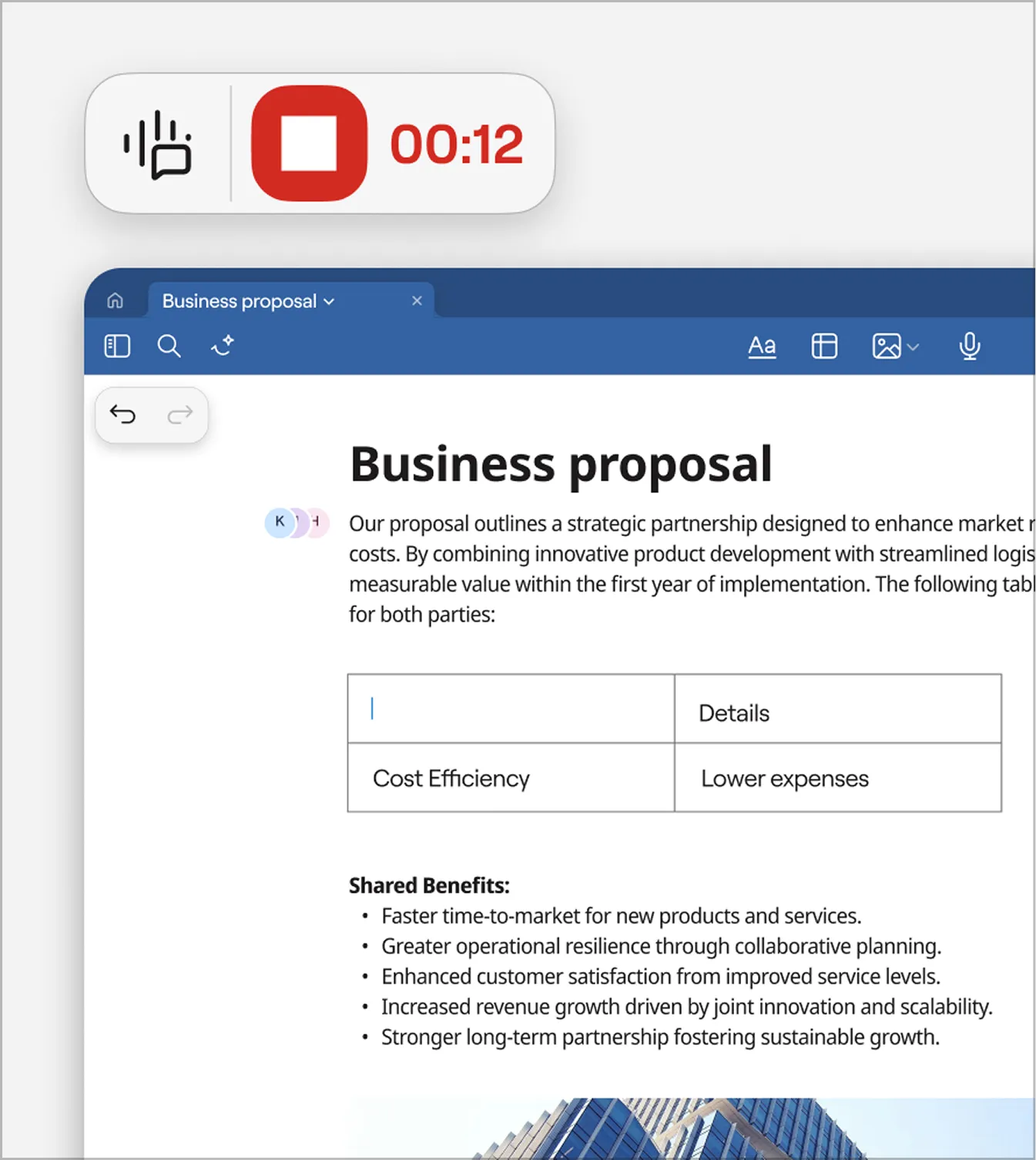
Goodnotes AI for Meetings is ready when your meetings start. Auto‑create a note with the event title, date/time, and attendees, then capture the discussion and share a recap with the right people.
Learn more →
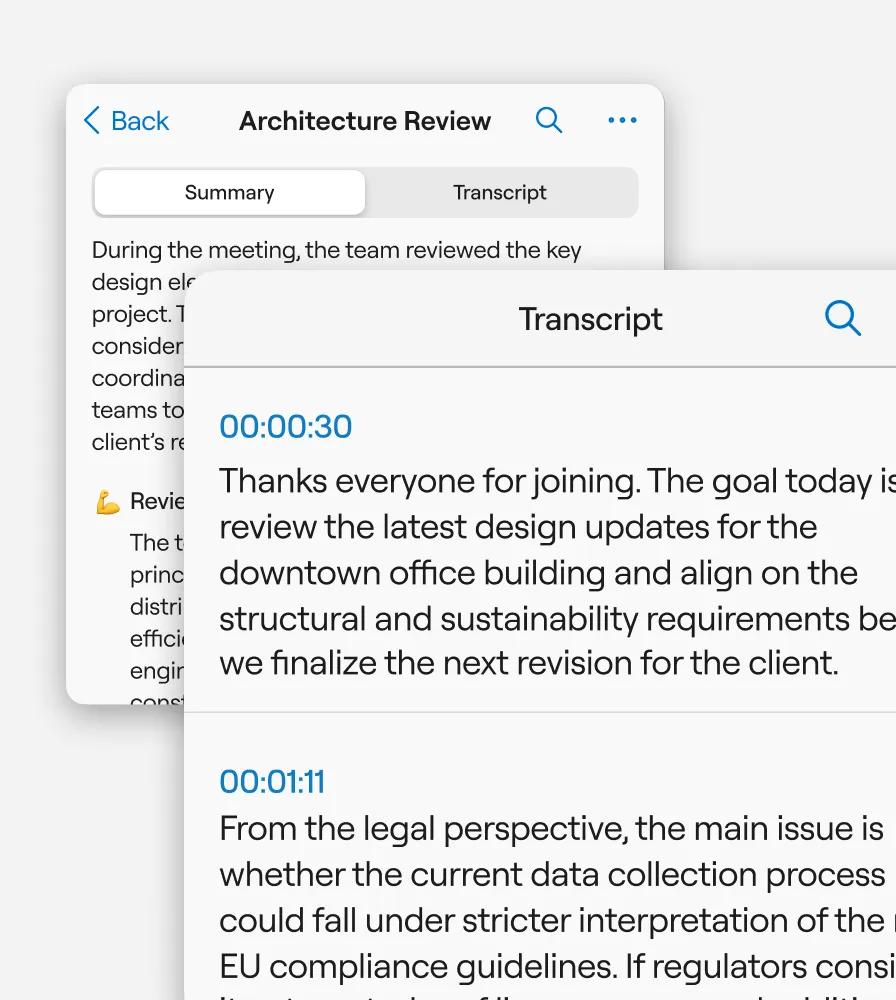
Need to check a specific quote? Search your meeting notes by keyword to jump straight to the exact moment in the audio recording or transcript.
Learn more →

Saved per week per team member on note organization
Faster meeting recap creation with AI summarization
Teams report improved information findability
Reduction in time spent reformatting notes
“I really enjoy using Goodnotes for writing notes on my learnings and meeting details; it makes the process easy. The clean interface allows me to see all relevant information in one place, which is incredibly helpful. The whiteboard feature stands out for providing a creative space to brainstorm, plan projects, and add timelines. The ability to sync across devices is a major advantage, allowing me to maintain continuity in my notes and ideas across platforms.”


“I use Goodnotes for note taking in various settings such as training, work meetings, and for personal notes. This versatility really helps in organizing my thoughts and brainstorming ideas effectively. I appreciate how it allows me to have access to my notes from wherever I am, which is incredibly convenient for maintaining continuity across different environments."
“I appreciate Goodnotes for its convenience during staff meetings, especially when taking feedback from seniors. It allows me to note everything down and organize my thoughts without worrying about forgetting any important details. The convenient user interface stands out, making my experience smooth and efficient. The feature to extract handwritten notes is something I truly value, as it improves my efficiency and ensures that all my notes are easily accessible and readable.”