Product
Built For









Work through design changes, site constraints, and project decisions in one shared digital whiteboard, keeping sketches, markups, and logistics connected from ideation to build.

Map lesson plans, organize feedback, and turn curriculum discussions into clear, shared plans without losing context between sessions.

Structure complex cases visually by mapping arguments, tracking developments, and aligning teams around shared context that carries forward beyond meetings.
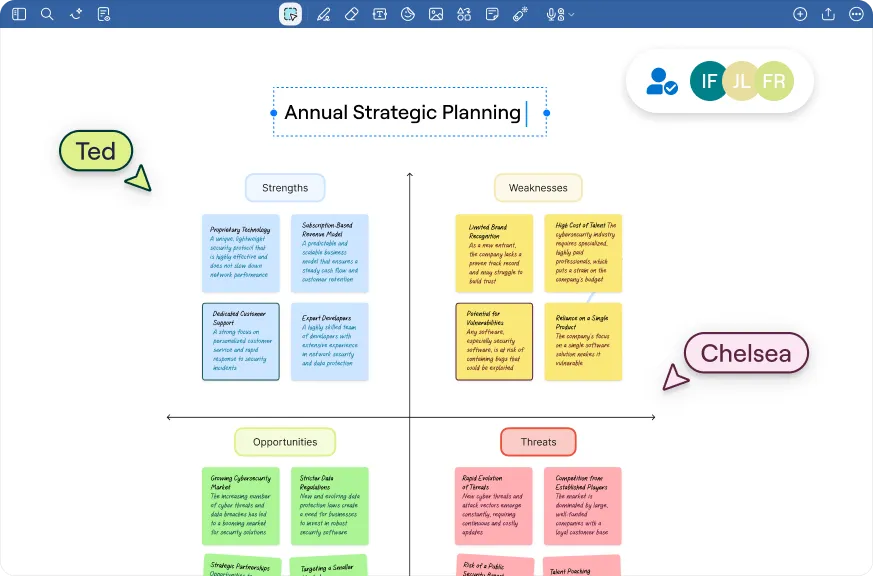
Navigate complex programs by mapping workflows, tracking progress, and evolving interventions together, creating reusable visual artifacts teams can return to over time.
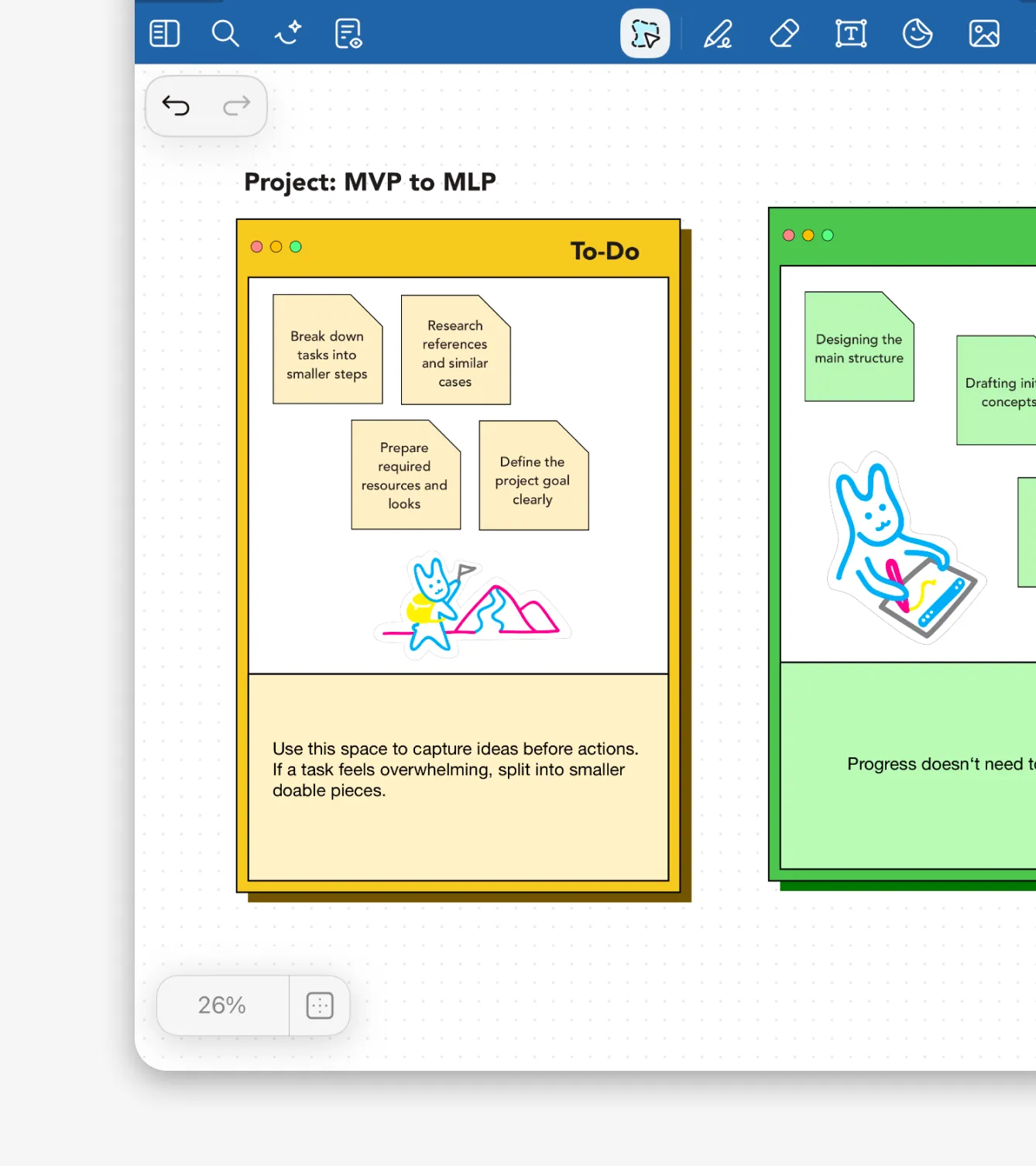
From quick ideation to structured brainstorming sessions, Whiteboard provides infinite space for diagrams, sketches, and visual plans, helping ideas move to plans faster.
Learn more →
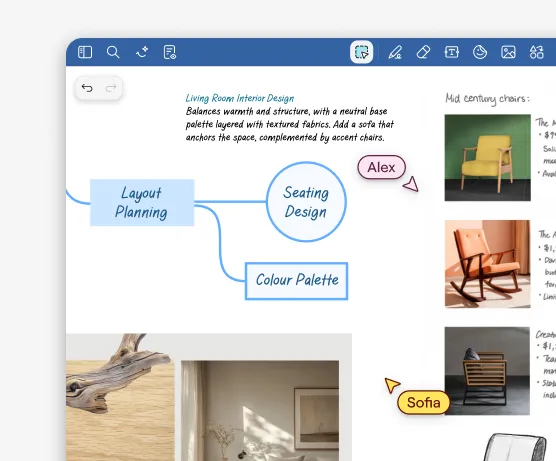

Map strategies, structure plans, and visually work through challenges together. Whether you're in remote workshops, hybrid meetings, or cross-functional sessions, updates sync instantly across participants and devices so everyone stays aligned.
Learn more →
Skip the setup and get to work with ready made layouts for meetings, mind maps or project planning.
Learn more →

Saved per week per team member on note organization
Faster meeting recap creation with AI summarization
Teams report improved information findability
Reduction in time spent reformatting notes
“I really enjoy using Goodnotes for writing notes on my learnings and meeting details; it makes the process easy. The clean interface allows me to see all relevant information in one place, which is incredibly helpful. The whiteboard feature stands out for providing a creative space to brainstorm, plan projects, and add timelines. The ability to sync across devices is a major advantage, allowing me to maintain continuity in my notes and ideas across platforms.”


“Functionality inside the Goodnotes app was miles ahead of all of the other apps that we were using, so it was a pretty good no-brainer for the team to jump on board. The best feature that we've got is where we have the cursor and the remote so we can do active and live demonstrations for clients simply just from a notepad.”
“I use GoodNotes as a daily work journal and task keeper, which definitely helps with task management with deadlines and planning things in advance. I love being able to create a log to reference what I did on specific days. The customization options, like uploading and using my own journals and templates, are fantastic. I appreciate the cloud saving feature that allows me to view my notes anywhere, whether on my tablet or laptop.”


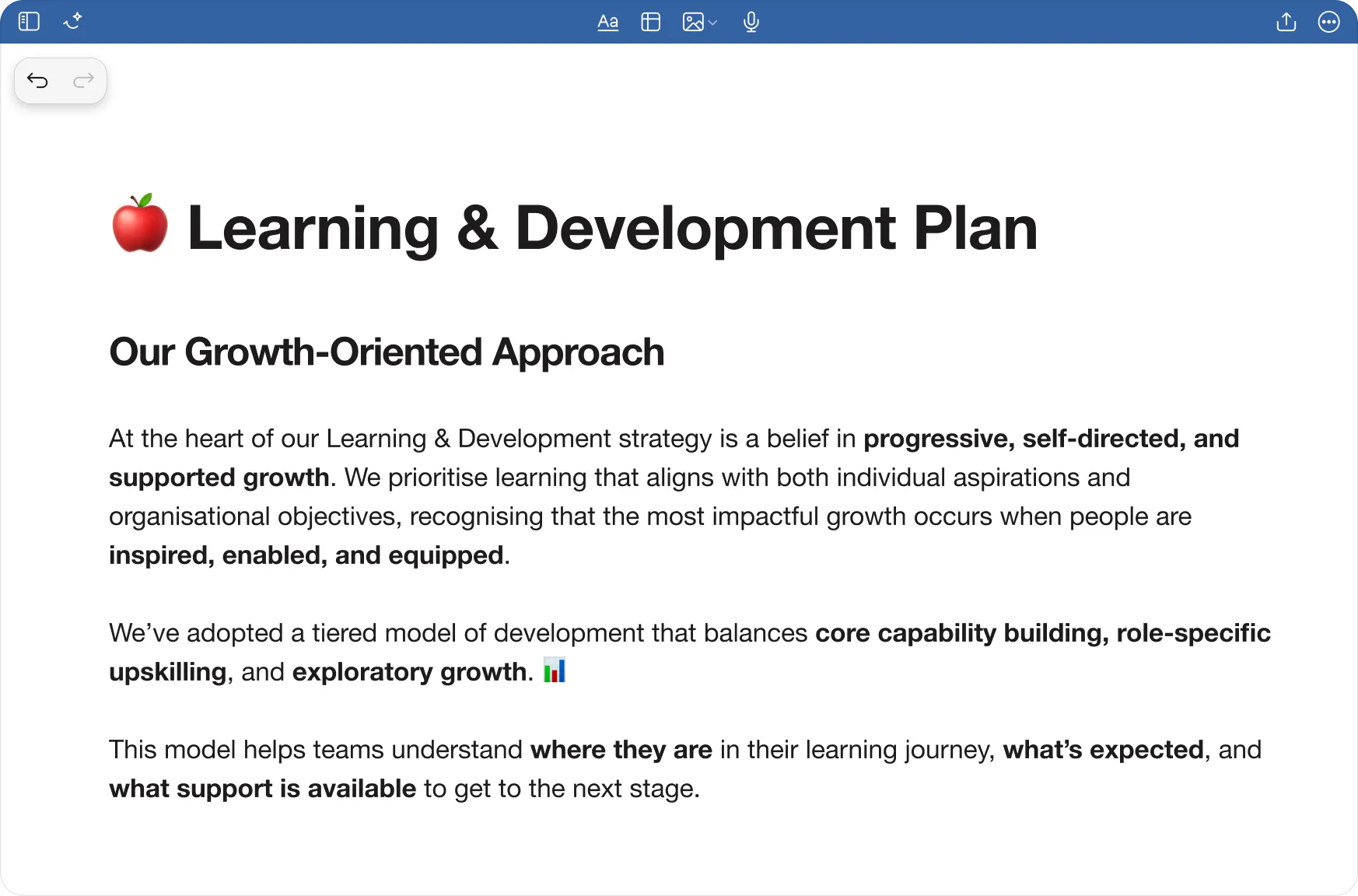
Text documents
Frictionless typing, flexible documents– ideal for reports, essays, proposals, and proposals.