TL;DR
- AI note-taking means different things to different people. This guide covers apps built for handwriting and PDFs, not typed transcription.
- Goodnotes leads for handwriting-first, PDF-heavy work, with AI search, summaries, translation, practice questions, and math all in one place.
- Apple Notes and Samsung Notes are solid free options inside their own ecosystems; Notion is the pick for typed, database-driven notes, not handwriting.
- Students and professionals who write by hand get the most from Goodnotes.
Ask what “AI note-taking” means and chances are you’ll get a few different answers. For a student, it’s turning handwritten notes into quizzes and flashcards before an exam. For a professional, it’s searching and summarizing stacks of meeting notes and PDFs. For anyone who writes by hand, it’s finding a handwritten note from three weeks ago in seconds.
This guide looks at the apps that bring AI to handwriting and PDFs. Here’s how the best of them compare, and which ones work best for you.
What to look for in an AI note-taking app for handwriting and PDFs
Typing a meeting agenda and handwriting a lecture across forty pages need different things from AI. Here’s what matters when your notes are handwritten and your source material is PDFs.
- Handwriting recognition accuracy: The app converts messy, fast handwriting into clean, editable, searchable text, not just tidy printing.
- AI search across handwriting and PDFs: You can find a phrase you wrote three weeks ago across any document type. Most apps search PDFs that already have a text layer, so if yours are scans, check if the app runs OCR on them first.
- AI summaries of handwritten content: Long handwritten notes or recorded sessions should collapse into clear takeaways without extra work.
- Study and generation tools: Quizzes, flashcards, and practice questions built from your own notes save real time at exam or review stage.
- PDF markup by hand: Stylus annotation, signing, and smooth performance on larger files.
- Math and diagrams: Solving handwritten equations and turning rough sketches into clean visuals.
- Organization and retrieval: Folders, tags, and search that work across your whole library.
- Cross-platform access and pricing: Which devices it can run on, and which AI features sit behind a paid tier.
The best AI note-taking apps for handwriting and PDFs: A side-by-side comparison
✅ = supported (some features may need a paid plan)
⚠️ = limited
❌ = not supported
AI availability often depends on the plan and device. Confirm the current details on each product’s site before you commit.
1. Goodnotes
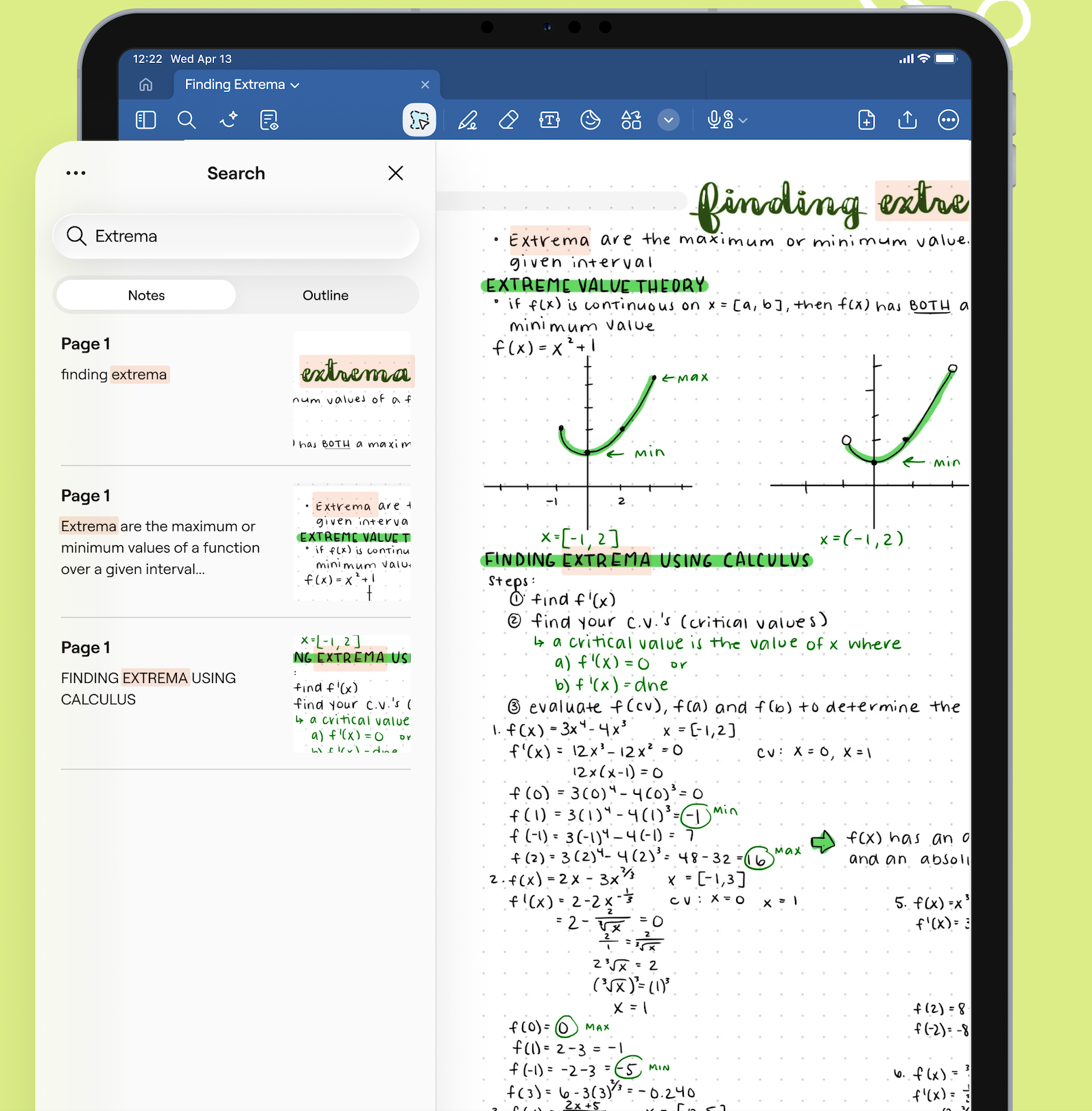
Goodnotes is a handwriting-first note-taking app with AI and PDF annotation built into the same workspace. You write, sketch, and mark up documents with a stylus exactly as you would on paper, and the AI works across all of it, including your handwriting.
Key AI features
- Ask Goodnotes: Your AI assistant inside every notebook. It searches your handwriting, typed text and PDFs, and cites the page each answer came from.
- Search: Find anything across your handwritten and typed notes and documents.
- Summarize: Condense long or complex sections into key points.
- Translate: Translate passages, or ask about them in your own language
- Generate practice questions: Turn handwritten notes into quizzes and practice questions to revise from.
- Create Mode: Turn it on to use AI to edit your document, build templates and drafts, and generate diagrams.
- Handwriting to text: Convert handwritten notes into editable searchable text.
- Goodnotes AI for Math: Solve handwritten equations with step-by-step Solve and Teach Me explanations. Math Assist handles quick calculations on iOS.
- Meeting Notes: Sync meetings and notes into your calendar, record and transcribe audio, then get notes and action items summarized afterwards.
- PDF Markup: Handwrite, highlight, and annotate PDFs by hand.
Pros and cons
Pricing
Goodnotes offers a free plan, with paid plans starting at $11.99/year for Essential and $35.99/year for Pro, with Teams at $120/year. Goodnotes also offers a Special Edition, a one-time purchase exclusive to Apple devices for $35.99. The AI Pass unlocks the full AI experience for $9.99/month on Special Edition, Essential, or Pro, and is automatically included in Teams and Enterprise subscriptions.
Available on iOS, macOS, Android, Windows, Chromebooks, and web browsers.
2. Notability
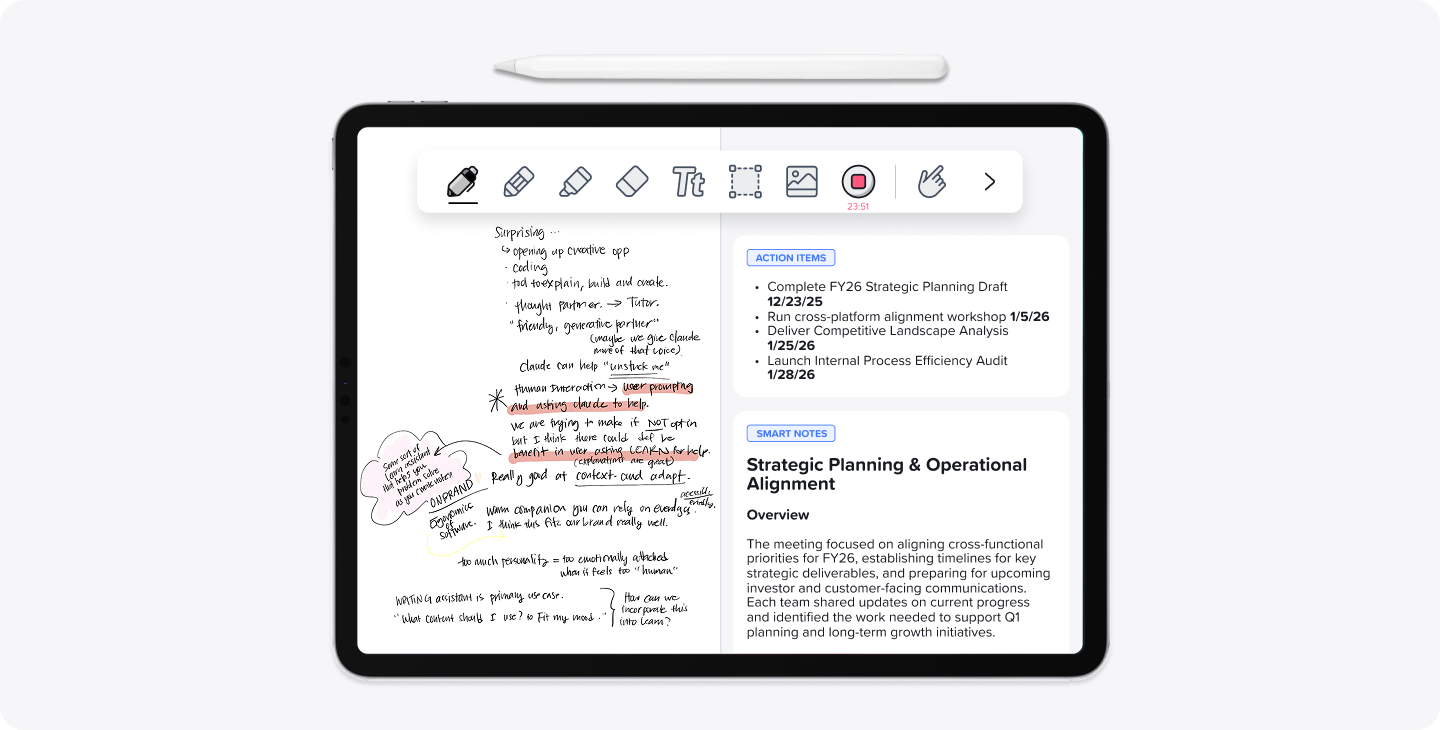
Notability pairs handwriting and PDF annotation with AI study tools built around learning and revision, which suits students in particular.
Key AI features
- Note summaries: Turn long notes into key points.
- Learn: Generate summaries, quizzes, and flashcards from your notes, PDFs, or recordings.
- Chat with Your Notes: Ask questions about what you wrote to review and prepare.
- Audio: Record audio synced to your notes, with transcription and real-time summaries on the Pro plan.
Pros and cons
Pricing
Free to download, with a subscription for unlimited notes and AI study tools, plus a one-time payment option of $39.99 on the web, and $49.99 on the App Store. Paid plans start at $11.99/year, though in order to access AI features, you’ll need to pay $15.99/year.
Available on iOS, MacOS, Android, Windows (beta), and web browsers.
3. MyScript Notes (formerly known as Nebo)
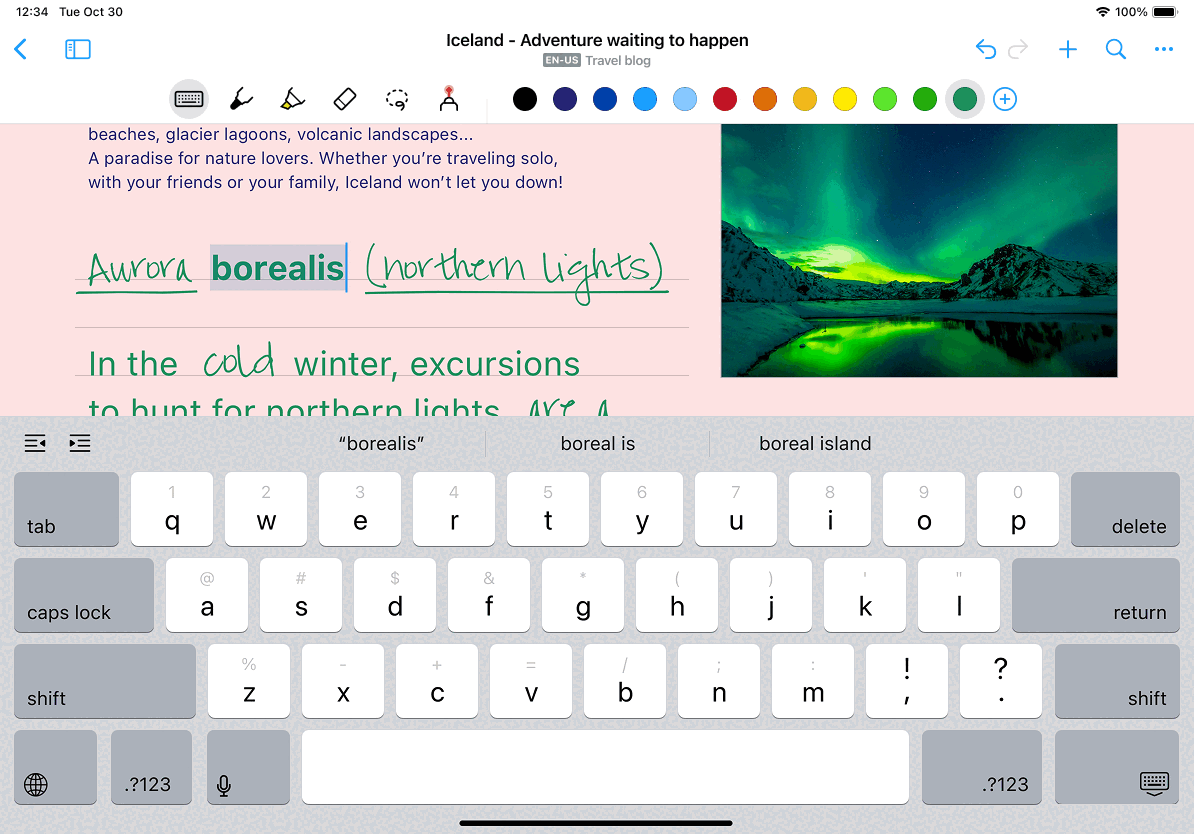
MyScript Notes is built around its strong handwriting recognition software, turning long handwritten notes into summaries and study resources.
Key AI features
- Handwriting recognition: Convert handwriting, math, and diagrams to clean text and shapes, across dozens of languages
- Summarize, Explain, Chat: Turn long notes into summaries, and ask questions about your notes
- Quizzes and Study Sets: Turn any note into a true/false or multiple-choice quiz.
Pros and cons
Pricing
MyScript has a free plan, with paid tiers available starting at $1.99/month or $7.99/year. MyScript Notes offers a lifetime purchase at $24.99.
4. OneNote
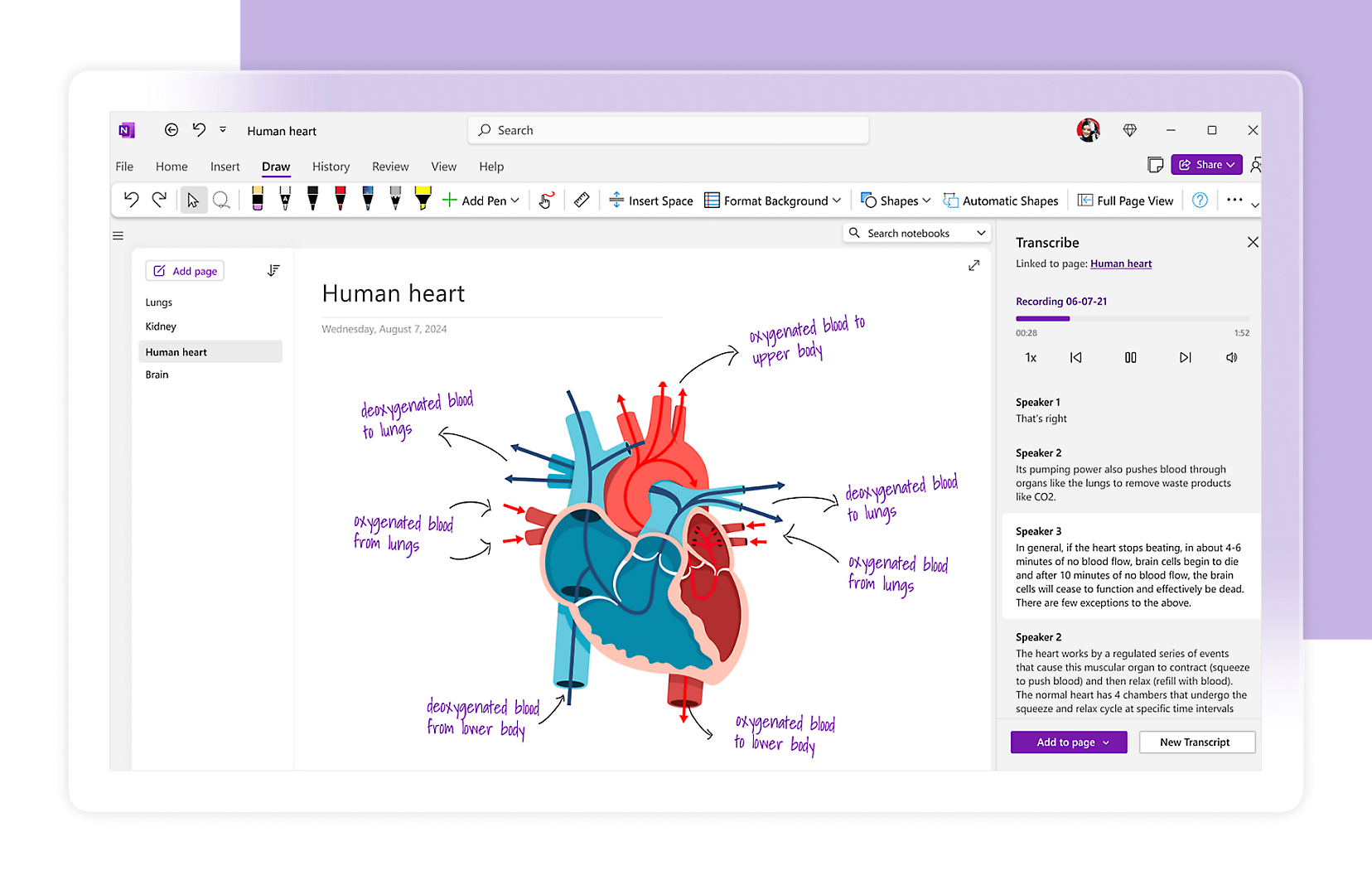
If you’re on Windows, OneNote is Microsoft’s free note-taking app that’s available in its suites and on its own. It now carries Copilot AI for Microsoft 365 users.
Key AI features
- Ink Integration: Converts handwriting into typed text
- Math Assistant: Solve handwritten equations
- Copilot: Summarize pages, create task lists, rewrite, and draft ideas. Works best on typed and structured notes rather than raw handwriting.
- Handwriting search: Find handwritten content alongside typed text with OCR
Pros and cons
Pricing
OneNote is free to download and use for basic note-taking, but most of its AI and ink features are Windows-only for consumers and need a paid Microsoft 365 or Copilot plan, starting at $9.99/month for personal use.
5. Apple Notes
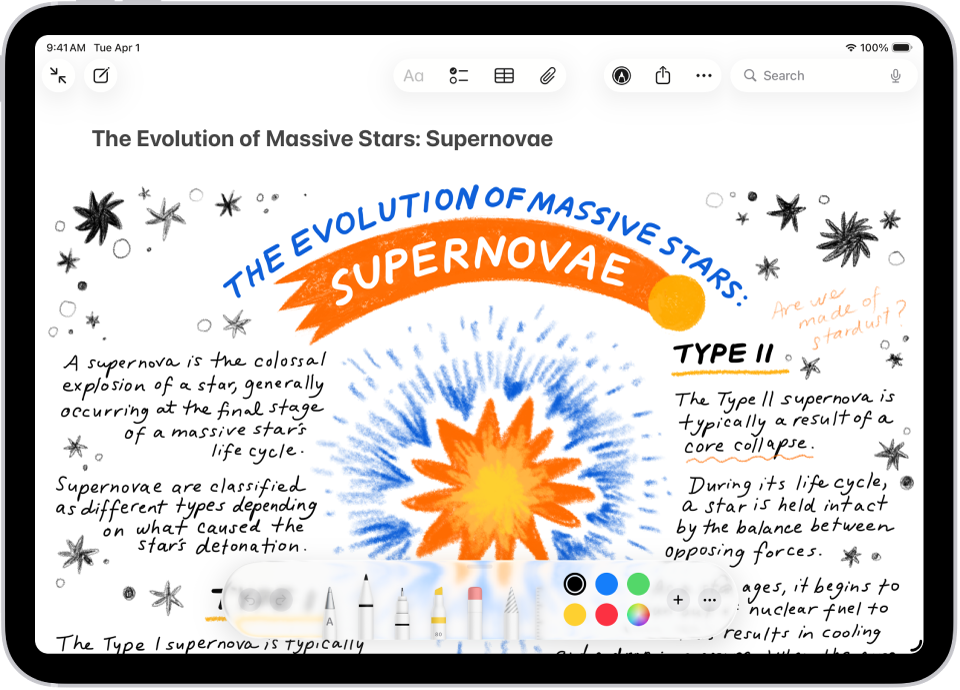
Apple Notes is free on Apple devices and uses Apple Intelligence. It’s a fine everyday option if you’re in the Apple ecosystem.
Key AI features
- Apple Intelligence: Writing Tools help proofread, rewrite, and summarize selected text, and summarize audio transcripts.
- Live transcription: Record and transcribe audio directly in a note.
- Handwriting search and Math Notes: Search handwritten notes, and calculate handwritten equations, though it won’t solve for unknowns.
Pros and cons
Pricing
Apple Notes is completely free to use, with Apple Intelligence included at no extra cost.
6. Notion
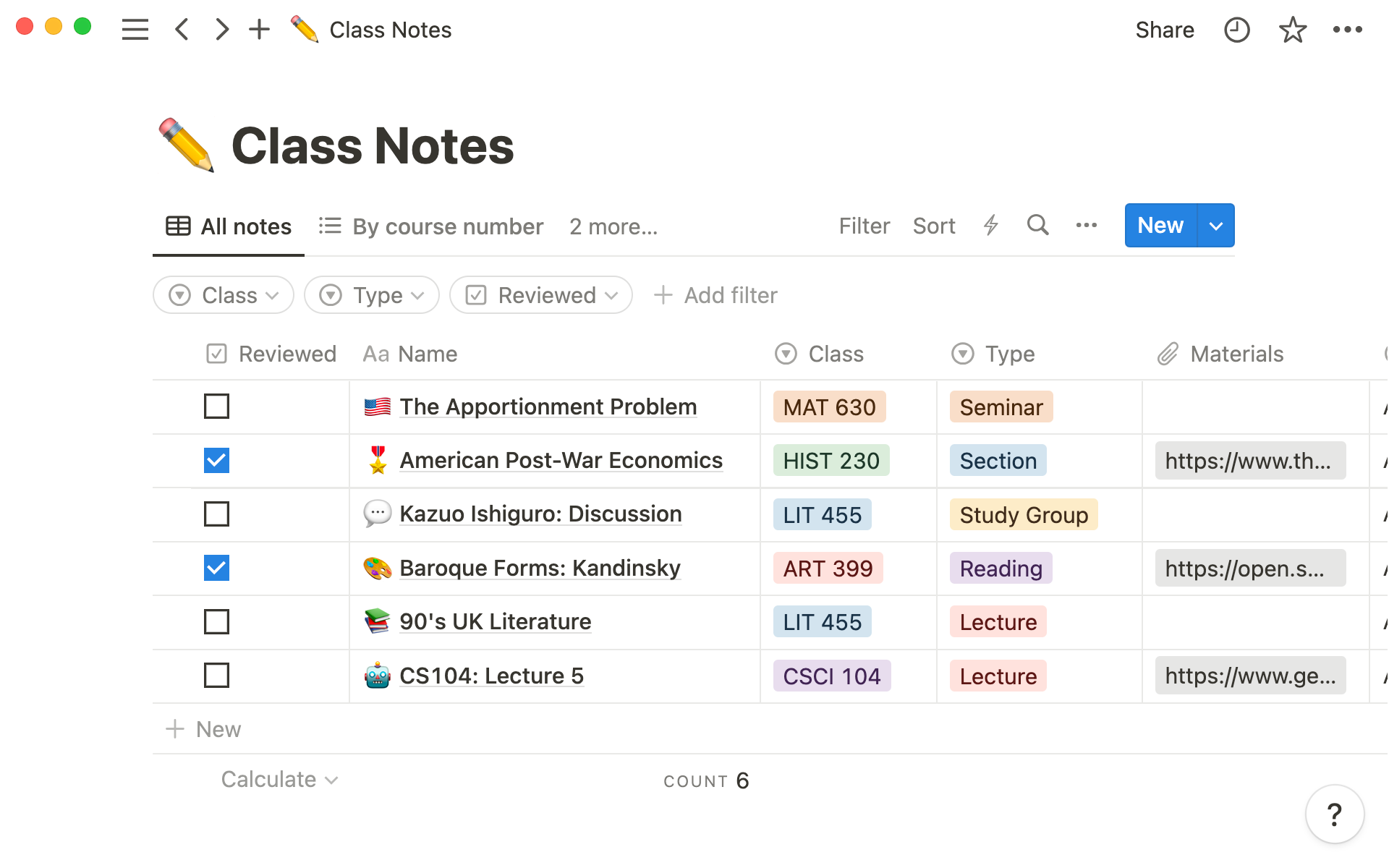
While Notion does not have handwriting tools available, it is still a great notetaking app for typed notes.
Key AI features
- Notion AI: Summarize pages and ask questions across your workspace.
- Autofill: Populate and tag structured content with AI
- Draft and edit: Generate and rewrite typed text.
Pros and cons
Pricing
Free plan available, and you can trial Notion AI for $10/month. For consistent access to Notion AI, you’ll need the Business plan, costing $240/year.
Available on iOS, macOS, Android, Windows and web browsers.
7. Samsung Notes
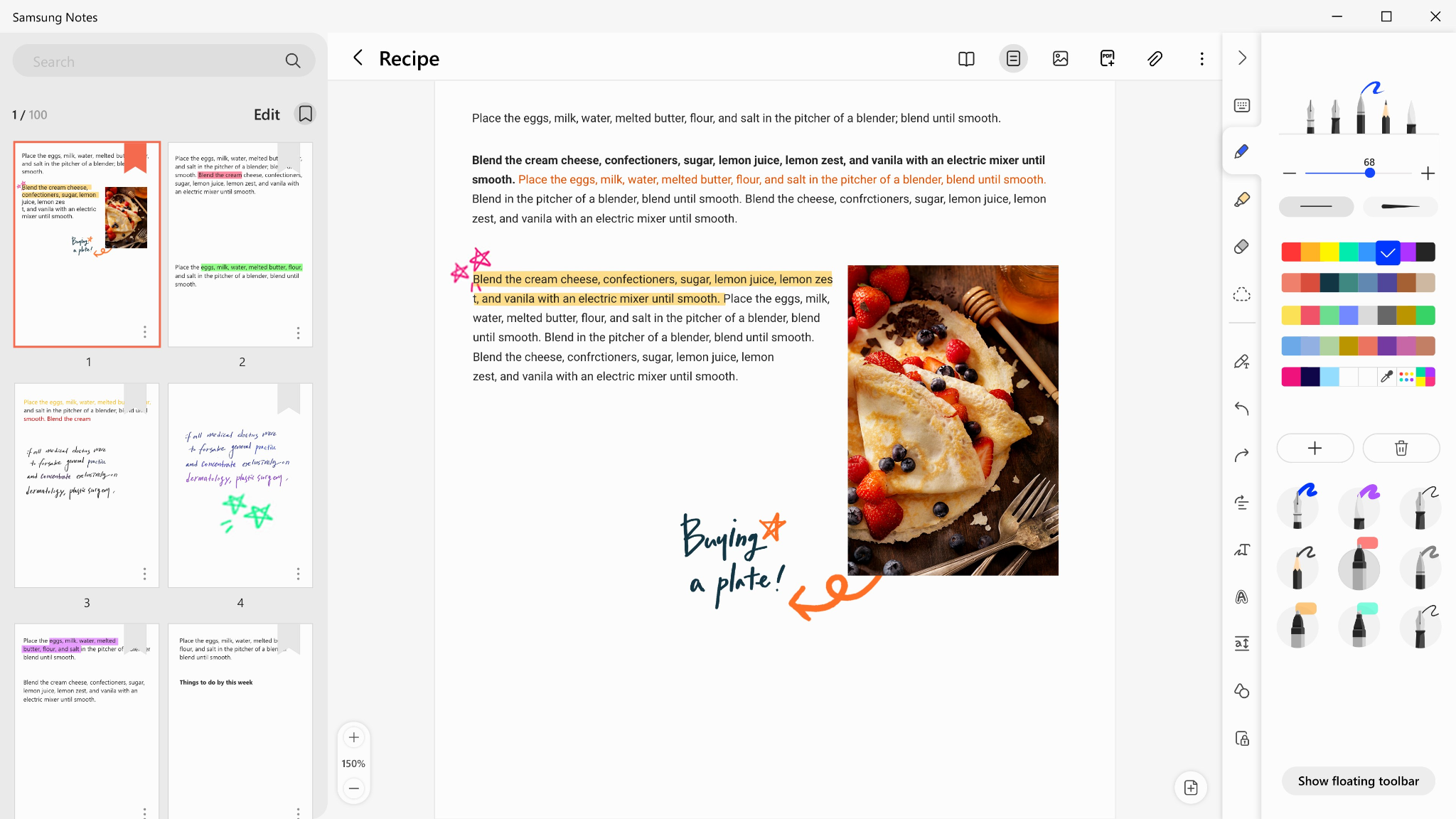
For Galaxy users, Samsung Notes pairs S Pen handwriting with Galaxy AI for notetaking, a good option for Android users who want to handwrite their notes.
Key AI features
- Note Assist: Summarize, auto-format, correct spelling, and translate your notes.
- Handwriting to text: Clean up S Pen writing and convert it to typed text.
- Transcript Assist: Record and transcribe audio with speaker labels, then summarize it.
Pros and cons
Pricing
Free and pre-installed on supported Samsung Galaxy devices.
Available on Samsung Galaxy devices.
The best app for notetaking depends on how you take your notes
- Students: Goodnotes or Notability. Both turn handwritten notes into summaries, quizzes, and flashcards, so your own lecture notes become revision material. Goodnotes edges ahead if you also work across PDFs and multiple devices.
- Professionals: Goodnotes. Handwriting-first PDF markup with AI search across your whole library, plus meeting recording and transcription for the parts you don’t write down.
- Handwriters: Goodnotes on iPad for its ease of use. MyScript Notes is well-regarded for its strength in raw handwriting recognition.
- Typed, database-driven notes: Notion. If your notes live in typed pages and linked databases, Notion is the strongest fit for you here.
Take handwritten notes further with Goodnotes
For most people who write by hand, Goodnotes is the easiest call. Goodnotes AI understands your handwriting, audio recordings, PDF imports and markups, and provides the tools you need for a wide array of jobs, whether you’re revising for exams or summarizing meeting notes. For both students and professionals, it’s the most well-rounded pick in the list.
Join the 25 million+ people using Goodnotes today
FAQs
What are the best AI-powered note-taking apps in 2026?
It depends on how you take notes. For handwriting and PDF workflows, Goodnotes and Notability lead, with MyScript Notes performing well for handwriting recognition. OneNote is a good free option. For typed, transcription-heavy work, tools like Notion and Otter are better suited.
What AI features should I look for in a note-taking app?
Look for handwriting recognition features, AI search across handwritten and typed notes, summaries of long notes and PDFs, and study tools like quizzes and flashcards. If you write and draw by hand, check that the AI works on your handwriting and not just with typed text.
Which note-taking app has the smartest AI in 2026?
Goodnotes offers the broadest set of AI features for study and work, covering search, summaries, translation, handwriting conversion, math, and practice questions in one place. Notability also has a good set of AI tools for study, and Notion is a good choice for typed, data-base driven notes.
Which apps use AI to summarize and organize notes automatically?
Goodnotes, Notability, MyScript Notes, OneNote, Notion, and Samsung Notes all offer AI summaries. Goodnotes and Notability take it a step further by being able to generate study material from handwritten notes, which most transcription-first tools cannot do.
What is the best AI note-taking app for handwriting?
Goodnotes is the best AI note-taking app for handwriting, because its AI works directly on handwriting across documents, alongside PDF markups and audio transcription. If you’re simply looking for strong handwriting recognition on its own, MyScript Notes is also a good pick.
What about Otter, Obsidian, and other AI note tools?
This guide covers apps built for AI handwriting on notes and PDFs. Tools like Otter and Granola are transcription-first, made for recording and summarizing meetings, and apps like Obsidian and Notion are built for typed structured notes and databases. While they’re good at those jobs, they are not designed for handwritten notes or the AI tools that accompany them, so they are not being directly compared in this list.