
Ask an admin what they actually spend their time on and it's rarely the interesting part. It's the invites. The role change when someone moves teams. The offboarding list at the end of the month.
Ask anyone else on the team and you'll hear a version of the same thing. Downloading a file, marking it up, re-uploading it, then hoping everyone finds the right copy.
Everything that shipped for Goodnotes for Business this quarter goes after that kind of work. Getting people in takes fewer steps. Keeping the organization tidy takes fewer clicks. Documents stay where your team already keeps them, and the updates you need to act on turn up in one place instead of five.
Here's what's new.
One link, your whole team
Adding people one at a time gets old fast. Team invite links let you generate a single shareable link. New members verify and join instantly, and seats are assigned automatically. Send it once, and your team's in.
It's most useful when you're bringing an existing group of users across rather than starting from zero. No chasing individual invites, no waiting on people to accept.
A simpler way in: email sign-in codes
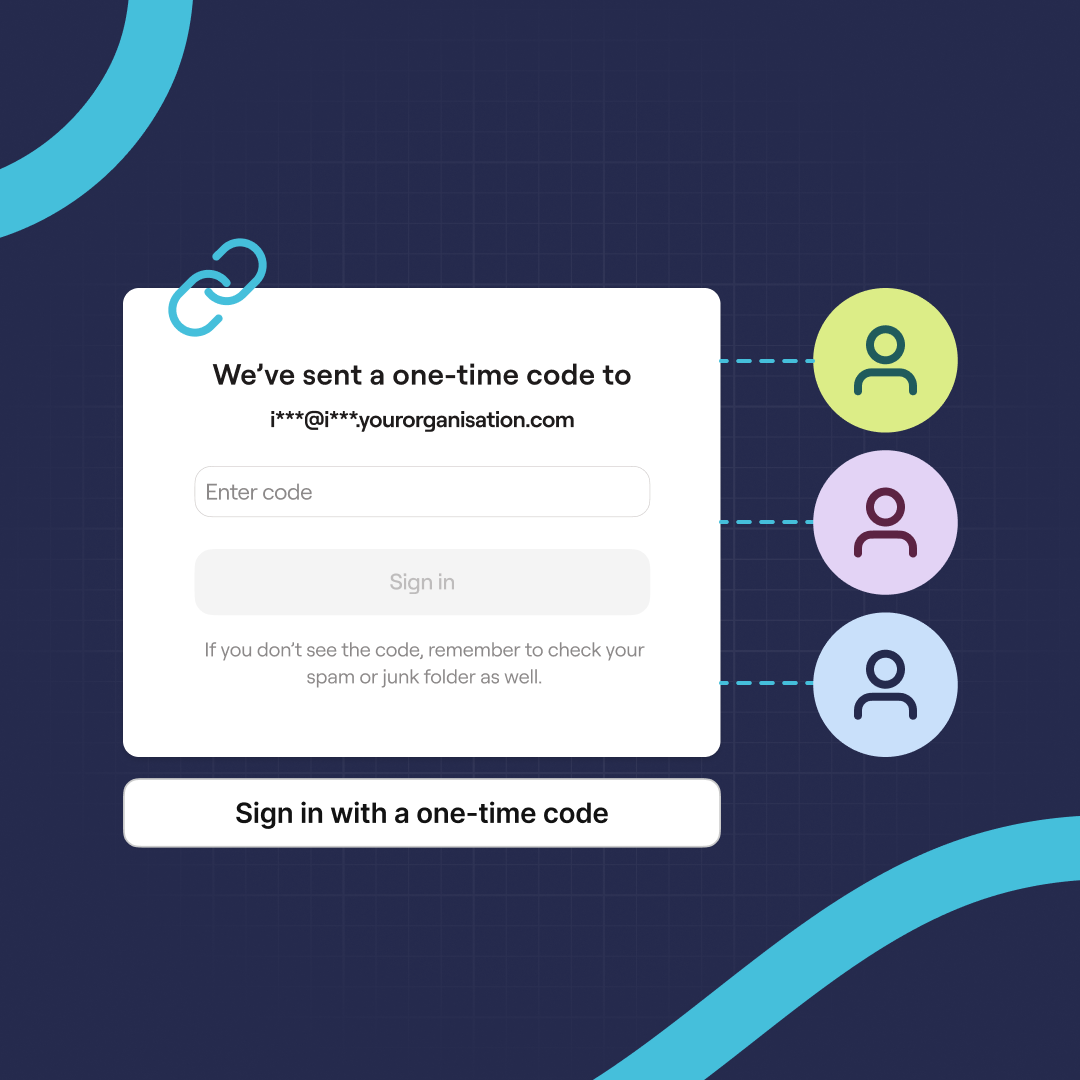
Email sign-in codes are also here. Instead of a password or an SSO redirect, you enter your work email, get a one-time code, and you're in. Nothing to set up in advance, nothing to remember afterward, and no shared credentials floating around a team chat.
For admins, the point isn't the code itself. It's that the number of reasons someone can't get into Goodnotes on day one goes down, and the number of "I can't sign in" messages in your inbox goes down with it.
Per-organization control over which sign-in methods are allowed, including whether email codes are switched on for your team, is coming to Admin Console. When it lands, you'll be able to set this once for the whole organization.
Admin Console sign-in is being tidied up alongside it. It's moving onto the same flow used across the rest of Goodnotes, so you're guided back to exactly where you left off, with clearer help if your sign-in method changes.
Your files stay where they already are
No more downloading a file, marking it up, then re-uploading it and hoping everyone finds the right version.
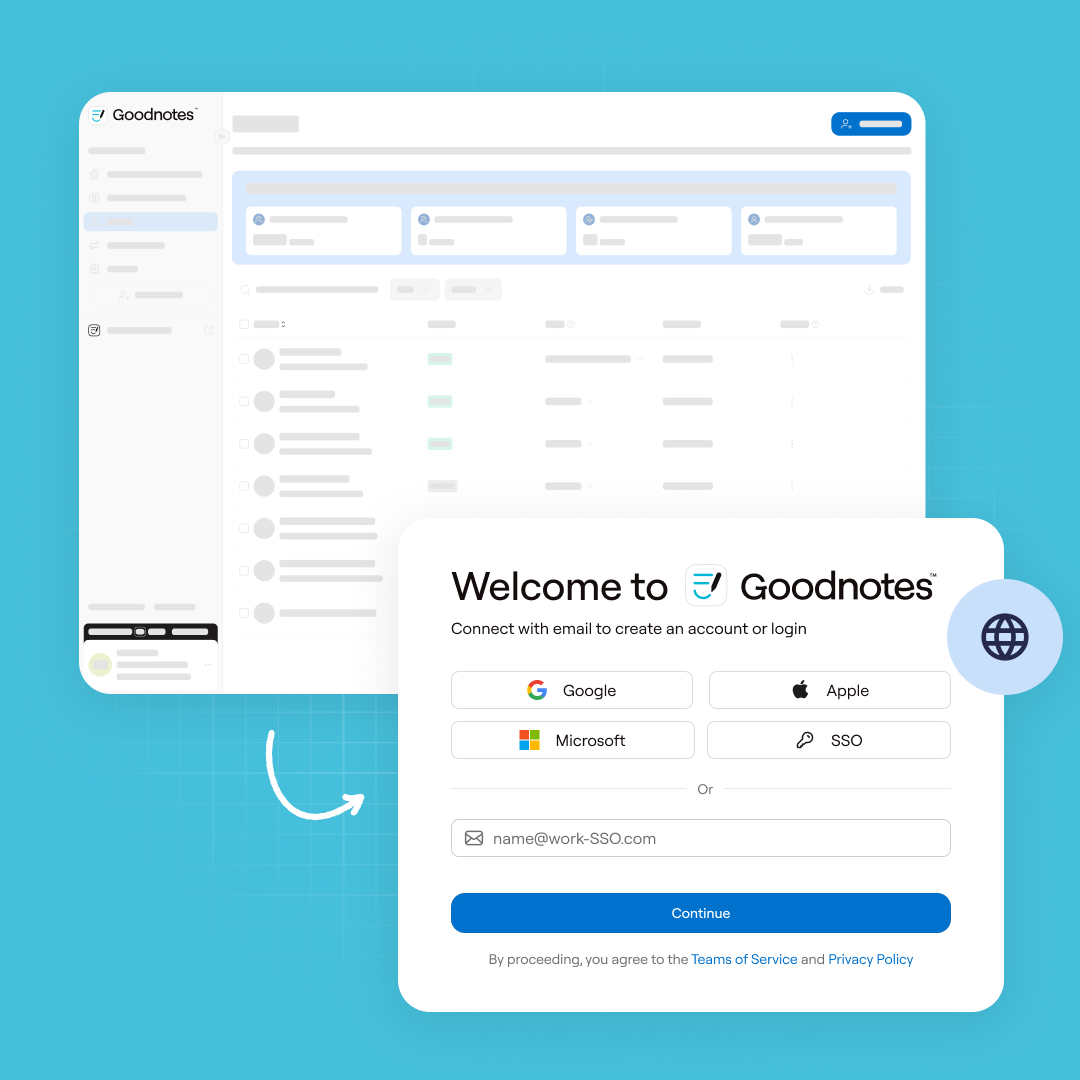
Box and Dropbox now connect directly to Goodnotes. Open a file, annotate it, and save the annotated version straight back to the original folder. Box went live in July, with Dropbox following later that month on web and iOS.
Each person connects their own account once. There's no admin setup on your side.
Managing the organization at scale
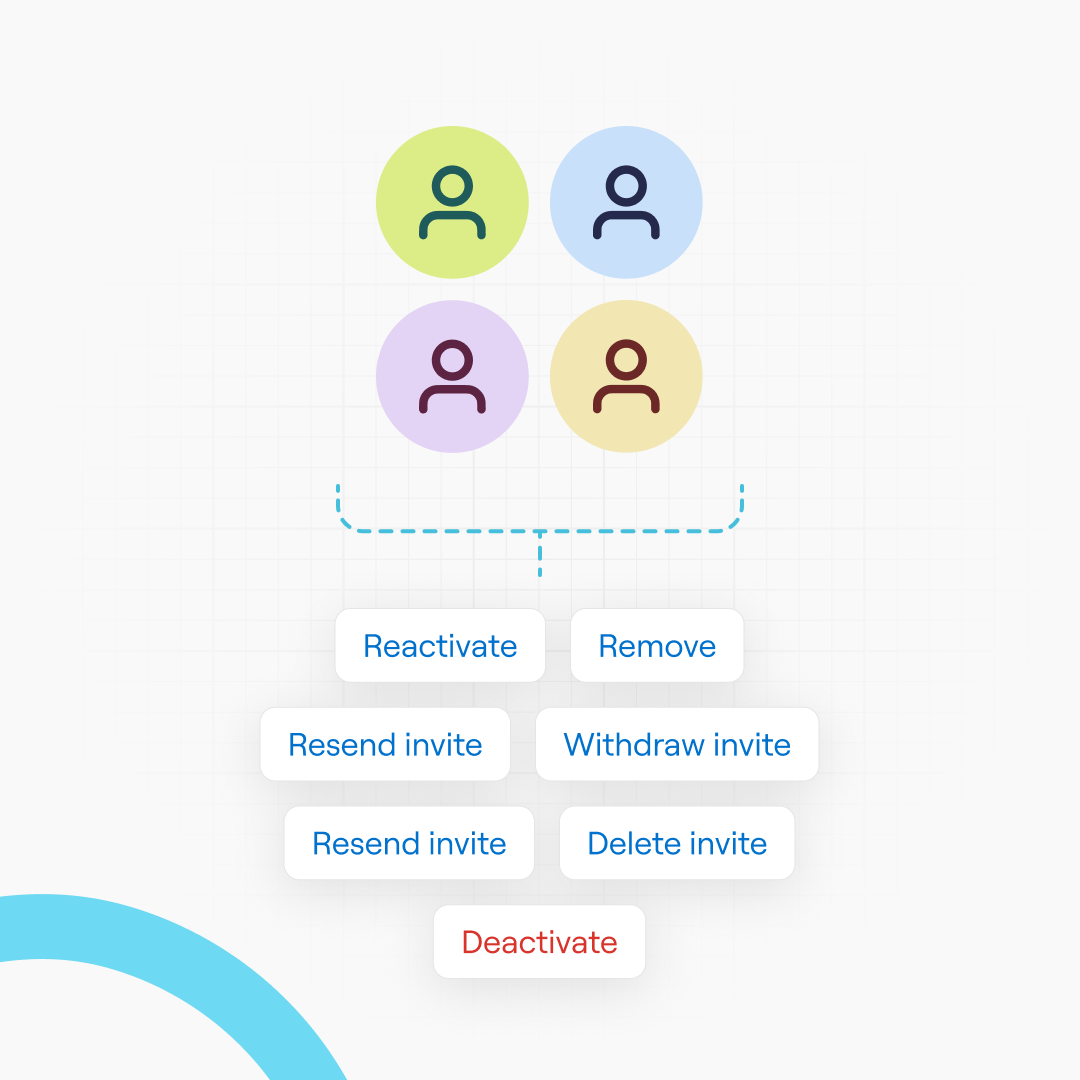
Reassigning roles or offboarding a few hundred people used to mean working through them one account at a time.
From the People tab in Admin Console, you can now select users in bulk, change roles or deactivate accounts in a single action, and filter by status, role, and domain. CSV exports are richer too, including date joined, date invited, and identity provider.
A notification center is also here, pulling seat limits, renewal reminders, and account updates into one place with real-time alerts, so a seat limit doesn't surprise you mid-rollout.
Also new: tables and lists in Text Documents
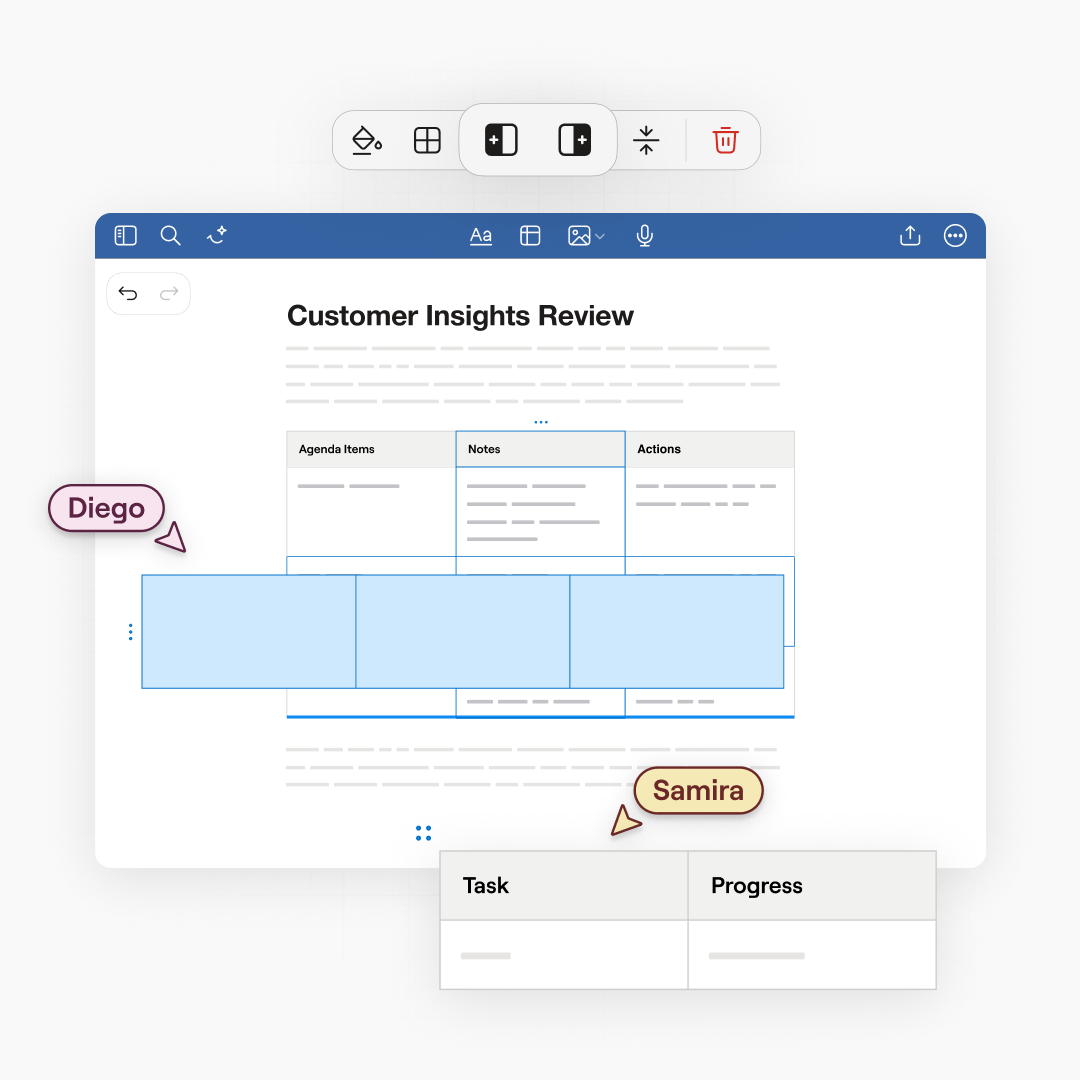
Small change, noticeable difference. Tables in Text Documents have smarter context menus and easier selection, and you can drag to reorder rows, columns, and whole tables. Nested lists now indent properly, which makes outlines and structured notes far quicker to put together.
Rolling Goodnotes out across your team? Download Goodnotes today for your organization.