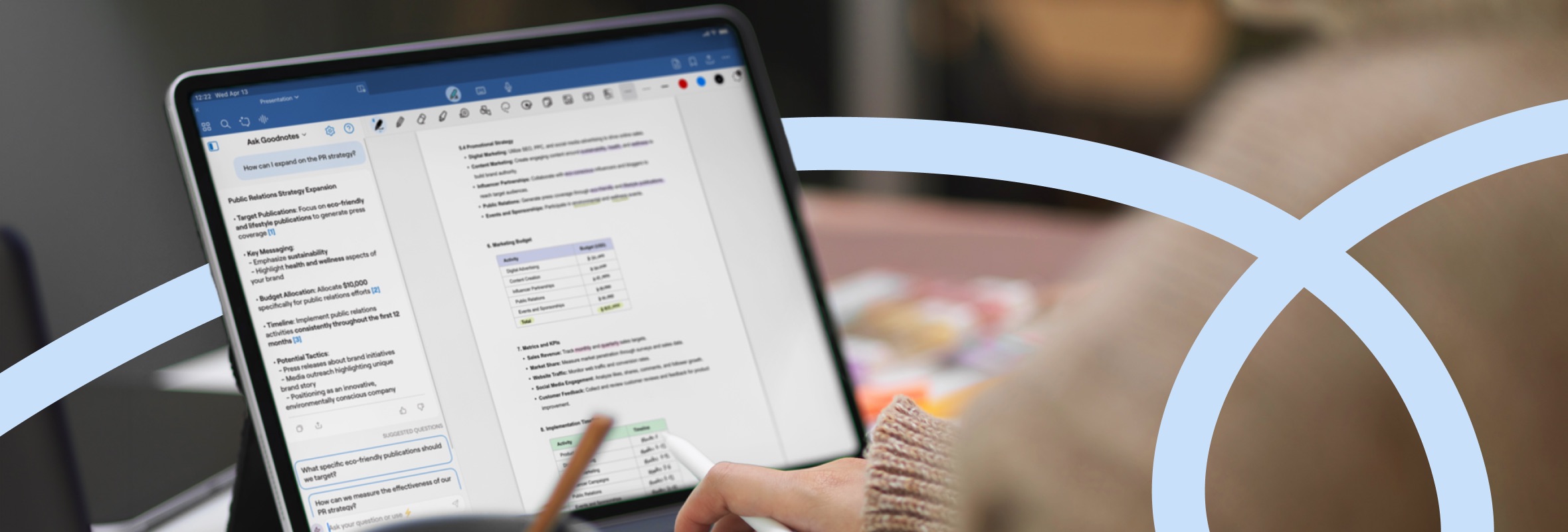
Most people take notes without thinking much about how they take them. A meeting note here, a marked-up document there, and the occasional scribble that made perfect sense three days ago.
That gap between note-taking and effective note-taking is where the research gets interesting. Researchers have looked at which note-taking methods help us remember and understand information better, how handwritten notes compare with digital notes, and where visual notes and AI fit in.
We’ve pulled together 40+ note-taking statistics for 2026 to help get an understanding of current note-taking facts, future trends to look out for, and how AI and visual note-taking deserve a seat at the note-taking table.
Let’s find out more.
40+ Note-taking statistics for 2026
Handwriting vs. digital note-taking: The age-old debate for taking better notes
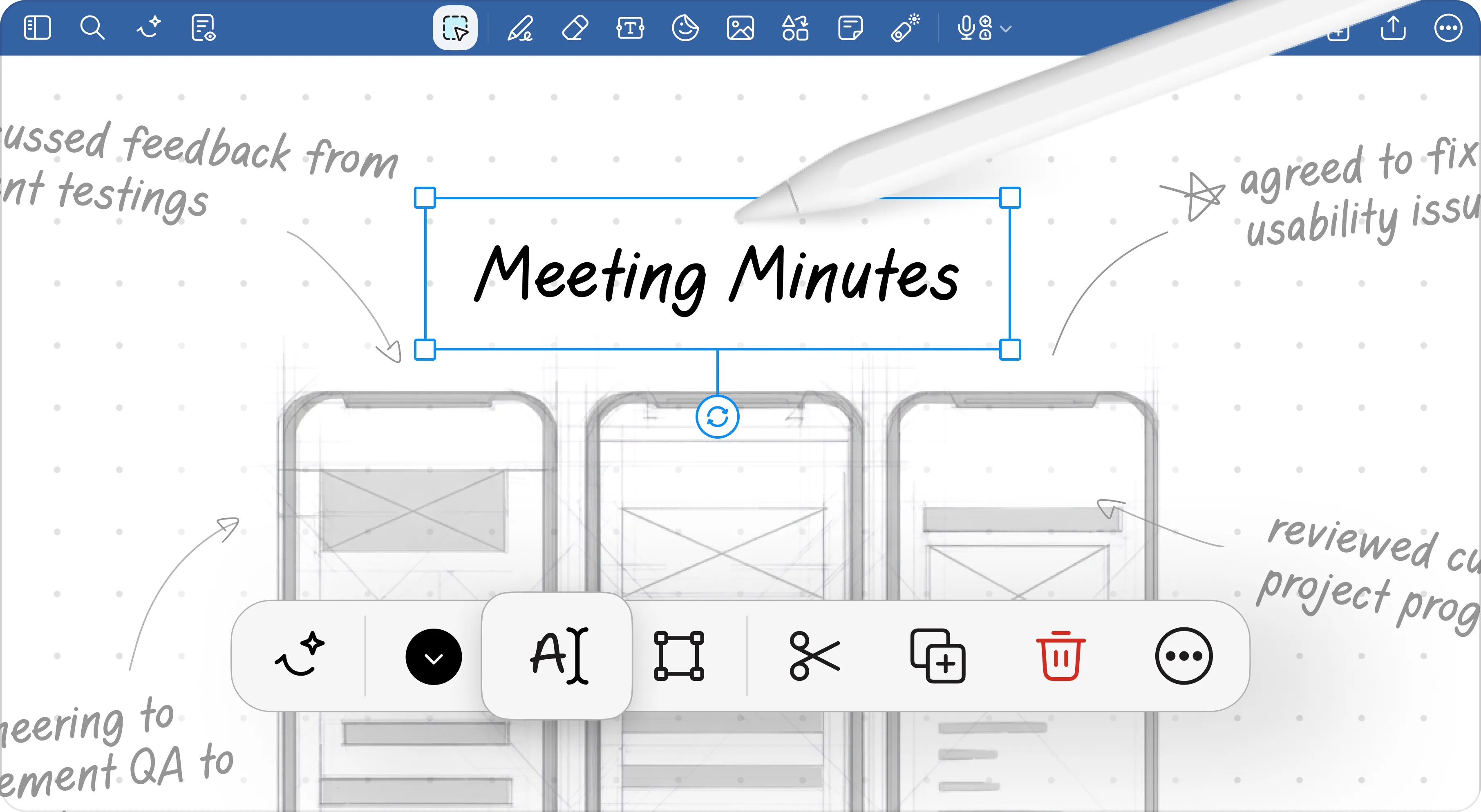
Research suggests different note-taking strategies can affect how much information we absorb, the details we capture, and how we process them along the way. Here’s what the research says about handwritten note-taking vs digital note-taking.
- Handwritten note-takers scored an average of 13.54 out of 24 on a listening comprehension test, compared with 12.96 for typists and 12.78 for people who took no notes. (Source)
- Handwritten notes contain an average of 14.67 information units, compared with 12.76 in typed notes. An information unit is a distinct piece of knowledge captured in the notes; handwritten notes contained more of them, even though participants weren’t writing more overall. (Source)
- Note-taking can increase information retention in two ways. The encoding effect comes from processing information as you take notes, while the external storage effect comes from having a record to review later. Handwriting may encourage deeper encoding because note-takers are more likely to paraphrase information rather than transcribe it word-for-word. (Source)
- Typed notes typically include more verbatim transcription, whereas handwritten notes contain the important points and key ideas as summarised by the note-taker. This active engagement is part of what makes written notes more effective for retention. (Source)
- 78% of workers still use analog tools such as handwritten notes or paper planners at work. (Source)
- 50% of Gen Z and millennial office workers prefer handwriting notes during meetings, compared with 25% of baby boomers. (Source)
- A 2026 EEG study found no significant difference in immediate recognition or comprehension between notes taken with an ink pen, digital pen, or keyboard. This directly contradicts previous studies, but could be an indication of how our brains are changing as technology abounds. (Source)
- Both ink pens and digital pens produced higher alpha, beta, and gamma brain activity than keyboards during note-taking. These brain waves are linked to processes such as attention, focus, and information processing. The differences were most noticeable in areas involved in sustained visual attention, suggesting that writing with a pen kept participants more engaged with what they were recording. (Source)
- Ease of use is the biggest factor influencing which digital note-taking tools professionals adopt, selected by 35% of respondents. Cloud synchronization followed at 25%, time savings at 20%, smart features at 12%, and collaboration support at 8%. (Source)
- Task management is the most common reason Gen Z professionals use digital note-taking tools at work, cited by 32% of respondents. Meeting notes followed at 25%, documentation at 20%, planning and scheduling at 15%, and personal productivity at 8%. (Source)
- 82% of knowledge workers have created a formal system to organize their tasks and information. (Source)
- 94% of office workers say crossing an item off a written to-do list feels more satisfying than checking it off digitally. Nearly half, 48%, went further and said a physical to-do list was superior to a digital task app. (Source)
AI note-taking: The new kid on the block changing how professionals capture and document work
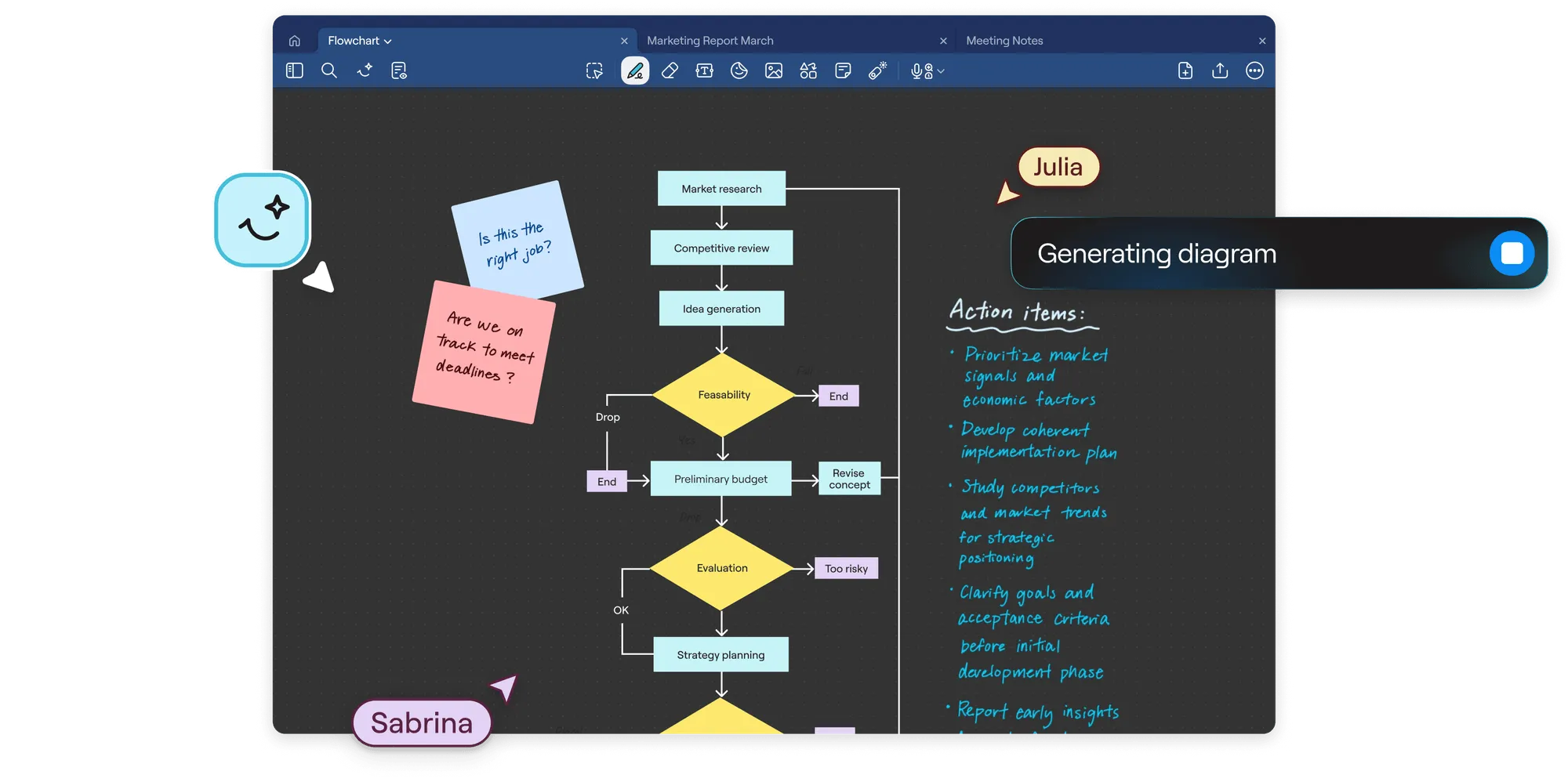
AI can now handle everything from meeting transcripts and summaries to documentation and information retrieval—saving professionals time while raising new questions around accuracy, privacy, and trust.
- 19% of full-time professionals now use AI tools to take meeting notes. A 2026 Software Finder survey of 1,000 full-time professionals also found that 30% had skipped a meeting assuming AI could fill them in afterward. (Source)
- 85% of knowledge workers use AI at work, but only 29% have embedded it into their actual daily workflows for capturing or retrieving information. (Source)
- Top-performing teams are 5.6x more likely to say AI helps them plan and prioritize based on accurately retained context from previous discussions. (Source)
- Teams in the top 14% for AI-driven ways of working are 2.3x more likely to fully trust AI to surface and contextualize relevant information from past work. (Source)
- 93% of desk workers say they do not consider AI-generated outputs, including AI notes and summaries, completely trustworthy for work-related tasks. (Source)
- A 2026 study of 1,600 clinicians found significant reductions in mental demand, time pressure, and the effort required for documentation after AI scribes were introduced. (Source)
- A separate 60-day pilot found AI note-taking significantly reduced clinicians’ perceived mental demand, effort, time pressure, and stress. (Source)
- AI-assisted note-taking reduced the median time clinicians spent on notes per appointment from 7.1 minutes to 6.1 minutes. (Source)
- After 150 days of using an AI scribe, clinicians spent 15% less time writing notes than before adoption. (Source)
- An AI note-taker saved professionals about 73 seconds of documentation time per encounter in a study of 10,344 encounters. (Source)
- 48% of workers say AI note-taking can introduce inaccuracies or lose important nuance. Privacy concerns were reported by 46%, while 42% worried about data security. (Source)
- AI note-taking tools reached just under 43% aggregate market penetration among financial advisors in 2026. (Source)
- 61% of financial advisors surveyed by CoreData use AI for meeting transcription. Among practices with strong growth plans, that rises to 74%. (Source)
- 53% of corporate legal teams are using or experimenting with AI note-takers for audio and video transcription. Another 83% use or experiment with AI for summarization. (Source)
- The AI note-taking market is expected to grow from $450.7 million to $2.5 billion by 2033. (Source)
Visual note-taking: Helpful for remembering, communicating, and organizing complex information
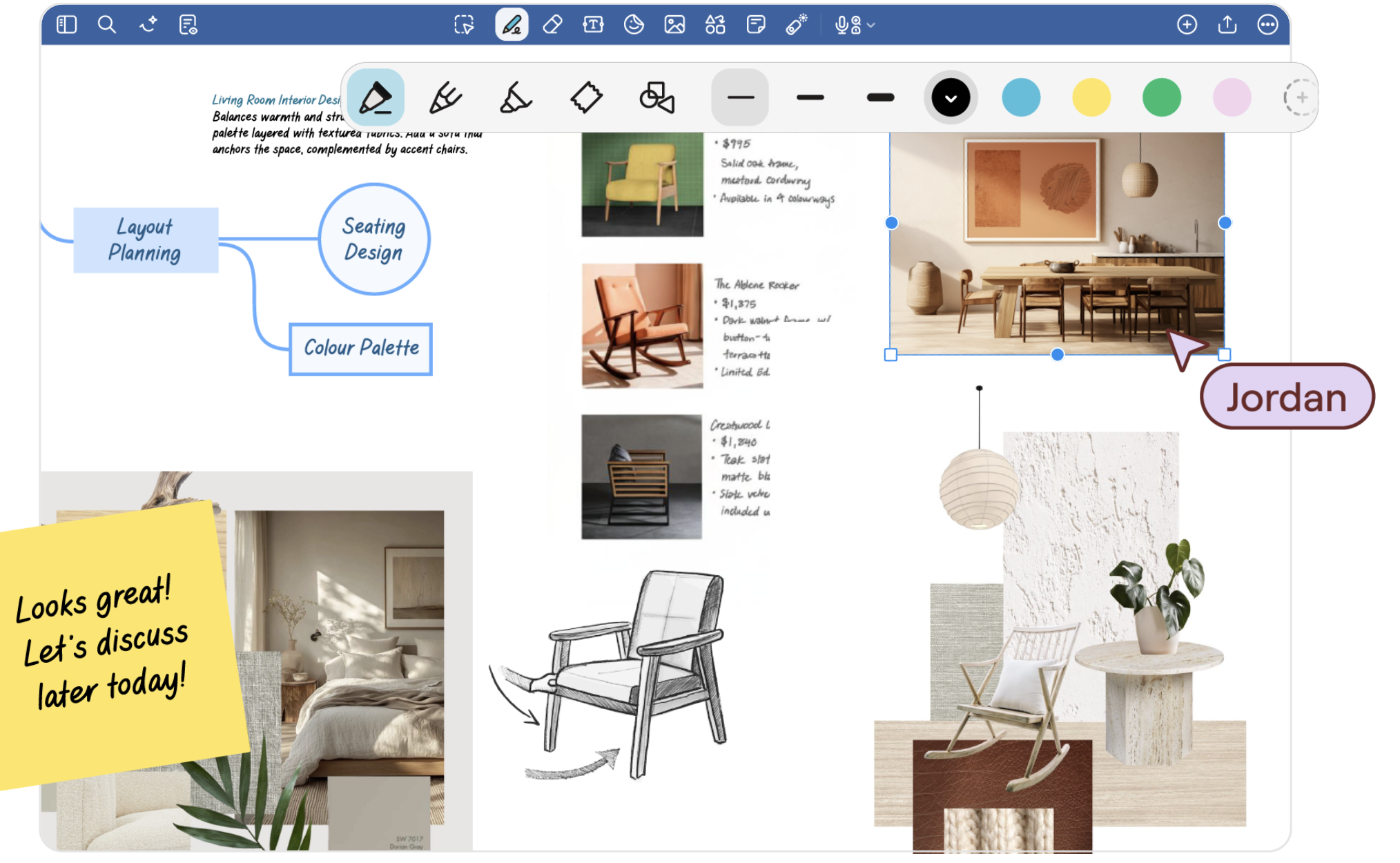
Diagrams, mind maps, annotations, and other visual formats can help professionals structure information and communicate complex ideas.
- Visual assets (diagrams, sketches, concept maps) produce 74% faster memory recall among professionals compared to plain text content. (Source)
- Visual thinking tools grew from more than 170 tools in 2023 to 220 tools in 2025; around 30% growth. (Source)
- 54% of Gen Z professionals want their companies to shift toward a visual-first approach. (Source)
- 88% of business leaders consider visual fluency a must-have skill. (Source)
- Business users applying mind mapping to their work report a roughly 25% boost in personal productivity, according to mind-mapping researcher Chuck Frey. (Source)
- Around 50% of professional mind-mapping users apply the technique at least partly for project management purposes. (Source)
- Gen Z and millennial professionals are twice as likely as boomers to prefer handwriting visual/text notes in meetings over typing, at 50% versus 25%. (Source)
- 90% of Gen Z professionals say they do their best work visually. (Source)
- 89% of Gen Z professionals say visual fluency makes them a more valuable and resourceful employee. (Source)
- 62% of Gen Z professionals say broader visual fluency across their company would make them more motivated to contribute. (Source)
The cost of bad notes (or no notes at all): Impact to avoid
When notes are incomplete or missing, it can leave gaps around what was said or why a decision was made, making follow-up harder than it needs to be.
- 87% of knowledge workers say that with everyone in "execution mode," they lack the time or capacity to coordinate and stay aligned on what's already been discussed or decided. (Source)
- Poor coordination and information fragmentation cost the Fortune 500 an estimated $161 billion annually. (Source)
- 68% of IT, compliance, and operations leaders said their organization had experienced a serious compliance disruption tied to documentation errors in the previous 18 months. (Source)
- Documentation errors cost employees an estimated six hours of extra work per week, or 39 working days per year. (Source)
- The average knowledge worker spends 352 hours per year just talking about work, much of it re-explaining or reconstructing information not properly documented the first time. (Source)
- The average employee uses 10 different apps daily, fragmenting where notes, decisions, and context live and making information harder to retrieve later. (Source)
Note-taking with Goodnotes
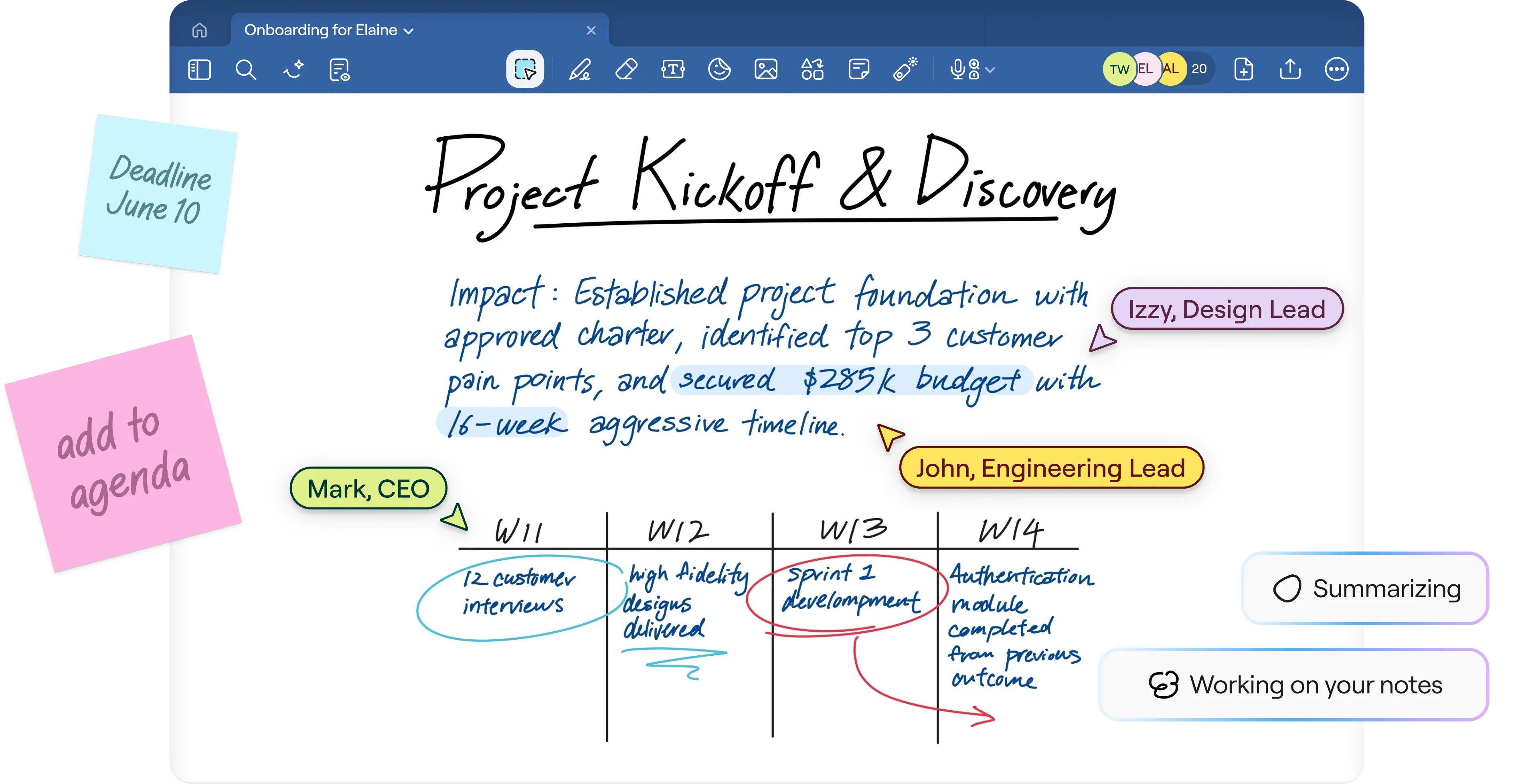
Studies show that handwritten notes capture more information than typed notes. Plus, pen-based note-taking can produce higher brain activity than using a keyboard, and many professionals still prefer handwritten notes. Visual formats can help organize complex information, while AI can reduce the time spent documenting and summarizing notes.
And the cost is clear: no notes makes for more work further down the line.
Goodnotes makes note-taking easy—no matter how you take notes. You can capture hand-written notes with the stylus-optimized Notebook experience, type up thoughts in a dedicated Text Document, and visually map your next big idea on a digital Whiteboard.
Plus, with Goodnotes’ audio recording you don’t have to worry about jotting down every last detail. Whilst you’re taking notes, Goodnotes can record your session so you can catch up later. Any notes you take during the recording are automatically linked to your recording, and you can even ask Goodnotes AI for summaries, automated bullet points, and more.
The benefits of note-taking are clear. Bring your notes, ideas, and next steps together with Goodnotes.
FAQs
1. Is writing or typing better for memory?
According to research, handwritten notes are often better for memory. A 2026 TESOL Quarterly study found that handwritten notes contained more detailed pieces of information than typed notes. Another EEG study found that when people wrote with an ink or digital pen, their brains showed stronger activity in patterns associated with focused attention and sustained visual attention than when they typed.
However, when researchers tested what participants remembered and understood immediately afterward, the pen and keyboard groups performed similarly. So, while handwriting seems to change how we engage with and capture information, current research doesn’t show that it always leads to better recall than typing.
2. Should I take notes on a laptop or paper?
The answer depends on whether you prefer handwriting or typing. If you like writing by hand, a pen and paper give you plenty of freedom to jot ideas, annotate, sketch, and arrange thoughts however you like. It’s also been shown to improve information retention. A laptop is better suited for fast, text-heavy notes and makes it easier to search, edit, and organize.
However, a tablet and stylus give you a middle ground if you don’t want the limits of a paper notebook. You can write, draw, highlight, add images, annotate, and access your notes across devices.
3. What’s the best way to take effective notes?
Focus on the main ideas and key points. Put information into your own words, use headings, bullet points, abbreviations, or diagrams to keep related ideas together, and choose a structure that suits what you’re taking notes on. Then, review your notes while the information is still fresh. Add any missing context, and highlight the details you’ll want to find again later.