TL;DR
An aerospace engineering junior at the University of Kentucky explains how he replaced notebooks and 600-page textbooks with Goodnotes across five semesters.
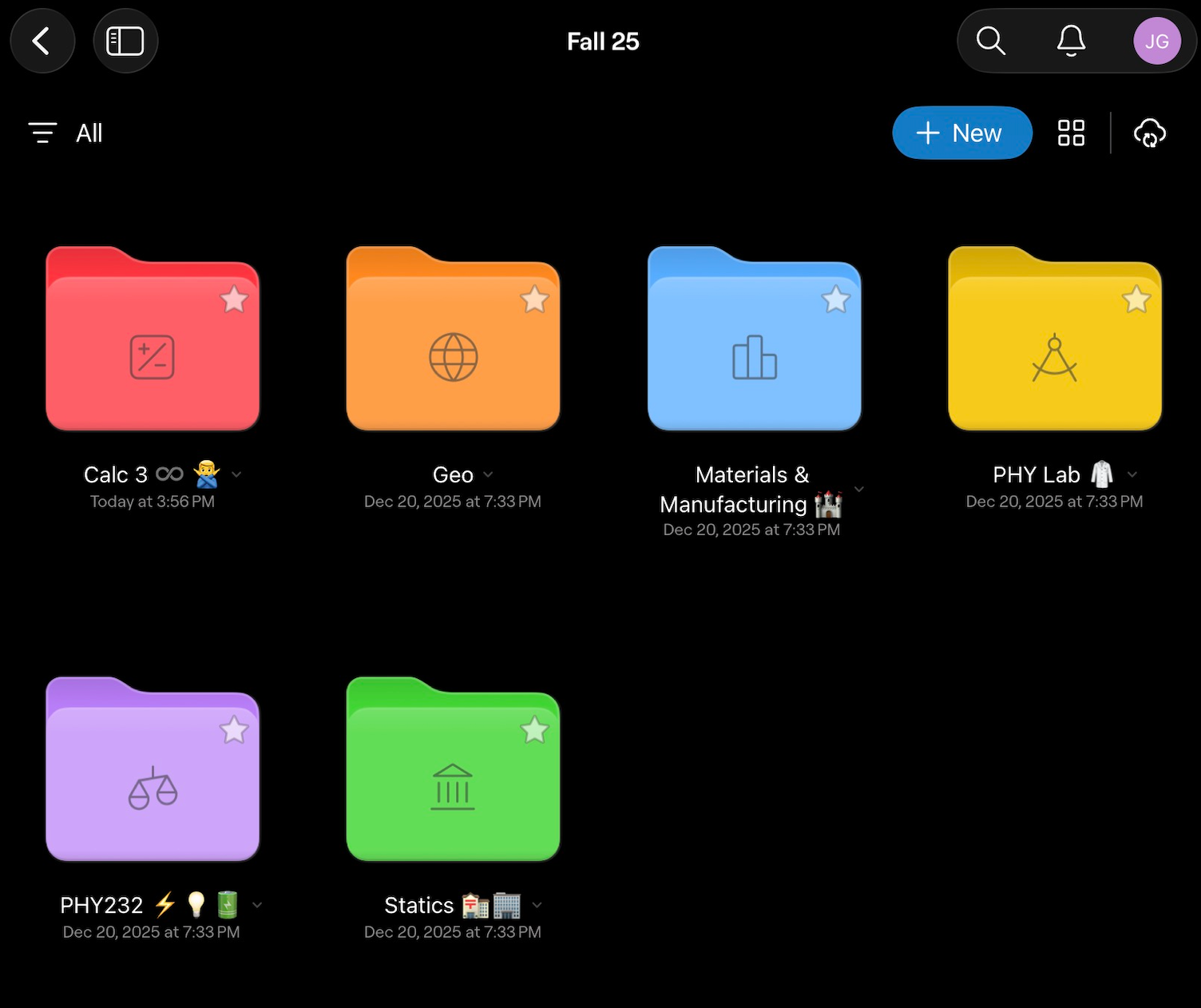
- John Gamble files everything into subject notebooks grouped by semester, importing lecture slides and textbook PDFs before class so they're ready to annotate.
- He prefers standard notebooks over infinite canvas for coursework, builds flashcards for memorisation-heavy subjects, and can pull up his Calculus 1 notes while sitting in Calculus 2.
John Gamble (@john_gamble1) is about to start his junior year studying aerospace engineering at the University of Kentucky. He can’t remember the last time he bought a notebook. For five semesters, his lecture notes, problem sets, diagrams and annotated PDFs have all lived in one place: Inside Goodnotes.
“I haven’t used physical notebooks or graph paper in five semesters,” he says. “Everything lives in Goodnotes now.”
Paper falls short for engineering coursework
A single week of engineering classes can involve dense equation-heavy lectures, technical drawings that need real precision, PDF problem sets from three different professors, and a textbook you’re expected to have open in front of you. Paper struggles to keep up with that. The volume of material piles up fast, and hauling a semester’s worth of textbooks to class every day is far from ideal.
“I have multiple textbooks in here that are like 600 pages,” John says. “They’re easily accessible, and I don’t have to carry around a textbook this thick.”
The same goes for notebooks. Where he used to need one per subject, everything now sits in a single place: “Instead of having three notebooks, I can just put them all in my iPad.”
Goodnotes handles this kind of note-taking directly. It imports PDFs, gives you precise digital ink, and organizes everything into folders that scale far better than a shelf of binders.
How John sets up Goodnotes for classes
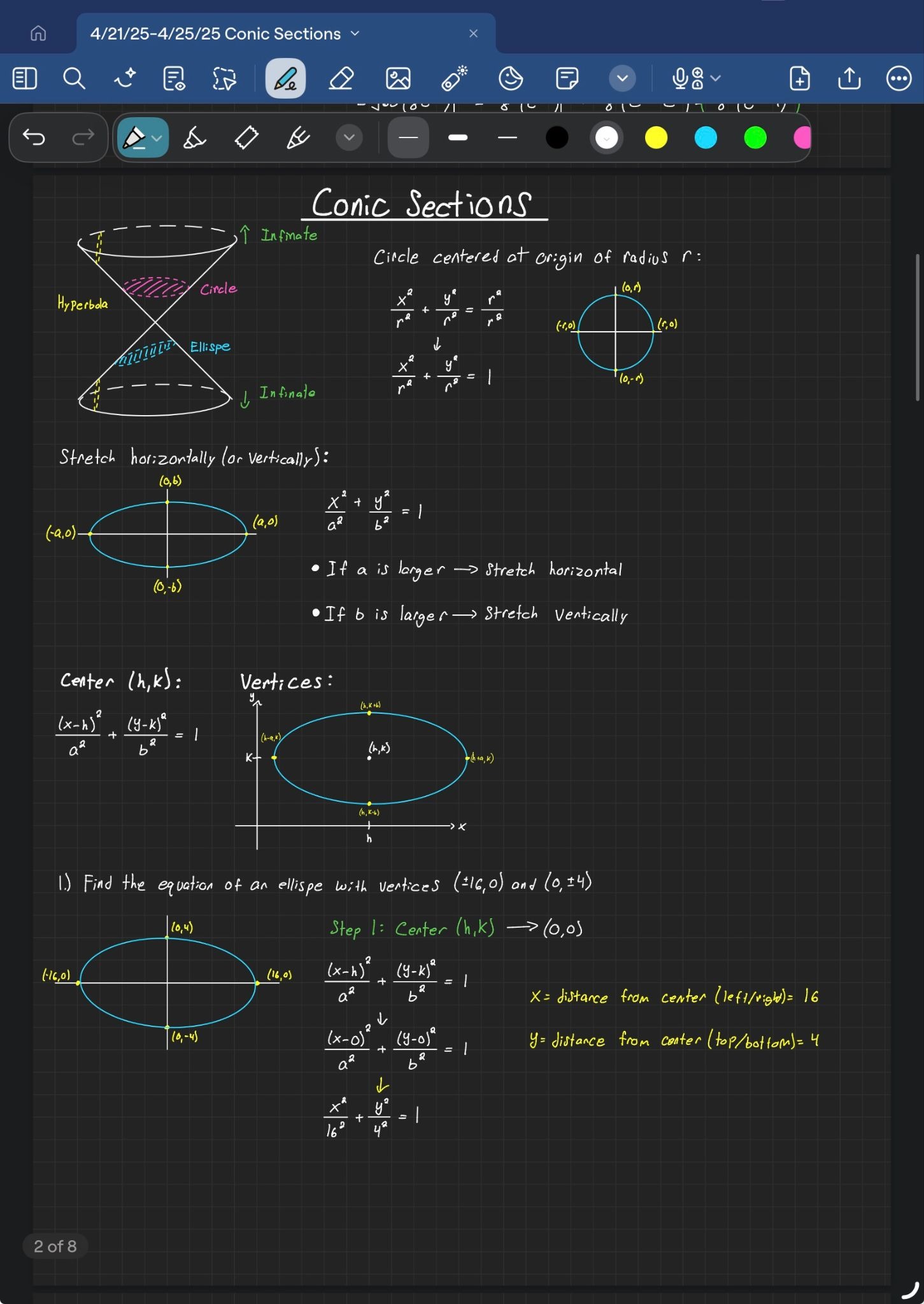
John opts for Goodnotes’ standard notebooks over infinite canvas. He’s tried the canvas for personal projects but sticks to the standard notebooks when it comes to coursework. “I’m very organized, and I like it (formatted) up to down.”
His day-to-day setup is straightforward: Digital PDFs for textbooks he references constantly, and lecture notes he either annotates directly if the professor uploads slides, or handwritten into a notebook if they don’t.
Homework, practice problems, and reference material like the syllabus each get filed into a folder for that class. When a professor posts lecture slides or a problem set, he imports it straight into the relevant notebook ahead of class so it’s ready to annotate the moment the lecture starts.
John’s workflow during class and while studying
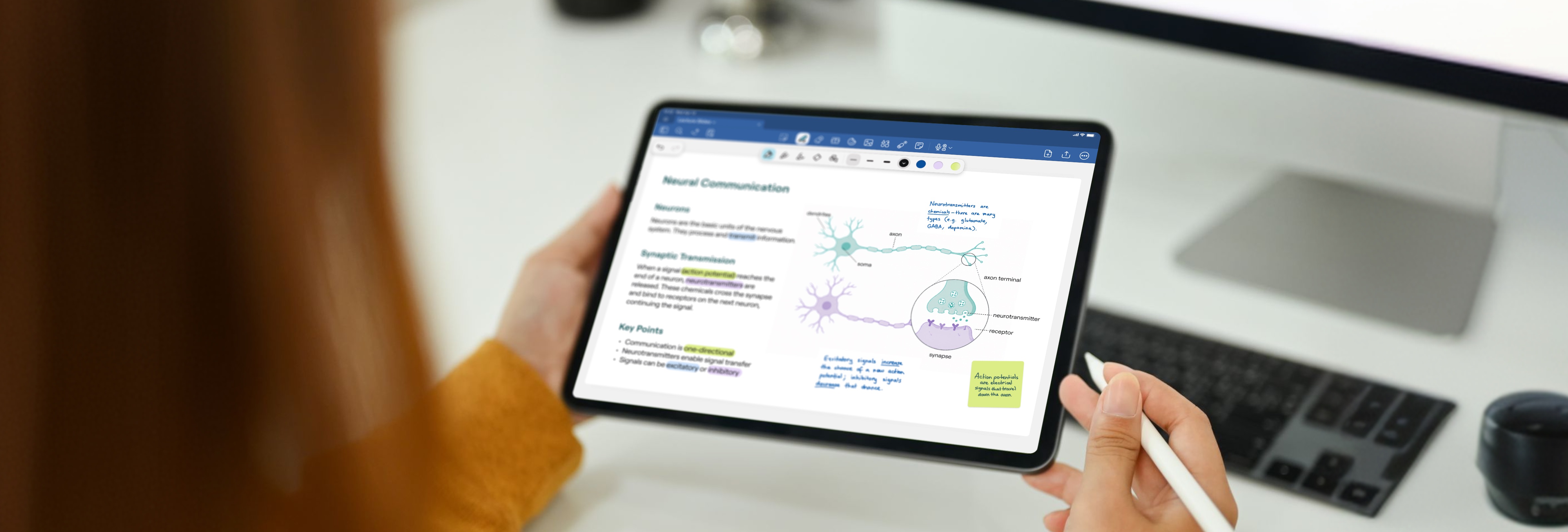
In class, John imports the professor’s slides and works directly on top of them. “I import the professor’s examples and annotate them directly while I’m working through practice problems,” he says. “It keeps everything in one place.”
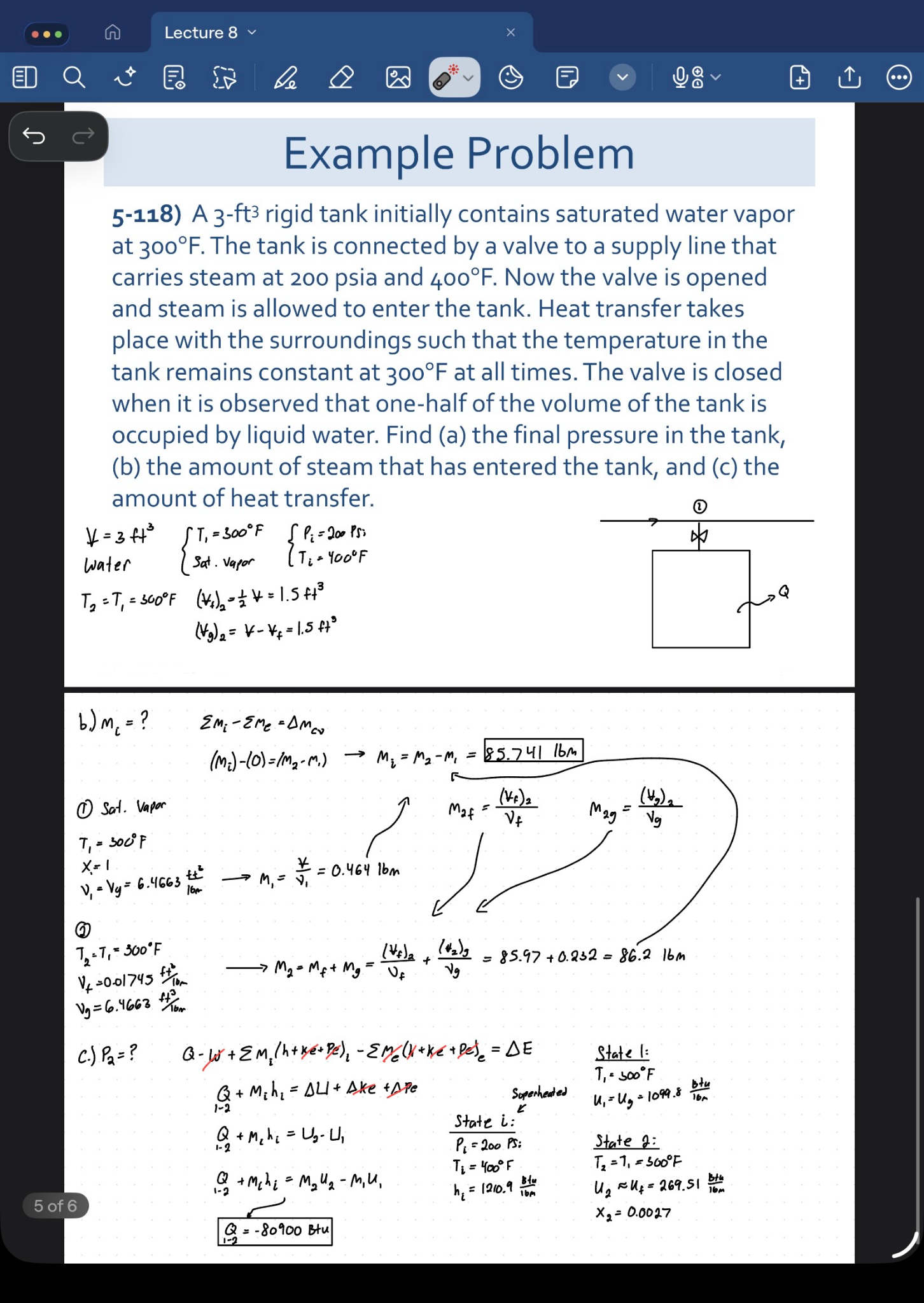
For subjects like chemistry, where memorization matters as much as problem-solving, he builds flashcards in the app for exam prep. And because his notes are organized by subject and semester he can pull up older material instantly, which helps a great deal once the workload starts piling up. “I can go back to my Calculus 1 notes while I’m in Calculus 2,” he says. “That’s something you just can’t do easily with paper”.
John’s advice for students still using paper
Asked what he’d tell a student still on paper, John points to “the convenience of digital organization, being able to manipulate text and drawings without using erasers, and the fact that all your heavy textbooks are in one device, especially if you're moving between classes all day.”
His setup, subject notebooks grouped by semester, PDFs imported before class instead of transcribed during it, gives anyone making the same switch a reasonable template to start from.
Goodnotes is built for engineering students
Engineering coursework is heavy on diagrams, equations, and PDFs, and Goodnotes is built to handle all three in one app. Students can import lecture slides and textbook PDFs, annotate them with precise digital ink, and organize everything into subject and semester folders that make older material easier to find later in the course.
Try it yourself
Goodnotes is free to download. If you’re just starting out, John’s setup is a great place to start. Create a notebook for each subject, group them into folders by semester, and import your lecture slides before class instead of after.