A simple pathway to the suite of features you’ve been missing out on — with no extra licence, and no extra cost.
How to use these new features
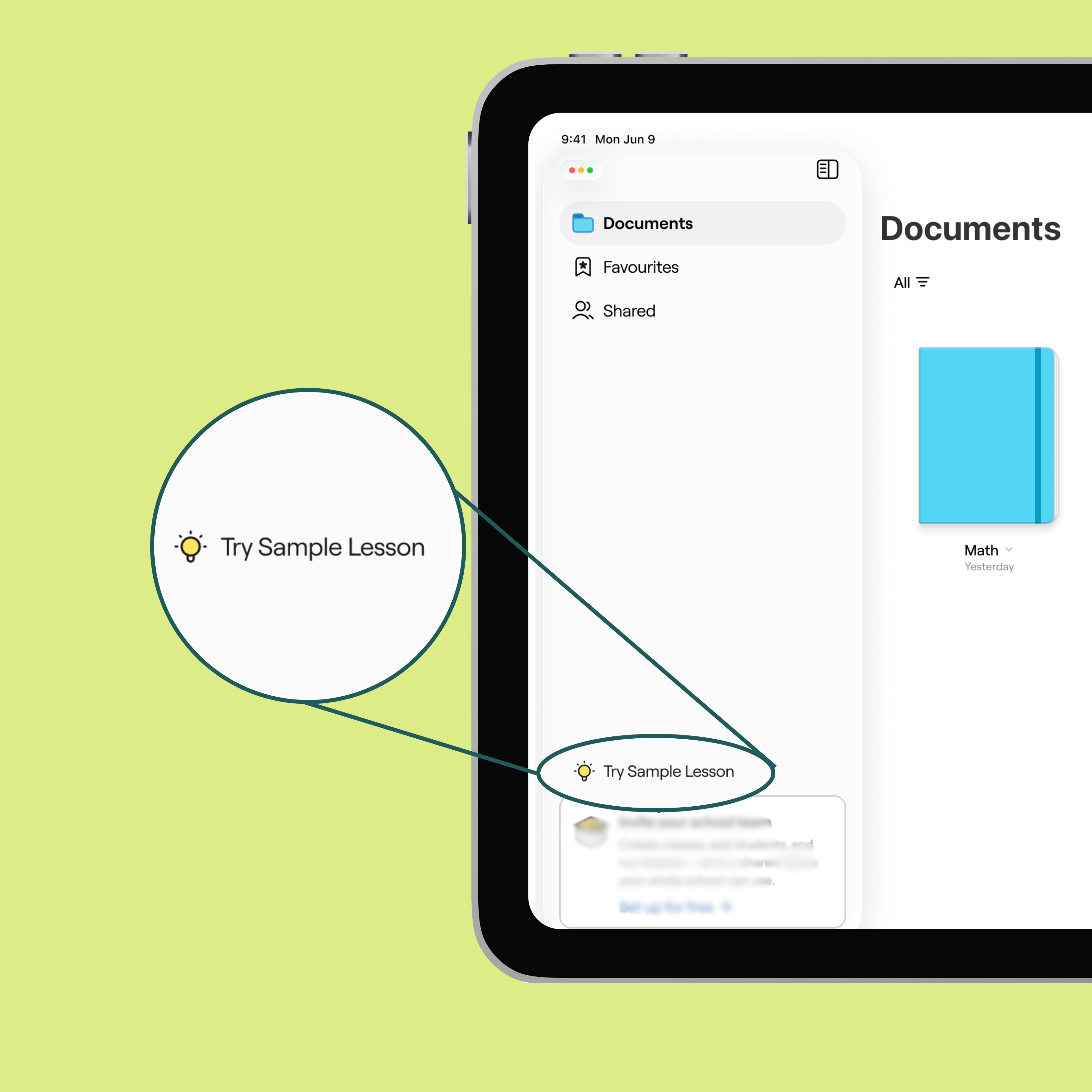
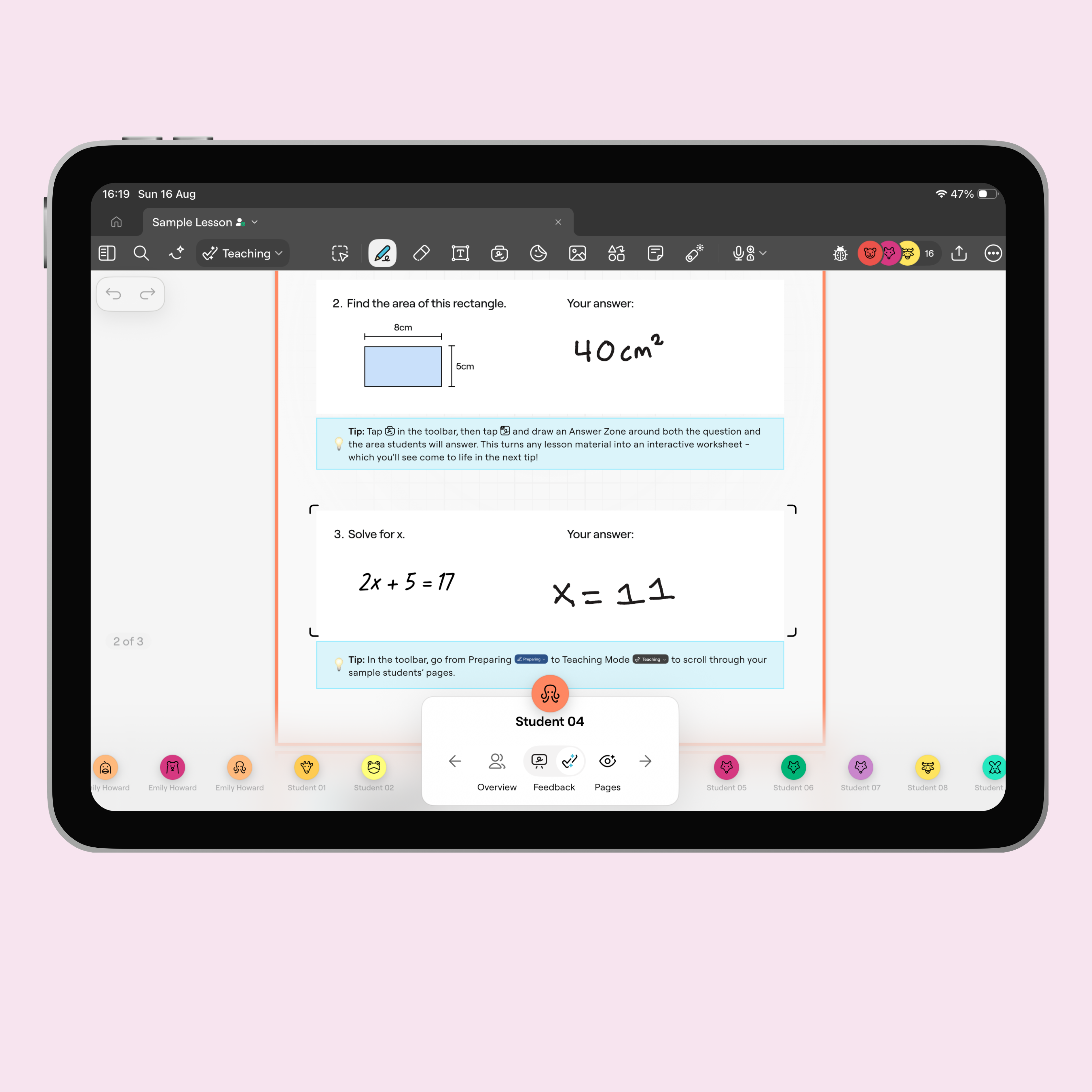
Explore a Sample Lesson
When you next open your updated app, a ready-made lesson in your sidebar will walk you through the new features, with mock students so you can try everything before your first class.
Create a Quick Lesson
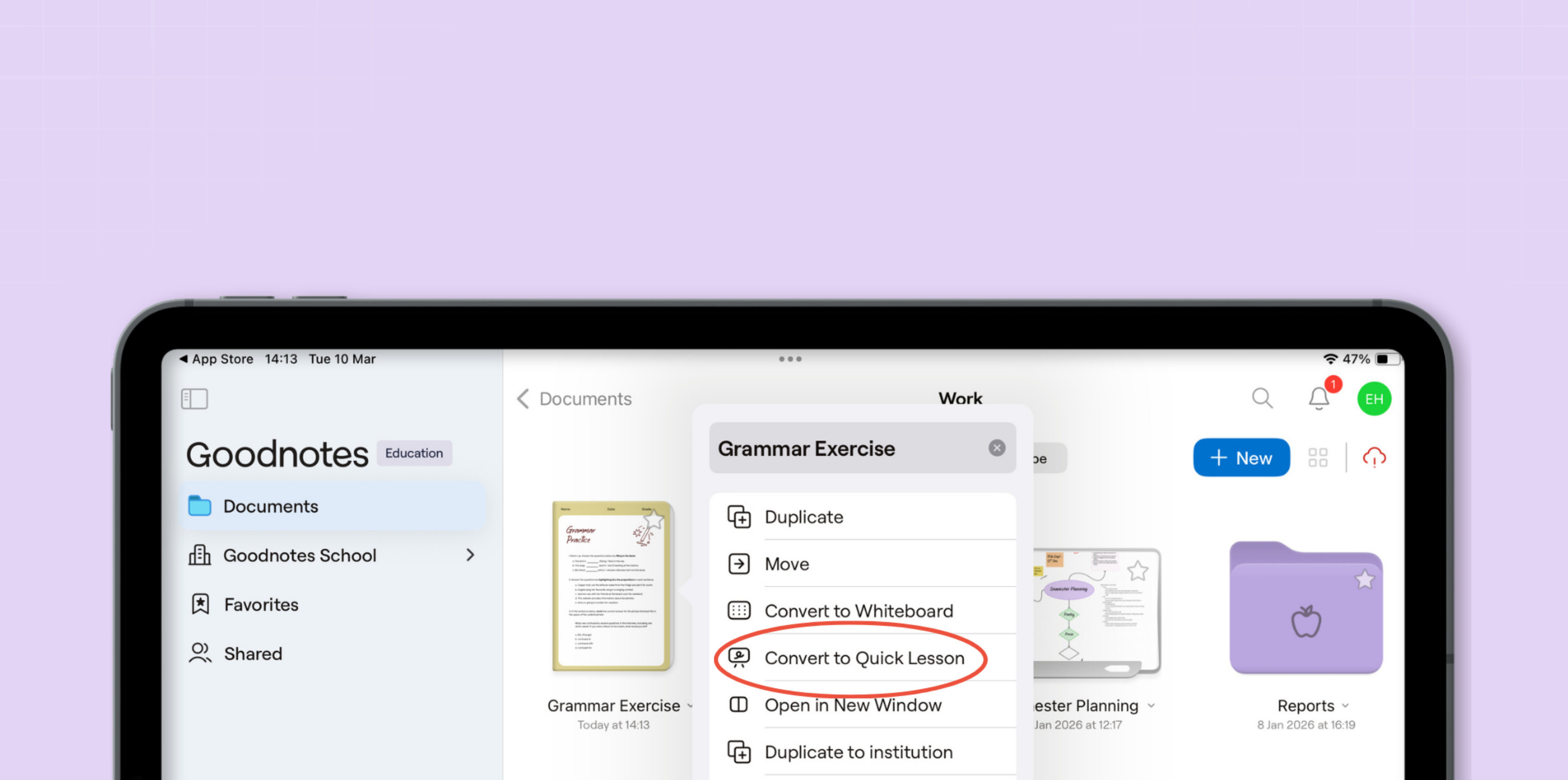
Run a live lesson in seconds — start from scratch or convert an existing document, and let students join instantly with a QR code. Then watch their work update in real time, and write feedback straight onto their screen. Just go to your Documents tab, click on the toggle arrow next to a document and press Convert to Quick Lesson.
Set up Admin Console
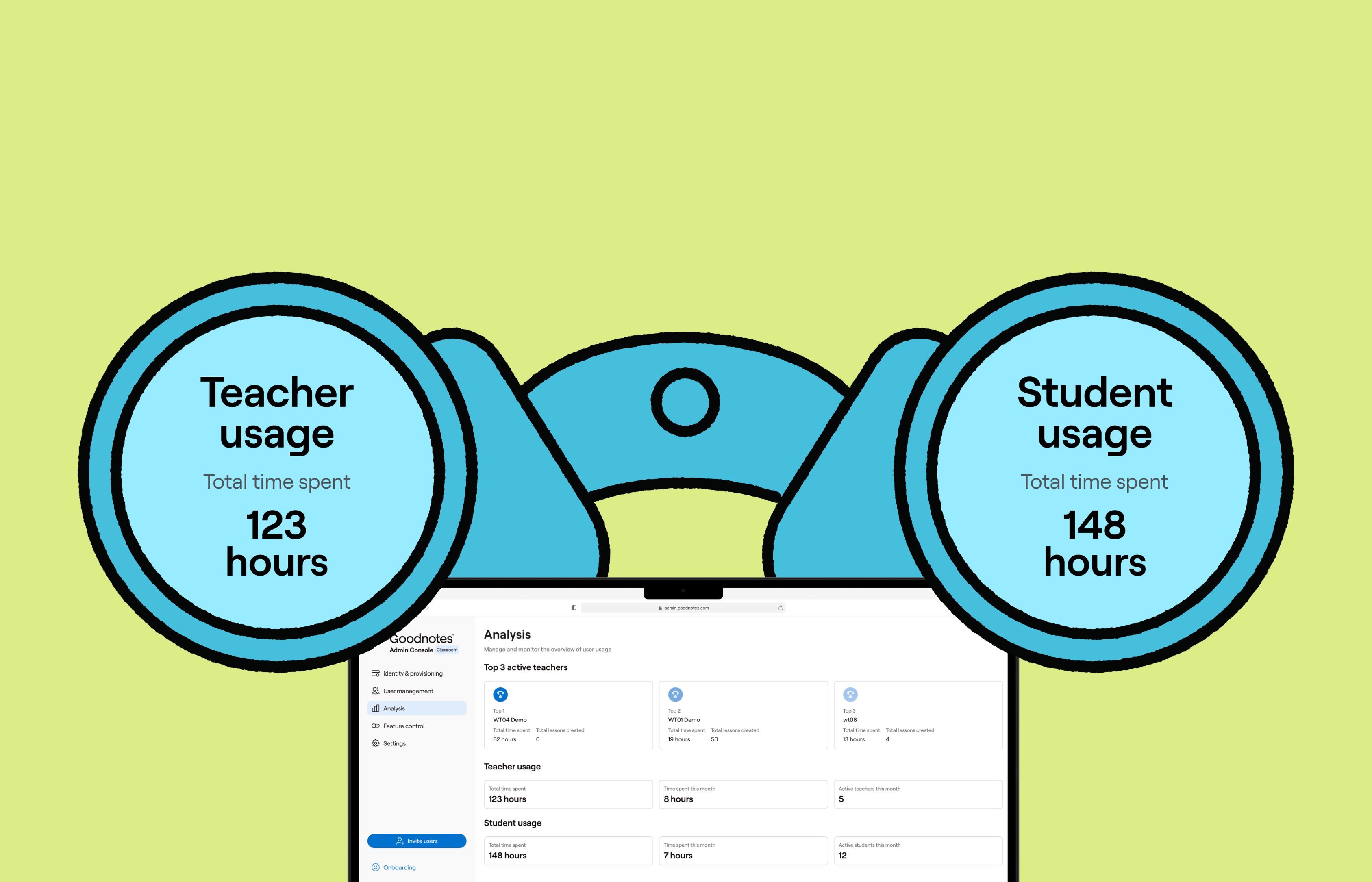
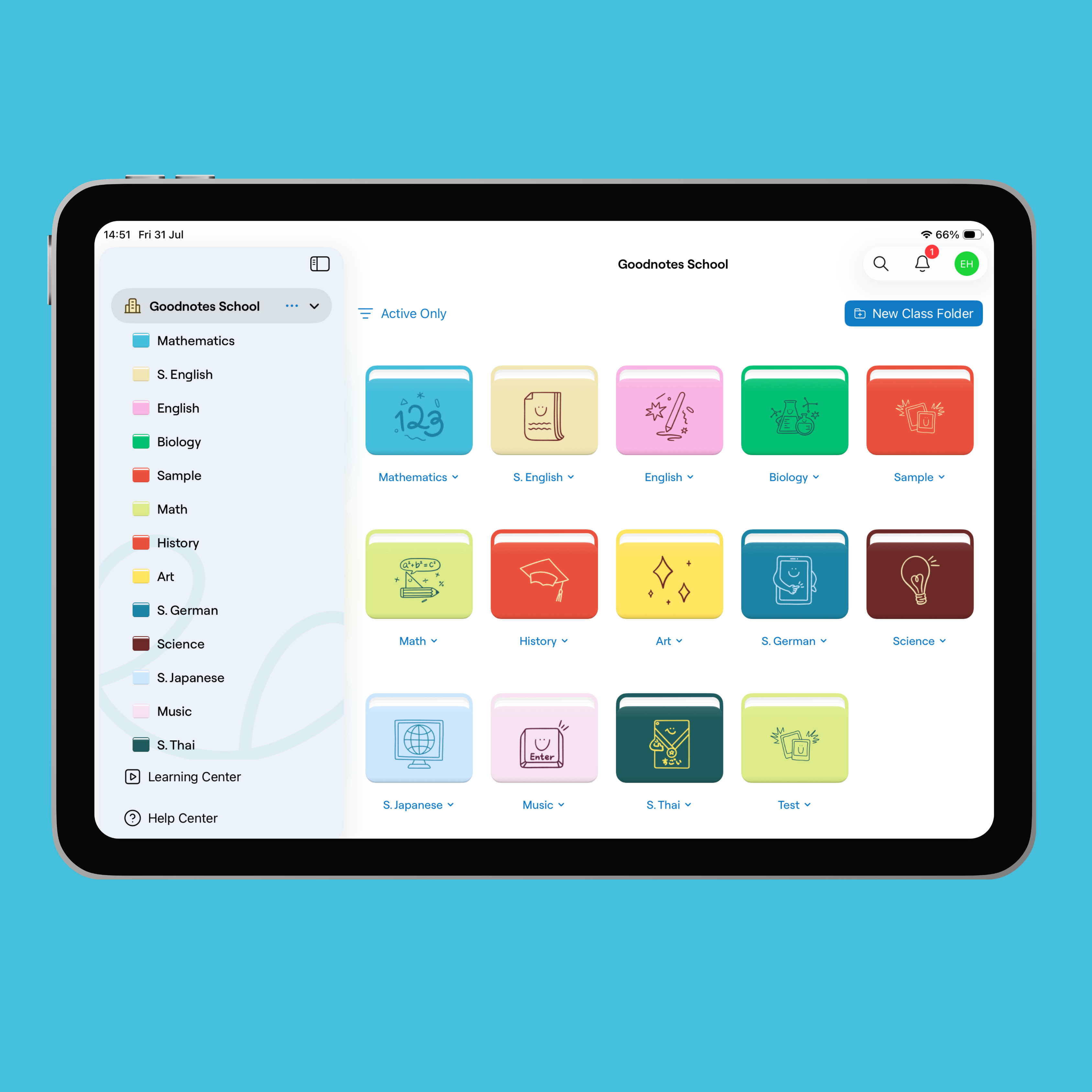
Instead of using Quick Lesson every time, you can set up Class Folders to better organize classes and students, and IT admins can track usage with Admin Console analytics. Get your IT admin to reach out to us at education@goodnotes.com to get set up.