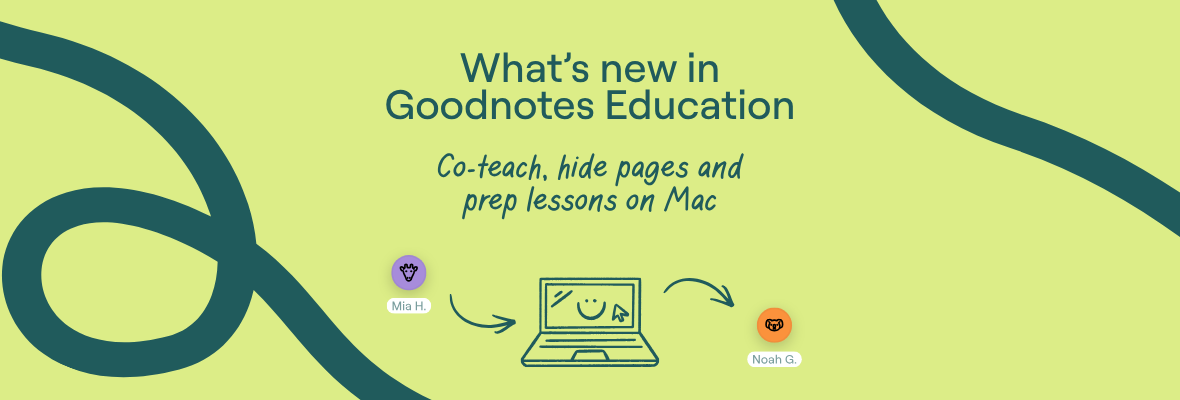
These new Goodnotes Education features will to help you prep faster, pace lessons and teach together.
Add co-teachers to Class Folders
With co-teaching, you can add multiple teachers to Class Folders, making it easier to cover absences, share lesson materials, and teach together - without everything depending on one Class Folder owner.
Go to the Teachers tab in your Class Folder, and click Add teachers.
%20optimized.webp)
Hide pages until you’re ready
Keep students focused by hiding pages until it’s time to reveal them. It helps you pace lessons, minimize distractions, and guide students through each activity step-by-step.
%20optimized.webp)
A smoother way to share iPads
For classrooms where iPads are shared, the previous student’s data will automatically be cleared when a new student signs into that device (with a clear warning before the switch) - helping you run lessons securely and smoothly.
Prep lessons on your Mac
You can now use the Goodnotes Mac app to prepare lessons, import materials, and distribute content to students. Teaching is still best on iPad, where you can bring lessons to life with the full flexibility of our features.
%20optimized.webp)
Start a lesson without a Class Folder
With Quick Lesson, you can now run live lessons and demos without having to set up a Class Folder. Students and teachers can join by scanning a QR code and signing in with their school email (even if they’re outside your institution).
That means you can start lessons instantly, demo to colleagues in your own school, or showcase Goodnotes to teachers from other schools - with less setup and fewer barriers.
%20optimized.webp)
Ask your IT admin to update your app so you can give them a try!
For any questions, reach out to us at educationsupport@goodnotes.com