To round off a big year at Goodnotes, we’ve added more updates and improvements to make your workflow smoother, smarter, and more flexible across all devices. We heard your feedback, so from editable AI-generated diagrams and automatic shape recognition to toolbar customization, these updates are designed to help you create, organize and collaborate more efficiently than ever.
🚀 The Big Updates
Next-generation Goodnotes now on all devices
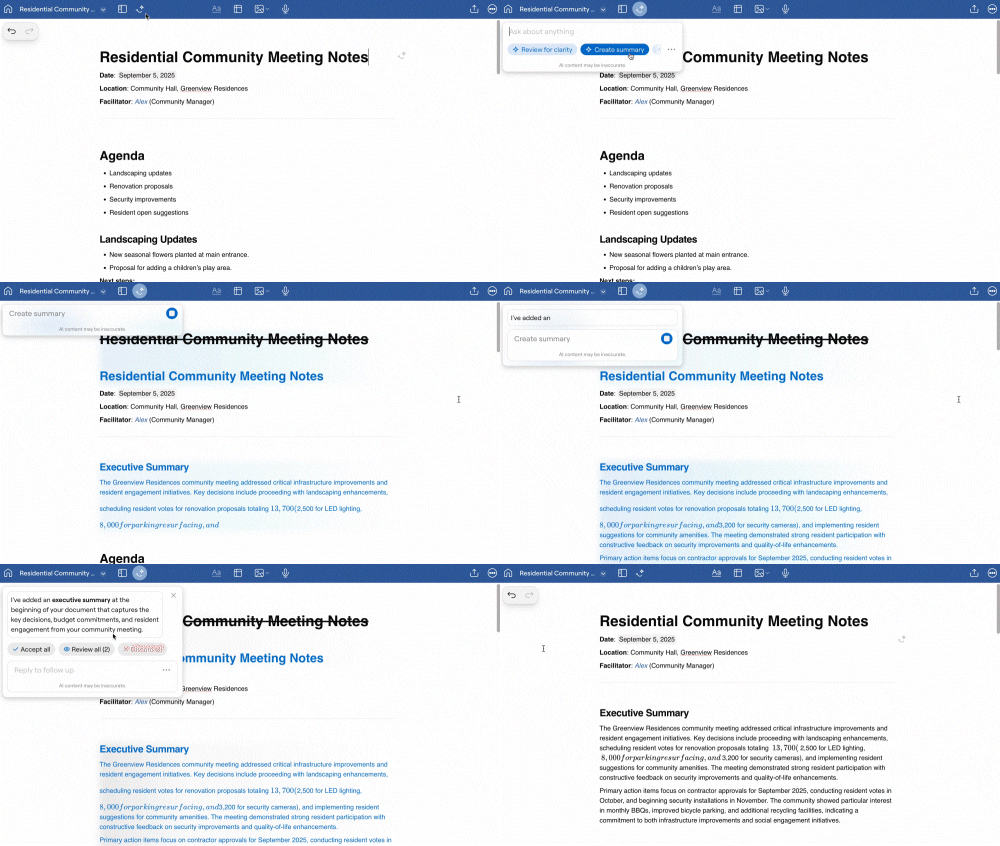
After debuting on Apple devices, the next-generation Goodnotes experience is now available to Android, Windows, and Web users, bringing core features like Text Documents, Goodnotes AI, and Real-time Collaboration into your everyday workflow.
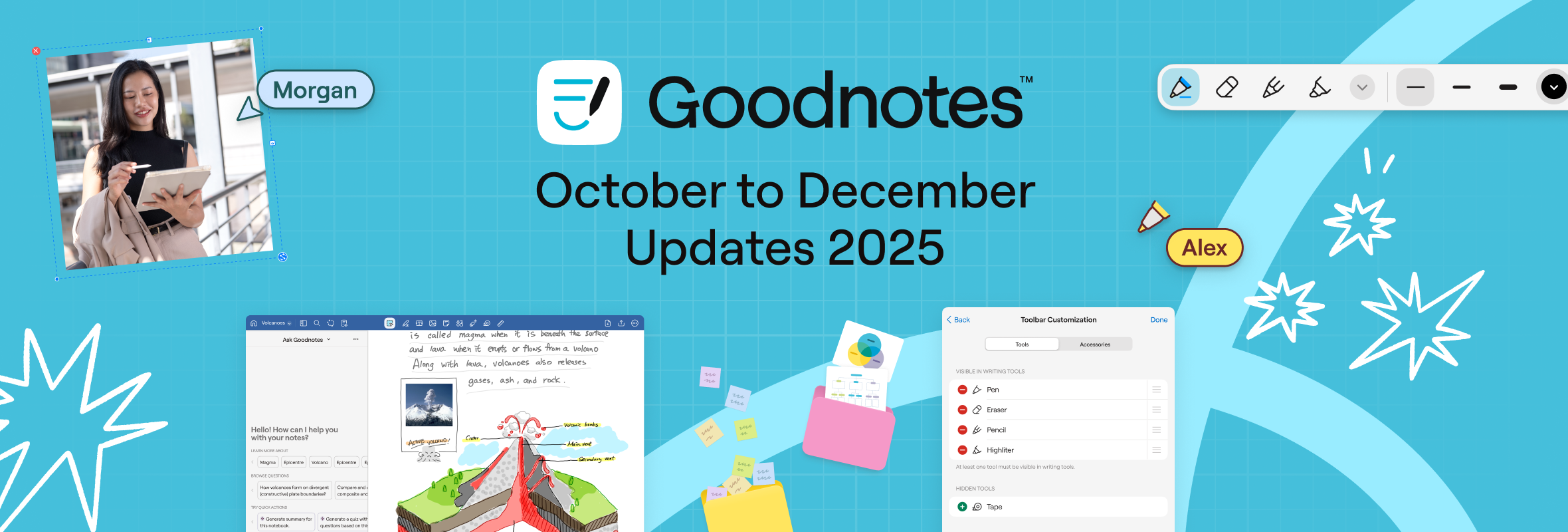
Toolbar customization
Based on feedback from our users, you can now customize your toolbar to keep your favorite tools front and center, helping you work faster and with less clutter.

This feature is currently available only on Apple, with plans to roll out to Android, Windows, and Web in 2026.
Quality of Life & Platform Updates
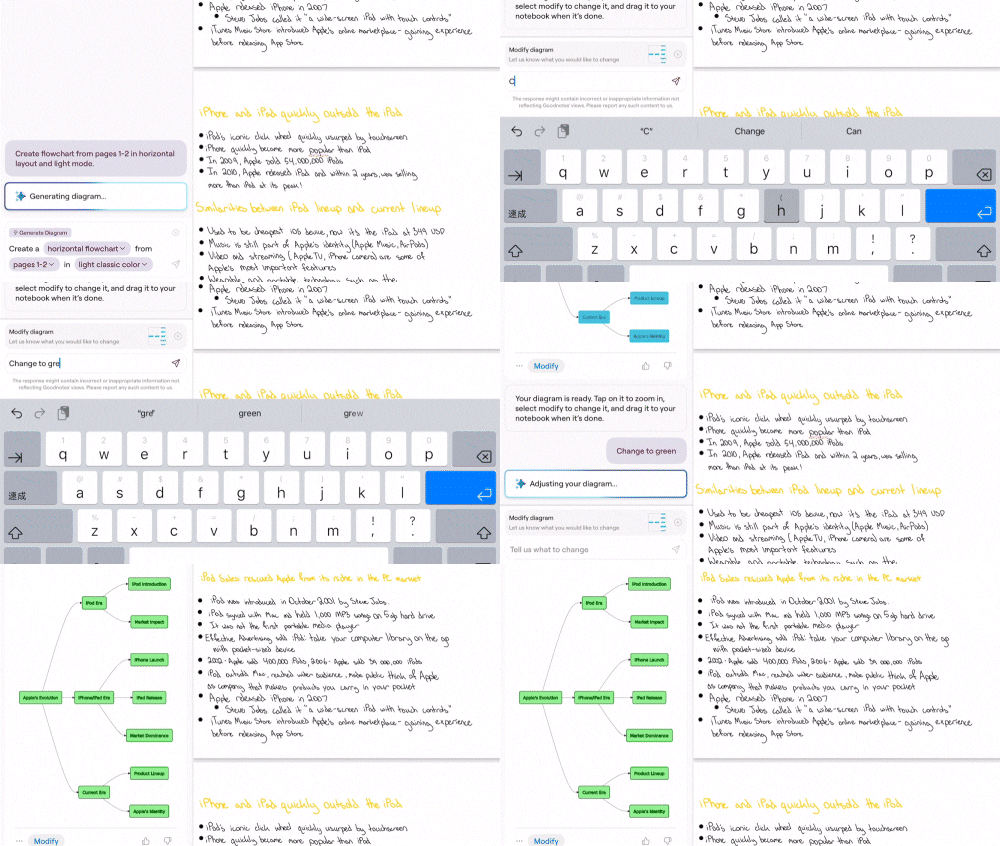
- Editable AI-generated diagrams are now editable, and use improved algorithms to minimize overlapping elements.
- Use automatic shape recognition under Writing Tools and Shapes to draw lines and shapes instantly
- Copy and paste in Text Documents preserves formatting.
- Ability to use Goodnotes AI on shared documents
- Improved text visibility and contrast in text docs
Apple Improvements
- Organize notebooks and PDFs with collapsible multi‑level outlines. Edit, nest, reorder, and collapse for faster navigation.
- Create multiple text boxes without reselecting the tool each time by pinning the Text tool.
- Eraser moved to the main toolbar for quicker access
- Toolbar stays hidden when switching between pen and eraser
- Quick record starts a Text Document instead of a notebook
Android, Windows, and Web Improvements
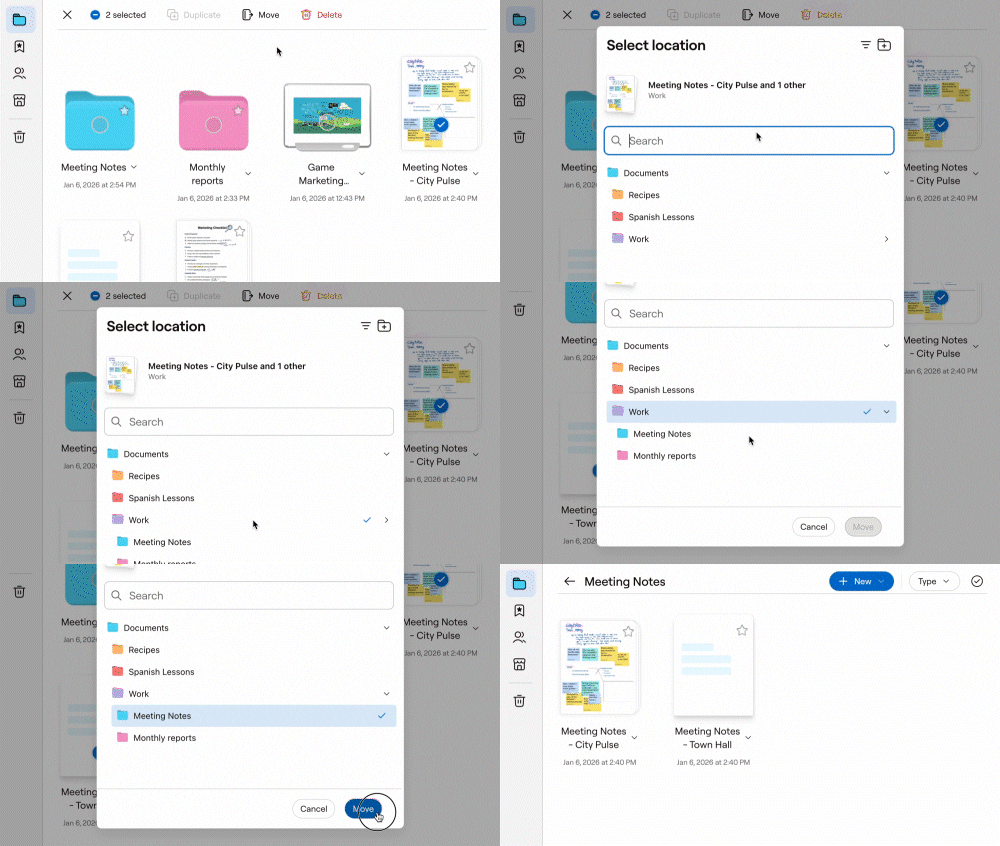
- Move documents and folders freely, including folders within folders for a structured library
- Sync library and tool settings across devices, including colors and preferences
- Double-tap gestures for undo/redo: Double-tap with 2 fingers to undo, double-tap with 3 fingers to redo
- Document sharing now available on Goodnotes’ Free plan
Have a suggestion? Share your ideas with us: for Apple apps or for Android, Windows, Web apps.