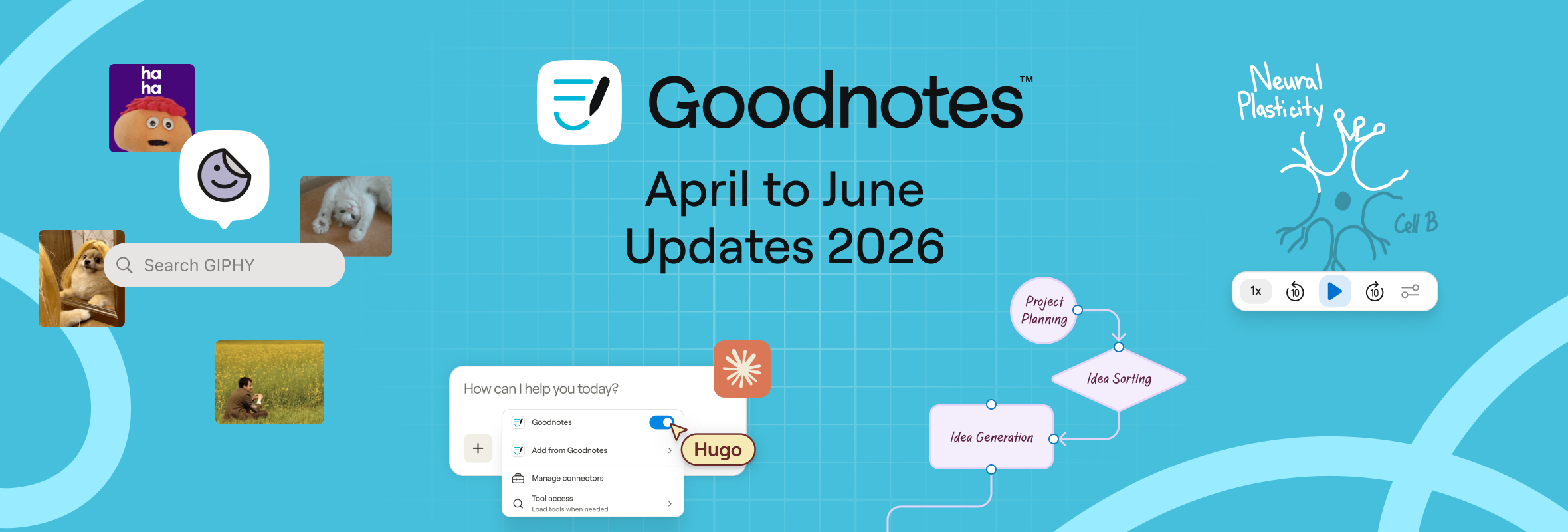
Spring brought a lot of good things and a pretty packed quarter for Goodnotes. From a brand-new way to start notes in Claude to smoother diagrams, Smart Ink on Windows, and a handful of small-but-satisfying tweaks, there's a lot to catch up on.
Here's everything that landed between April and June.
The big updates
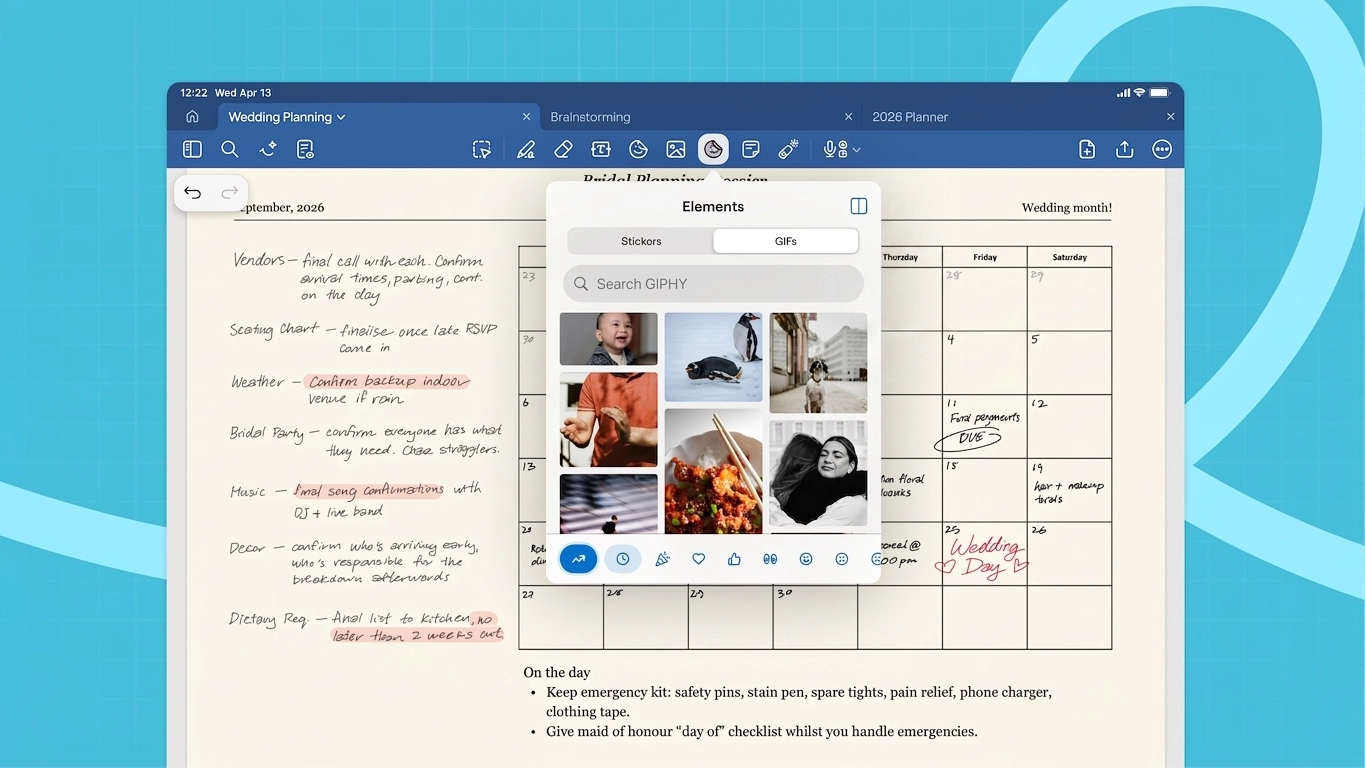
GIPHY is now built right in
Goodnotes now has a built-in GIPHY integration, no more sourcing GIFs separately. Browse and drop GIFs into your notes without leaving the app. Perfect for making Study Sets more memorable, livening up a Whiteboard, or just having a little fun with your notes.
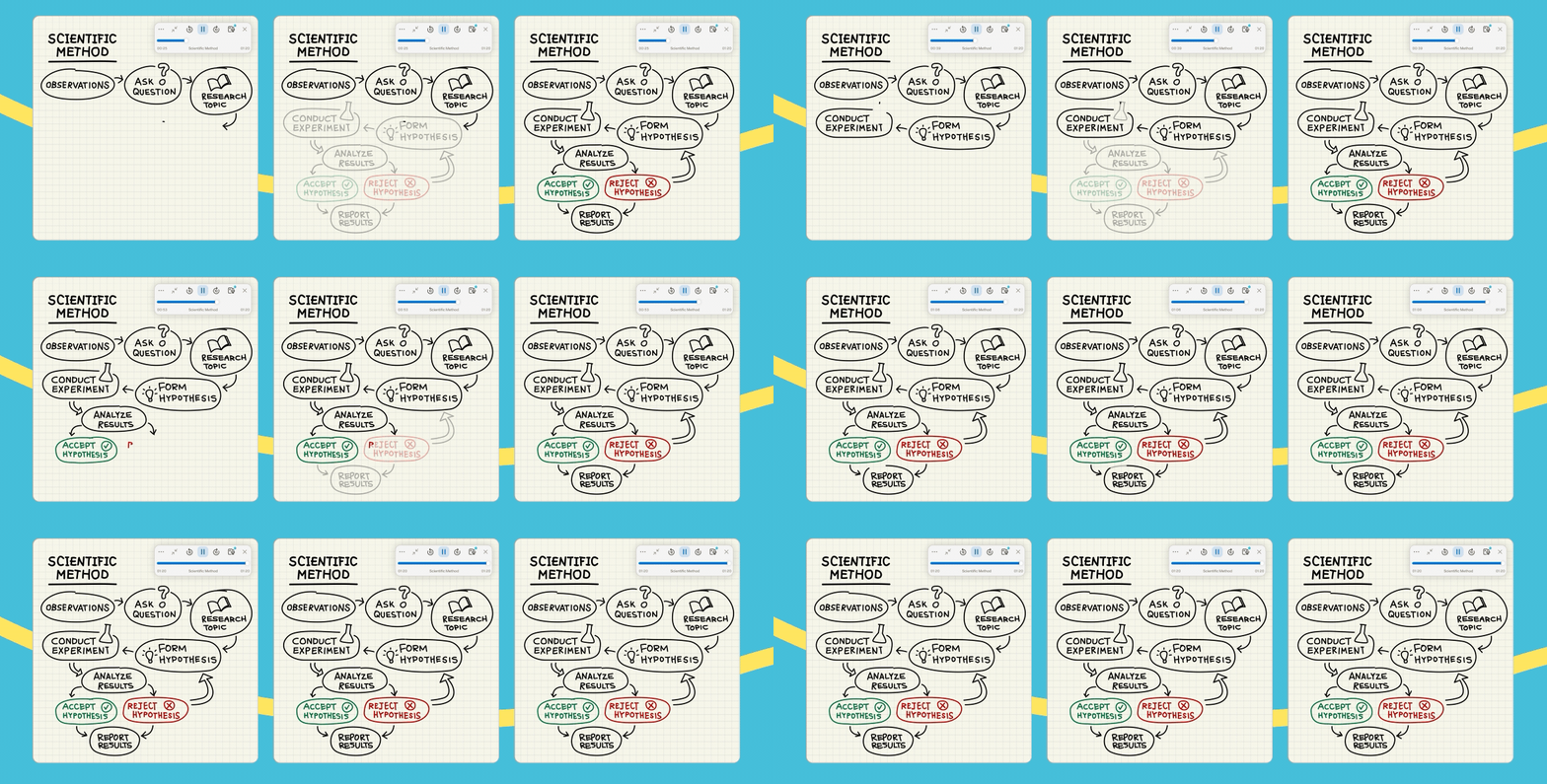
Stroke replay customization
If you use audio recording while you take notes, you can now control exactly how your handwriting appears during playback. Follow along in real time, jump to key moments, or keep everything on screen at once.
Diagrams that look the part
We’ve added two updates that make diagramming feel more polished:
- Rounded corners by default. Shapes now look modern and clean right out of the box.
- Connectors that snap to shape edges. No more Connectors floating near a shape but not quite touching it. Lines now anchor exactly where you'd expect.

Start your Goodnotes documents right from Claude
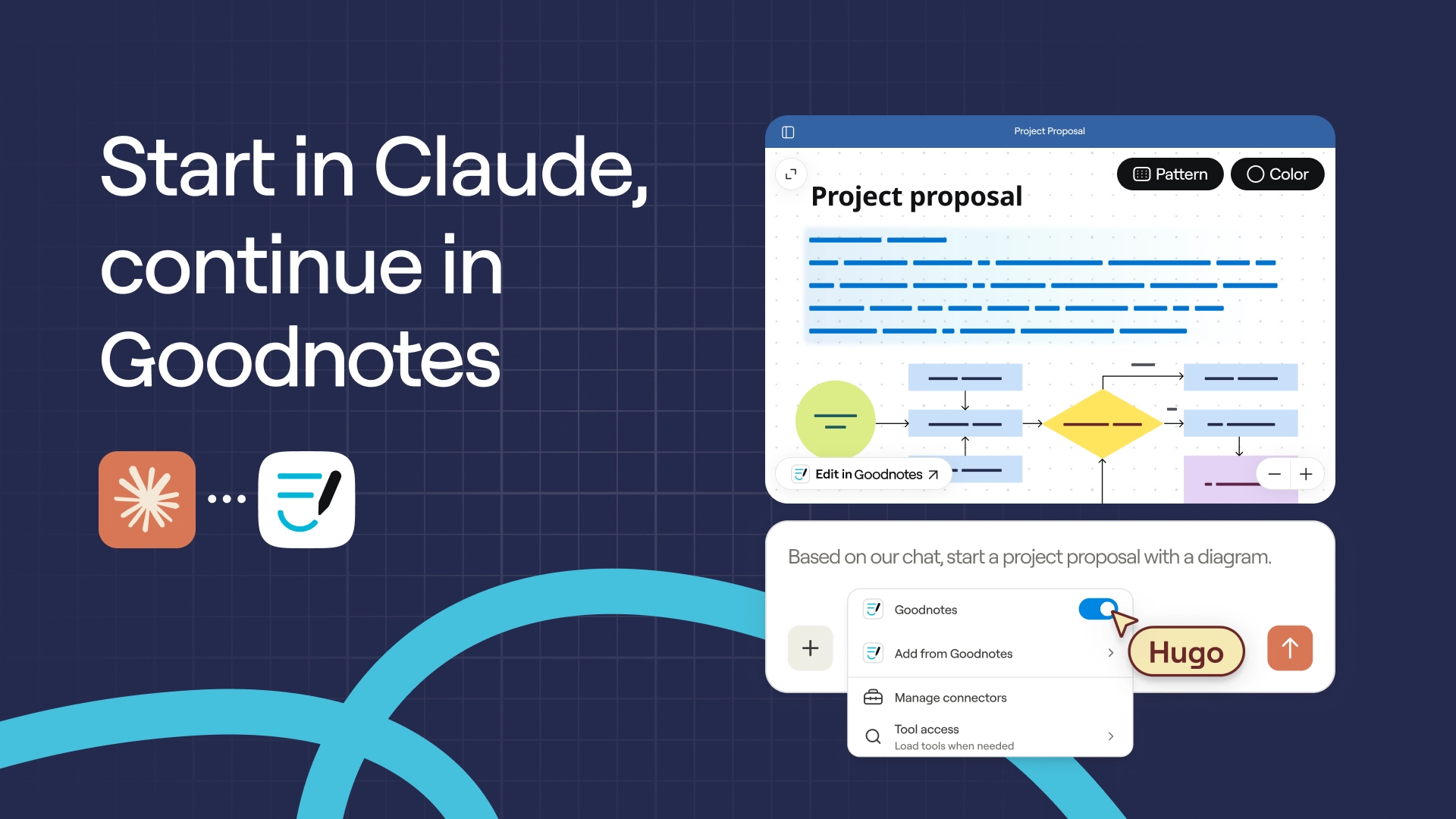
Goodnotes is now a connector in Claude. That means you can create Text Documents, diagrams, and images directly from your Claude conversations – then open them straight in Goodnotes to annotate, refine, and share. It's a natural fit: use Claude to think something through, then bring it into Goodnotes to make it yours.
Smaller updates worth knowing
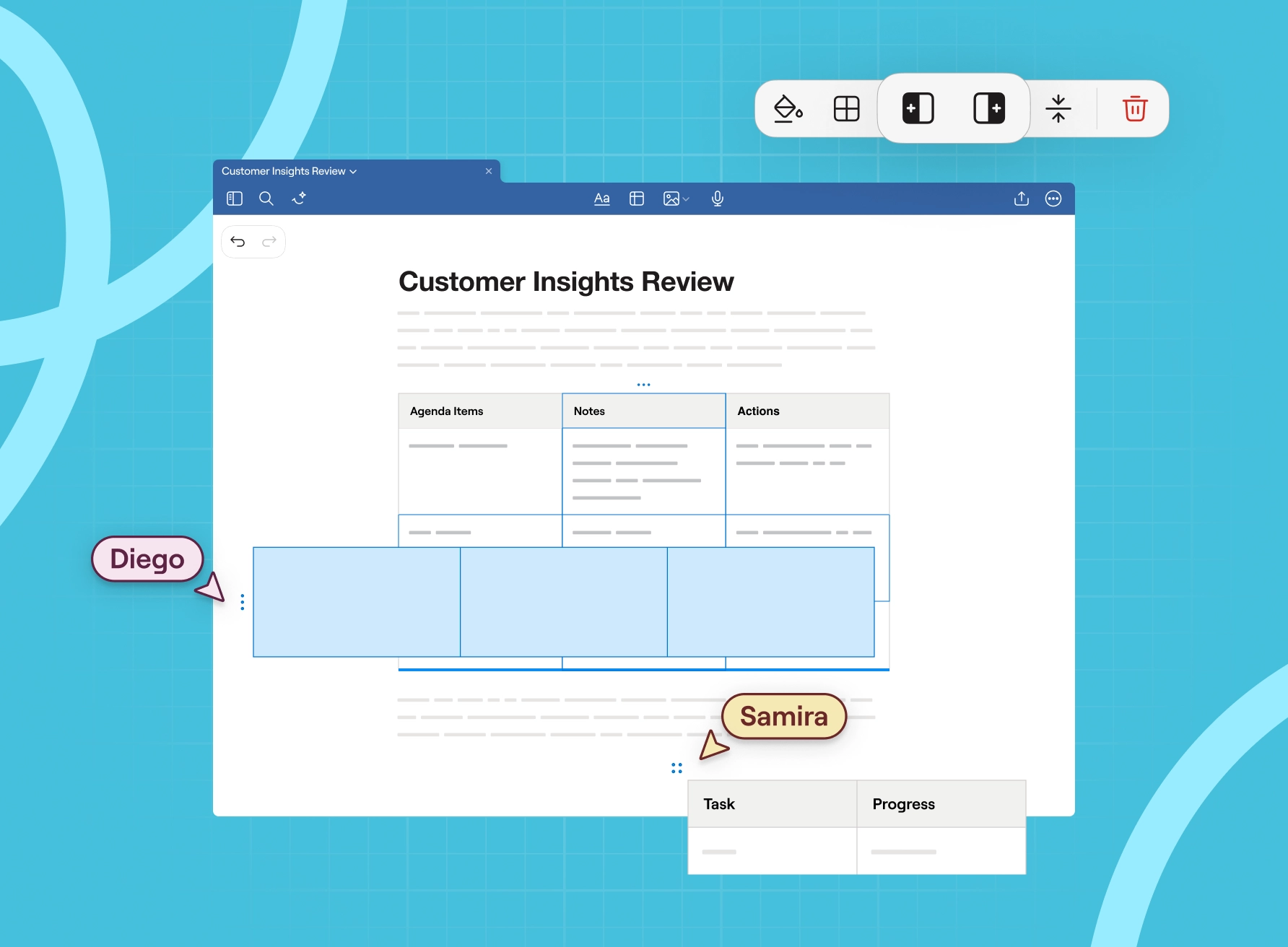
Better tables in Text Documents
Text Documents got a meaningful upgrade this quarter. Tables are more powerful, copy and paste is more reliable, and everyday editing just feels smoother. If you draft documents in Goodnotes, you'll notice the difference.
Bullets and indentation, everywhere
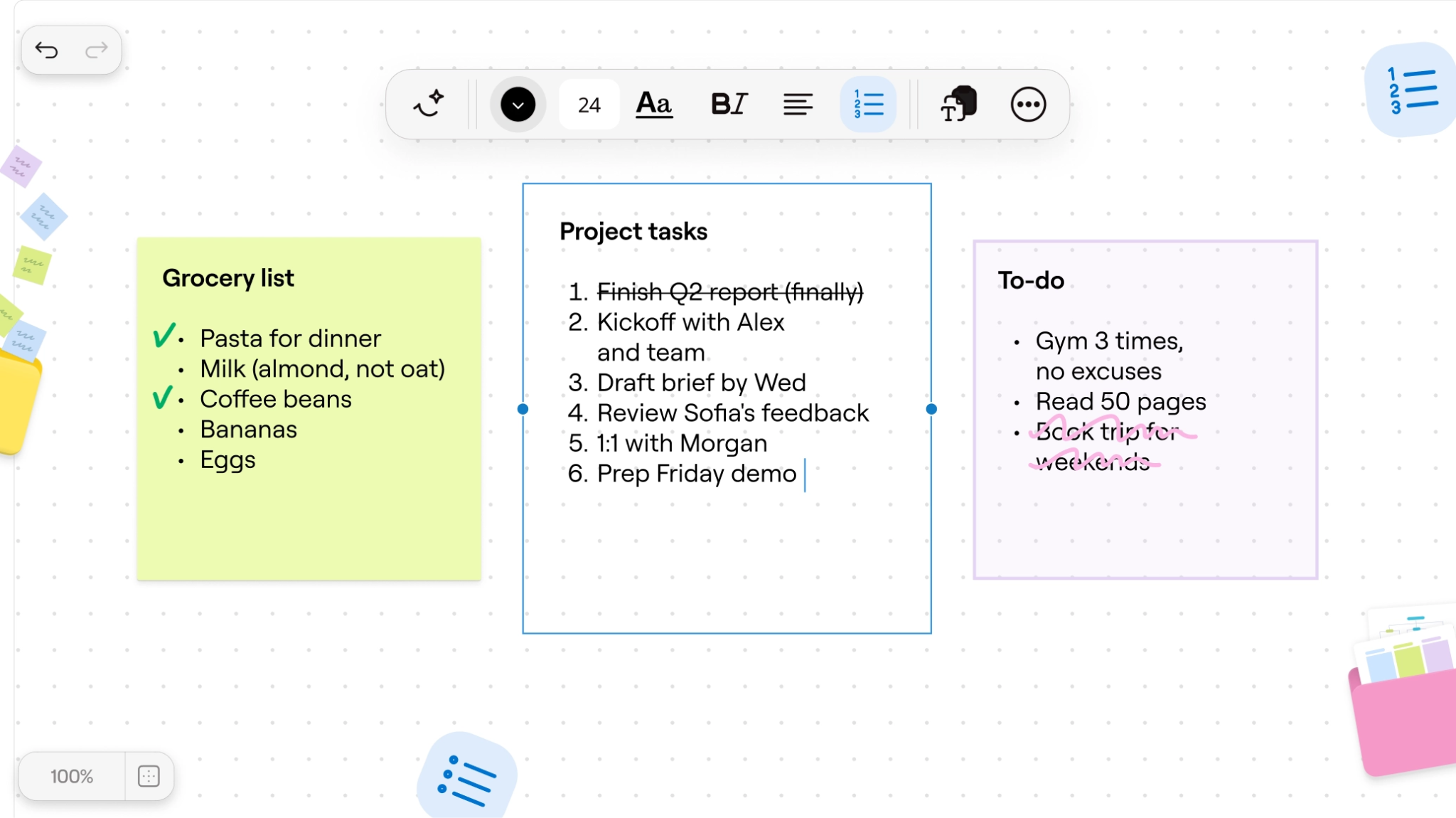
Proper bullets, numbered lists, and indentation are now available in every Textbox and Sticky Note on your canvas, not just in Text Documents.
Rotate shapes and Sticky Notes
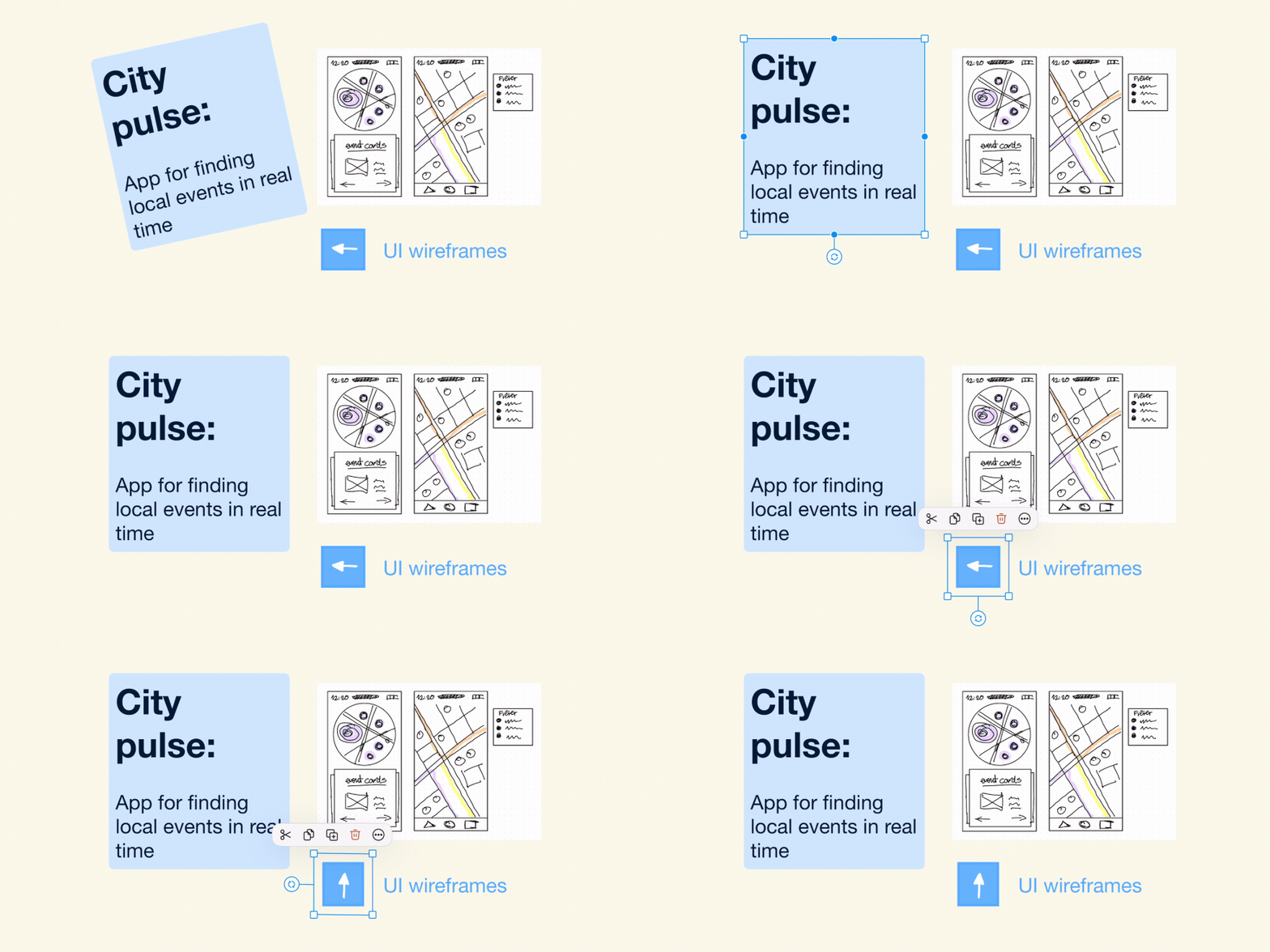
You can now rotate shapes and Sticky Notes freely to get your layout exactly right. Useful for aligning designs, labels, and callouts in seconds.
Clear by type, faster clean-ups
A new Delete Specific Items option is now available in the more options icon inside a Notebook. Instead of erasing Element by Element, you can remove all content of a specific type at once. Great for quickly clearing annotations or resetting a Template.
For Windows, Android and Web users
Multi-tab support
You can now switch seamlessly between multiple documents using tabs – without losing your place. Any new document you open will appear as a tab, while your previously opened documents stay open in the background at the exact location where you left off, making it easy to jump right back in.
Smart Ink on Windows, Android and Web
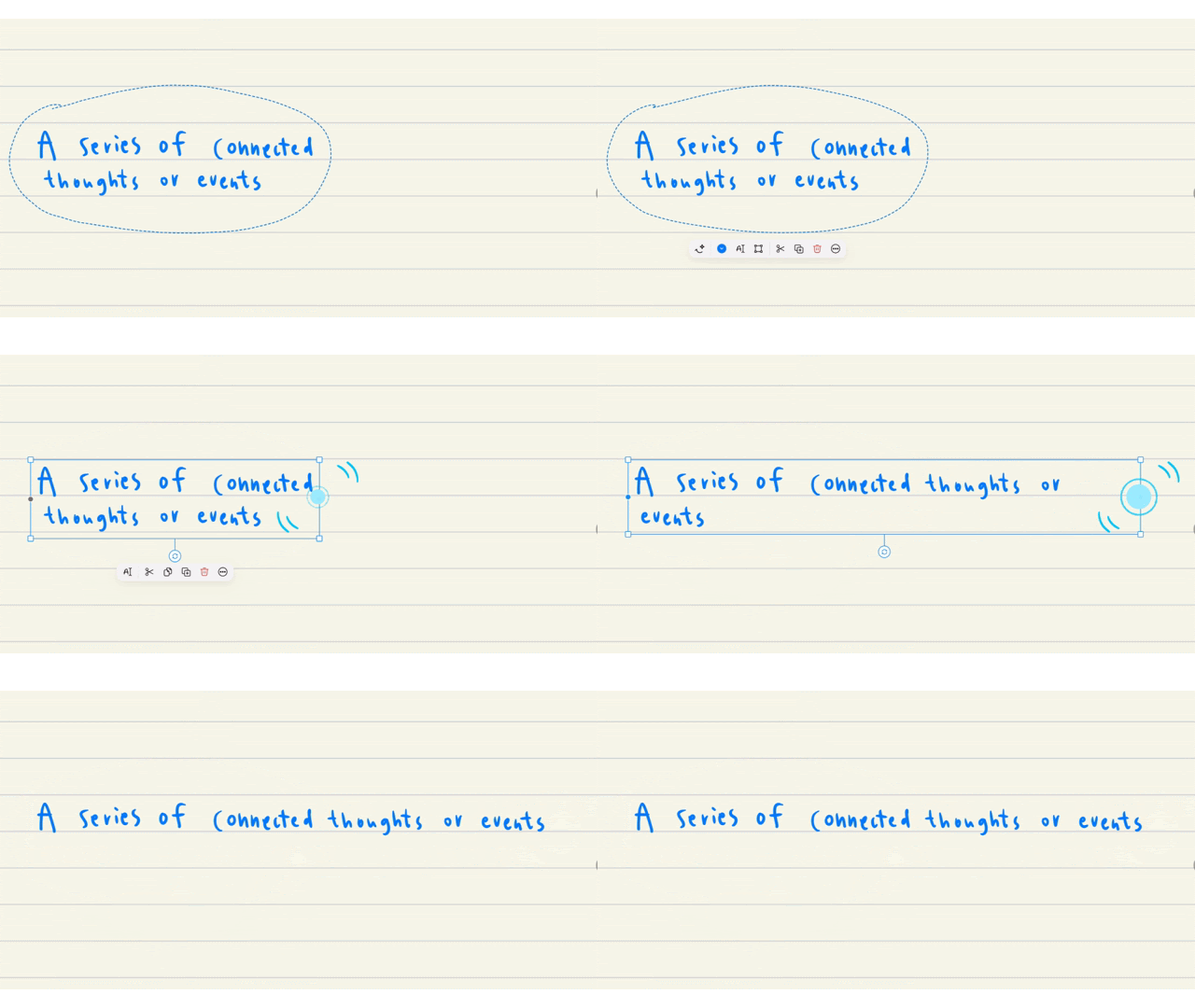
Smart Ink, the feature that lets you edit your handwriting like typed text, has expanded significantly this quarter. You can now adjust the width of your handwriting by dragging the side handles and it'll reflow automatically, plus straighten lines, align elements, cut and paste handwriting, and insert space between lines. It brings Windows, Android and Web up to speed with the handwriting editing experience on other platforms.
Whiteboard Templates from the Marketplace
Whiteboard Templates are now available to import from the Marketplace on Android, Windows, and Web. Find a template you like, drop it into a Whiteboard, and get started.
Quality-of-life improvements
A collection of smaller changes that add up:
- Liquid Glass (v7.1.0). Goodnotes shipped Apple's new iOS 26 design language ahead of schedule, making Goodnotes one of the first apps ready for the iOS 26 release.
- Audio transcription is now more accurate and covers 99 languages (Pro and AI Pass) – meetings, lectures, and voice notes are easier to capture and search than ever.
- Tool settings are easier to find. Look for the new chevron indicators on toolbar buttons. Your favorite pen and highlighter settings are one tap away.
- Textbox styling gets a refresh. A visual update on iOS, and now available on Android, Windows, and Web for the first time, with a new shortcut in the object menu.
- Pasted URLs become clickable links automatically in Notebooks and Whiteboards.
- Sharing a text document now starts collaboration straight away, without needing to reopen it.
- Smoother stylus drawing. Strokes feel more natural, with fewer unexpected corners and cleaner Lasso previews.
- PNG transparency is preserved when importing from the Photos picker.
- Dark mode got a tune-up. Better colors across text, highlights, the caret, and buttons.
- Scribble to Erase now supports undo and redo.
- Study Set colors are now fully customizable.
- Floating toolbar, alerts, and Time Keeper now slide in and out from the screen edge, keeping things tidy.
Have a suggestion? Share your ideas with us: for Apple apps or for Android, Windows, Web apps.