Product
Built For









Start Free

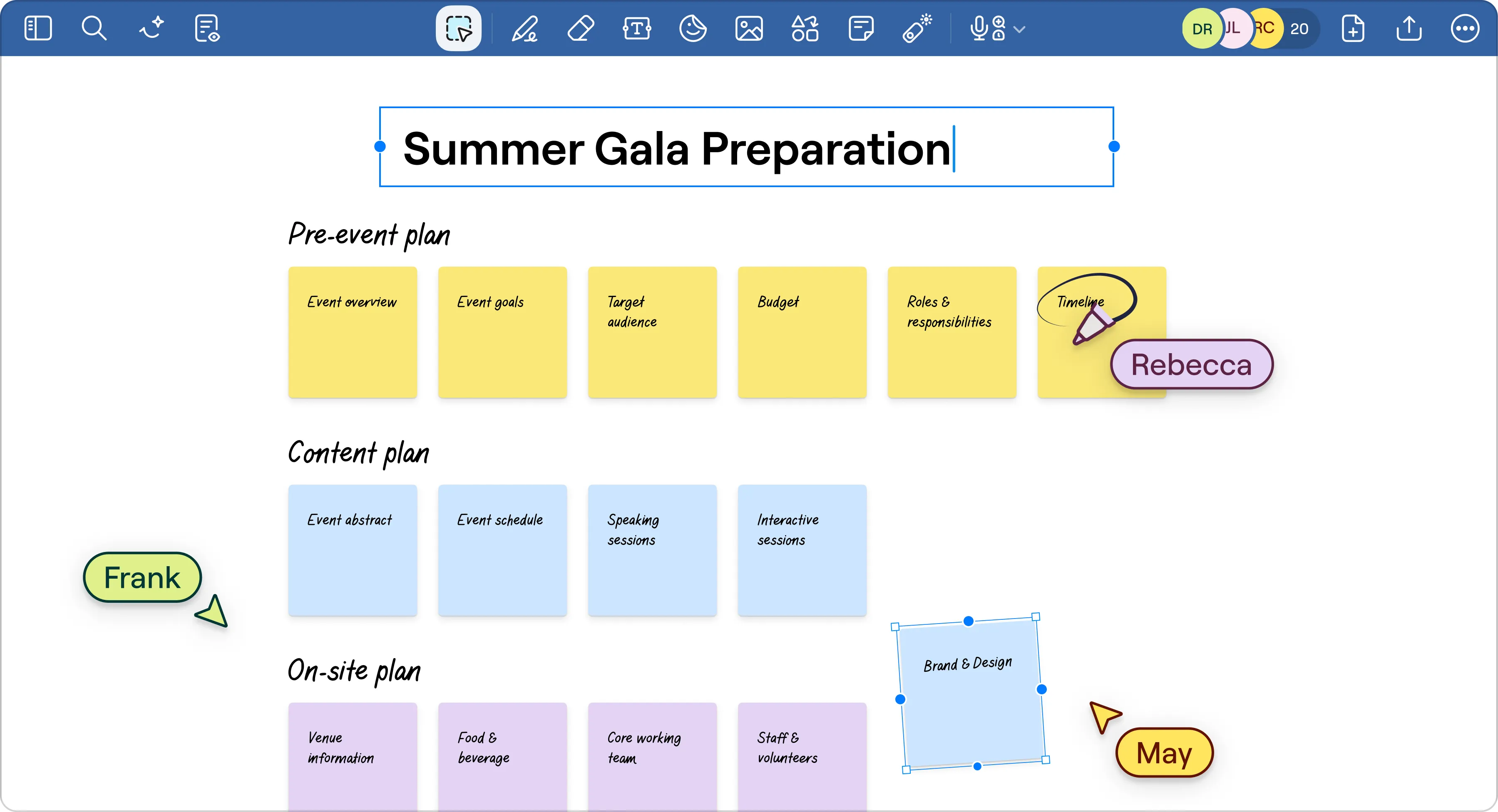
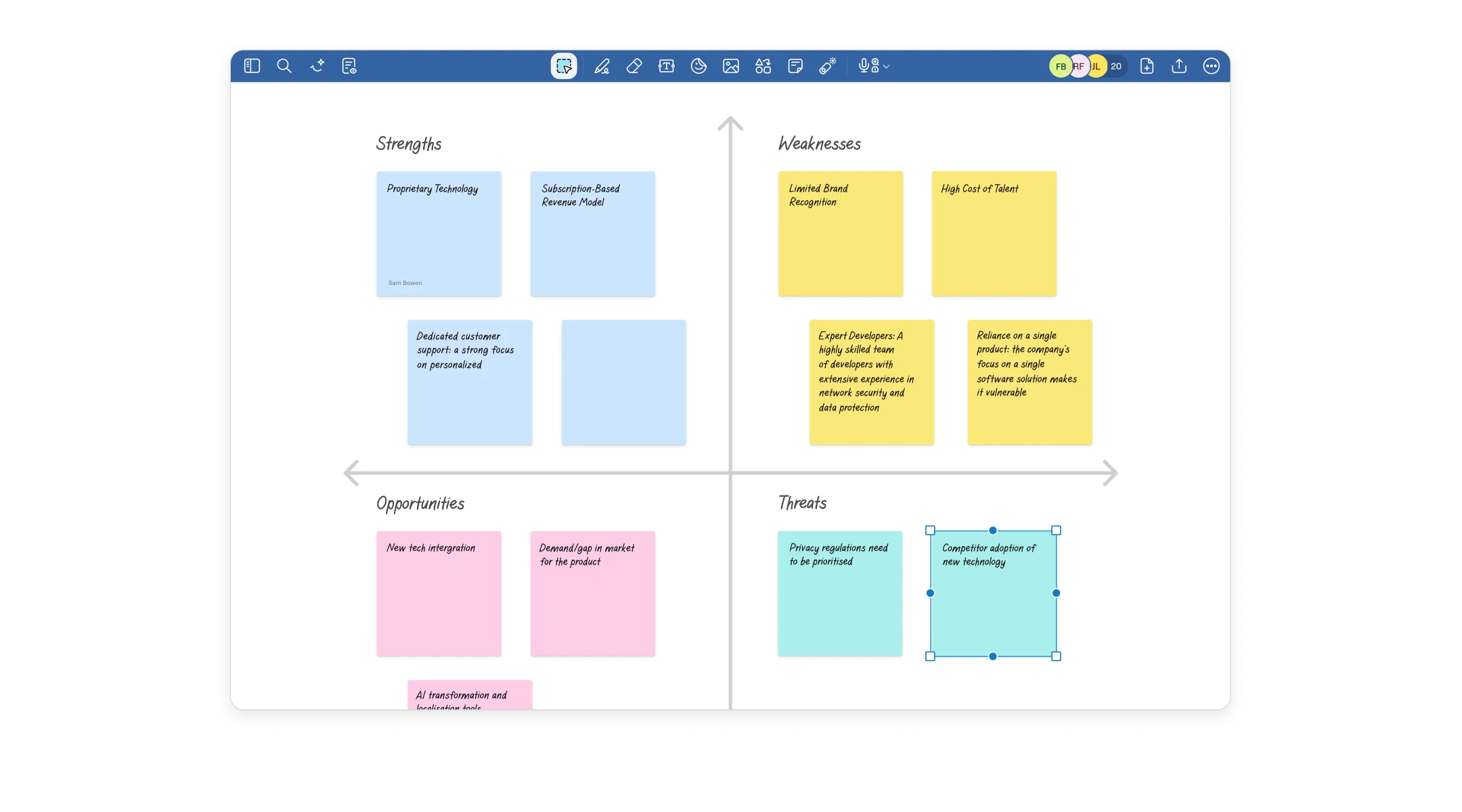
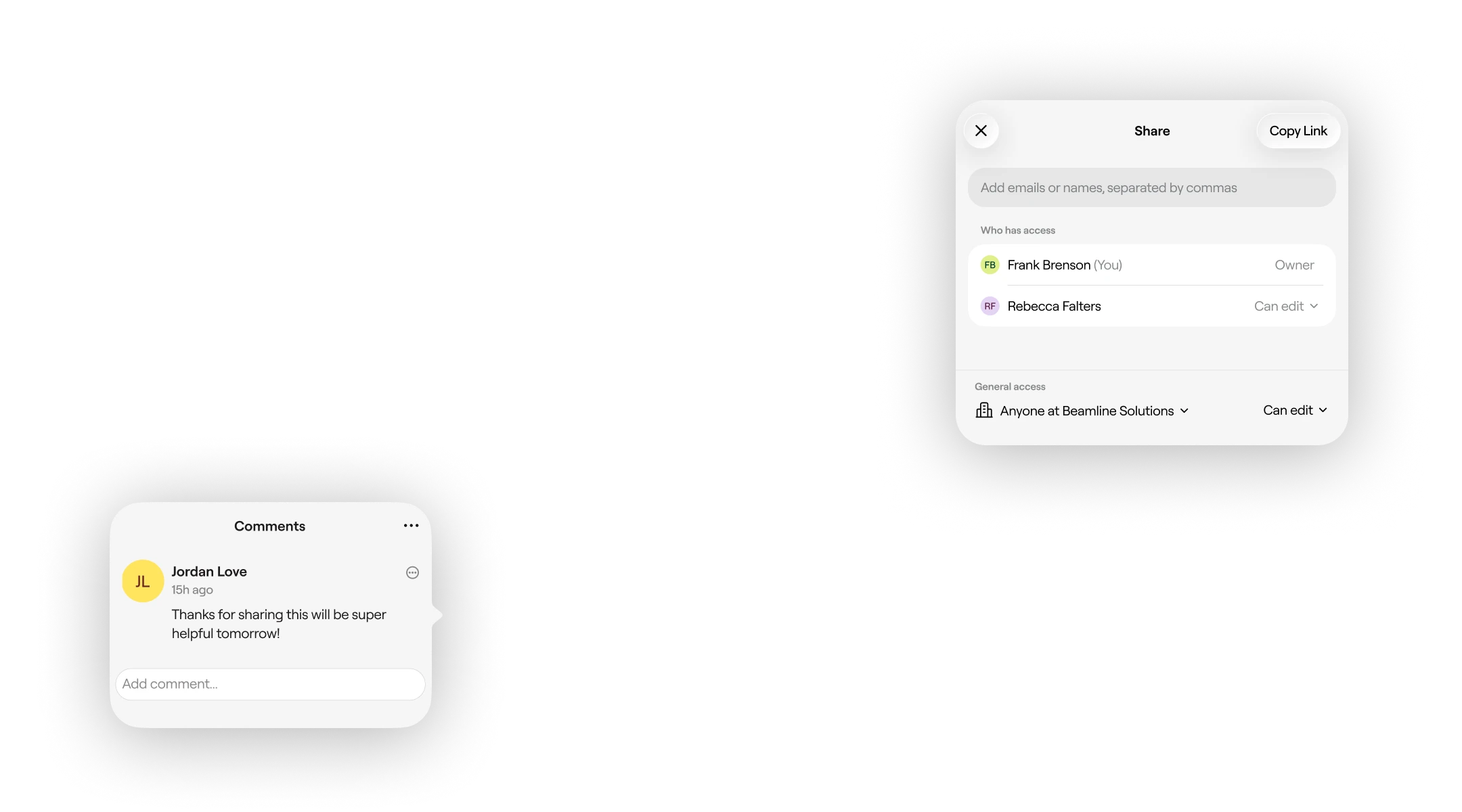
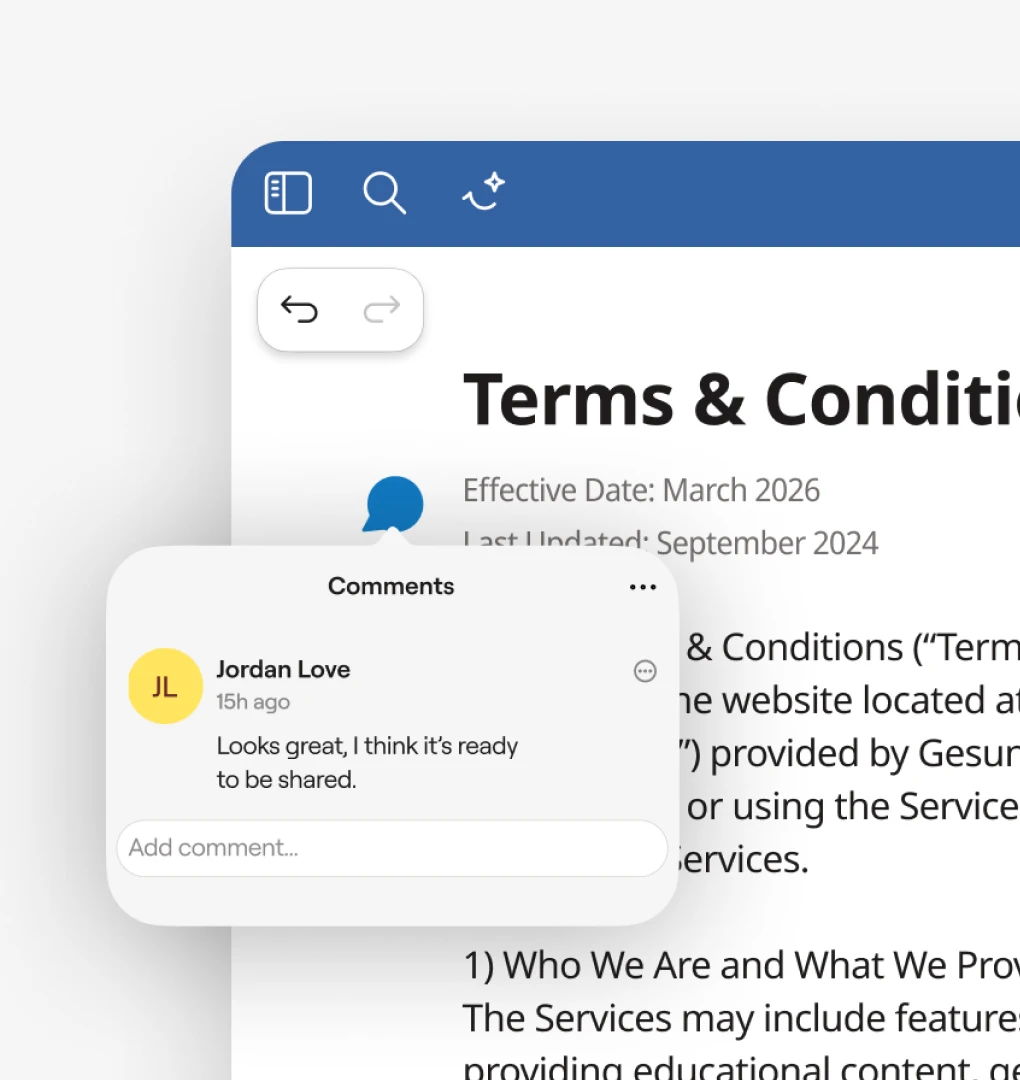
Share campaign plans, feedback, and creative assets securely with real-time markups that keeps everyone on the same page and up to date.

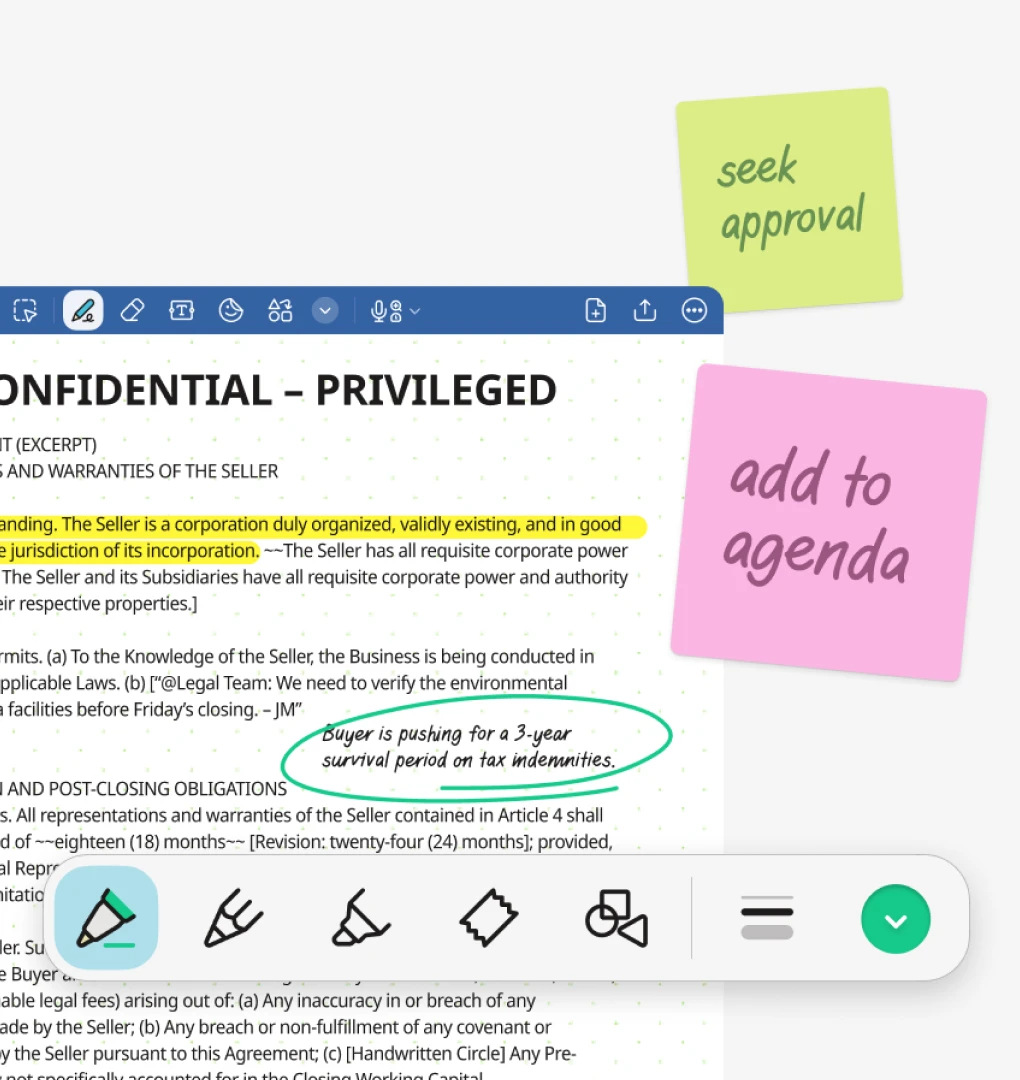
Collaborate as a team on case notes, redlines, and evidence with document annotation to keep everyone aligned and prepared.

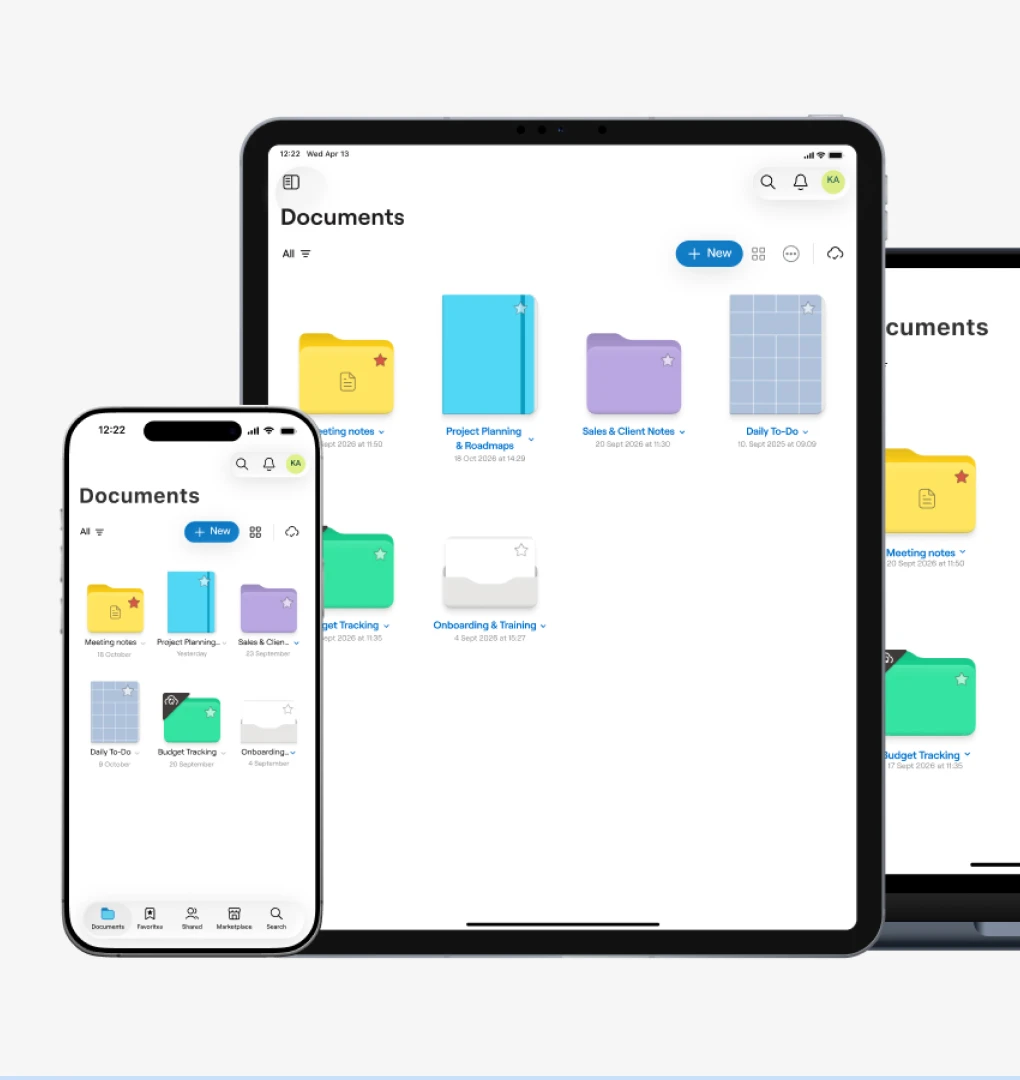
Turn handwritten notes into searchable, structured records so context, decisions, and next steps are never lost.

Work together on designs, blueprint markups, and on-site updates in a shared visual space across devices.
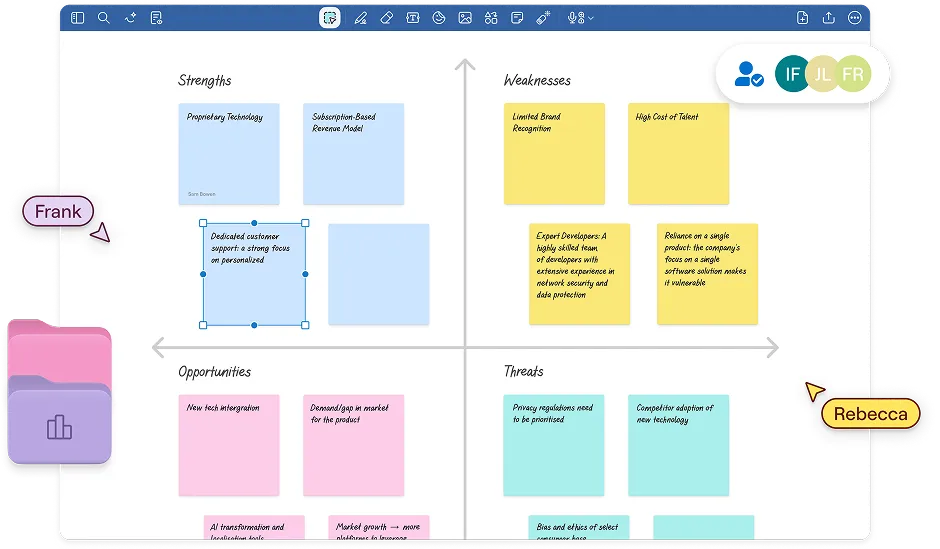
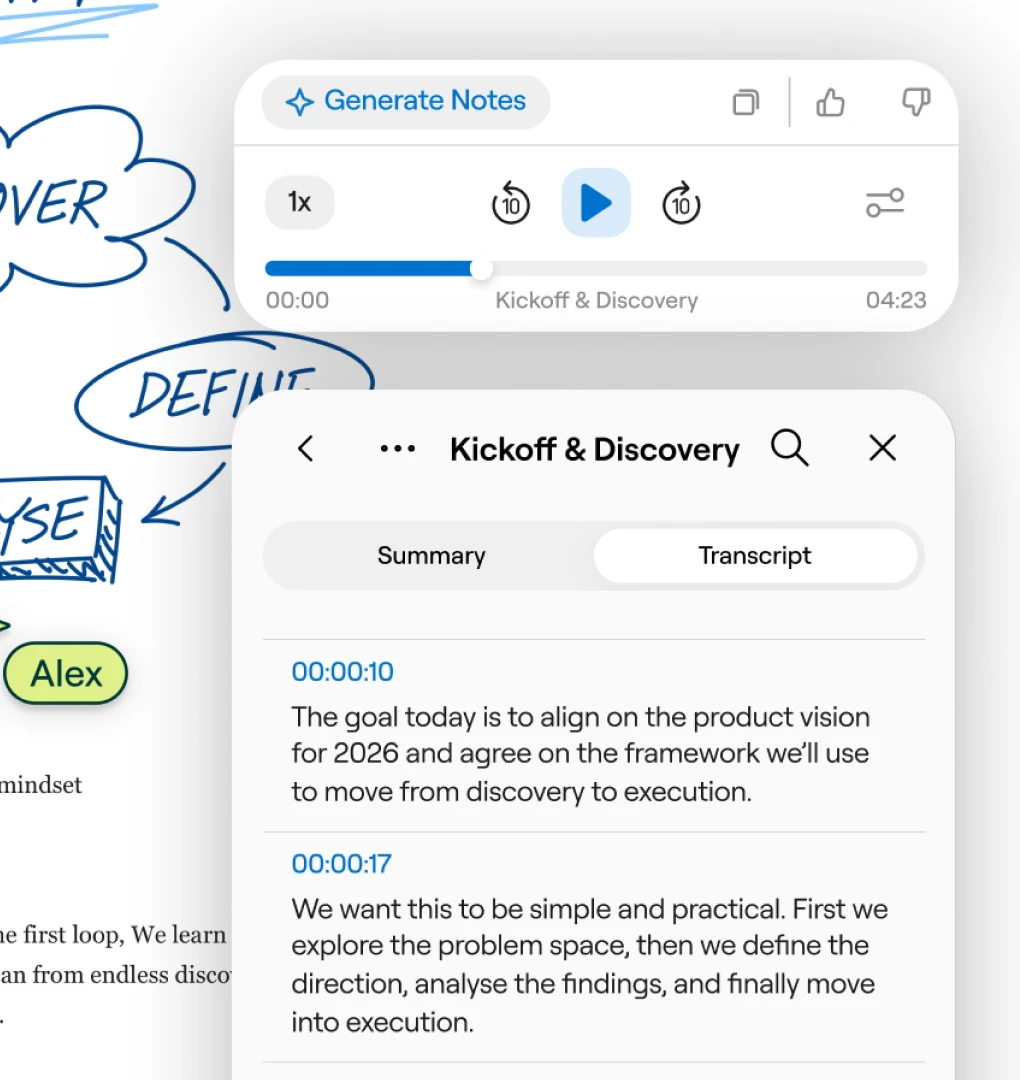
Document planning meetings, annotate policy drafts, and keep shared notes accessible across teams and departments.

Book your virtual meeting with our sales team
Get help with pricing and plans
Explore use cases for your company
Ask questions, and more.
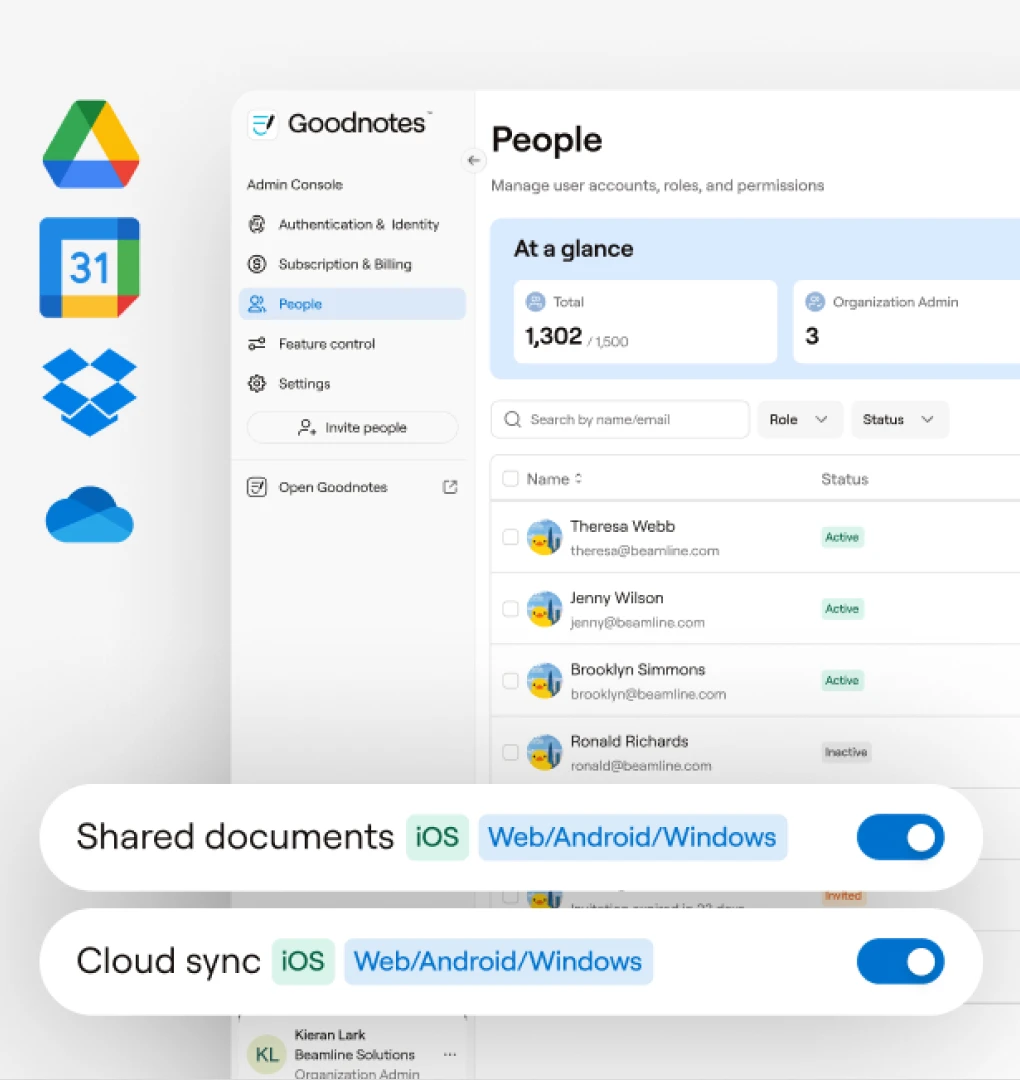
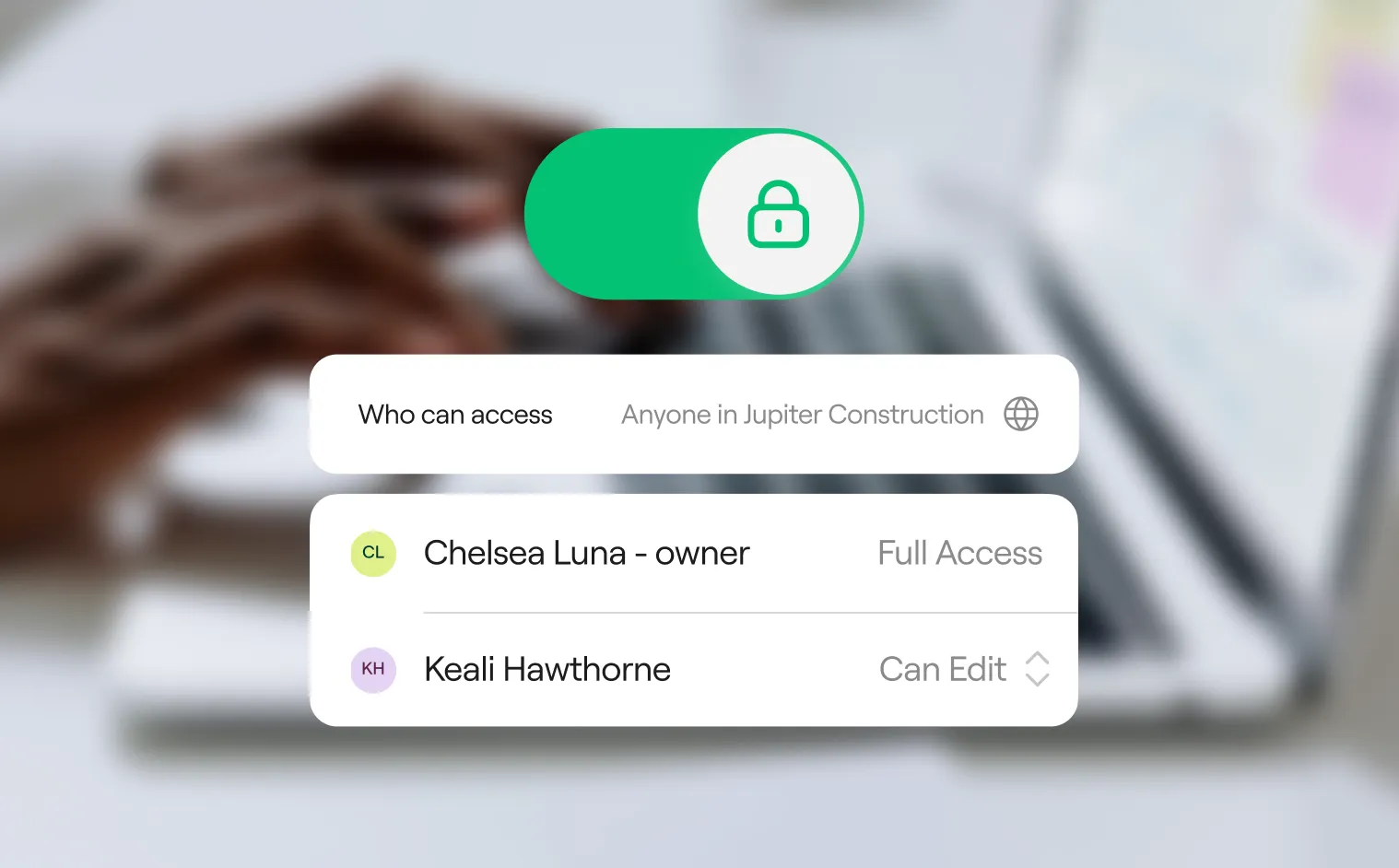
Designed with security, privacy, and compliance in mind—so teams can collaborate freely without compromising standards or governance.



If you're setting it up for a team and cloud sync works for your organization, go with Teams. And if you're rolling it out to a team but your notes need to stay off the cloud, Enterprise is the one you want. For more detail on the differences between plans, check out our full guide.
Teams and Enterprise include the same AI features: on-device tools like handwriting recognition, Handwriting Spellcheck, Math Assist, and Canvas Beautifier (free, unlimited, no credits used), plus cloud-based Goodnotes AI (Ask Mode, Create Mode, AI Typing, Goodnotes AI for Math, and Goodnotes AI for Meetings) which draws from a shared pool of 6,300 AI credits per seat, per month.
The two plans differ in AI admin controls, not features: only Enterprise gives org admins a master toggle to manage cloud AI and data-sharing settings org-wide.
Goodnotes Teams bills yearly: choose how many seats you need up front, and add more at any time. New seats are pro-rated into your existing subscription, with the full seat count renewing together at the end of the term. For more help, contact Goodnotes customer support.
Goodnotes is SOC 2 Type 2 and ISO/IEC 27001 certified, and complies with GDPR and CCPA for data privacy. Data runs on AWS infrastructure with access controls, monitoring, and anti-DDoS protection in place, and the app undergoes regular penetration testing. Security teams can review full documentation directly through the Goodnotes Trust Center.
The Goodnotes Trust Center covers compliance certifications, infrastructure, access control, application security, and AI security practices in one place, alongside legal documents like the Data Processing Agreement and Customer Audit Rights. Procurement and security teams can request pentest reports, subprocessor lists, and other sensitive documents directly from the site.