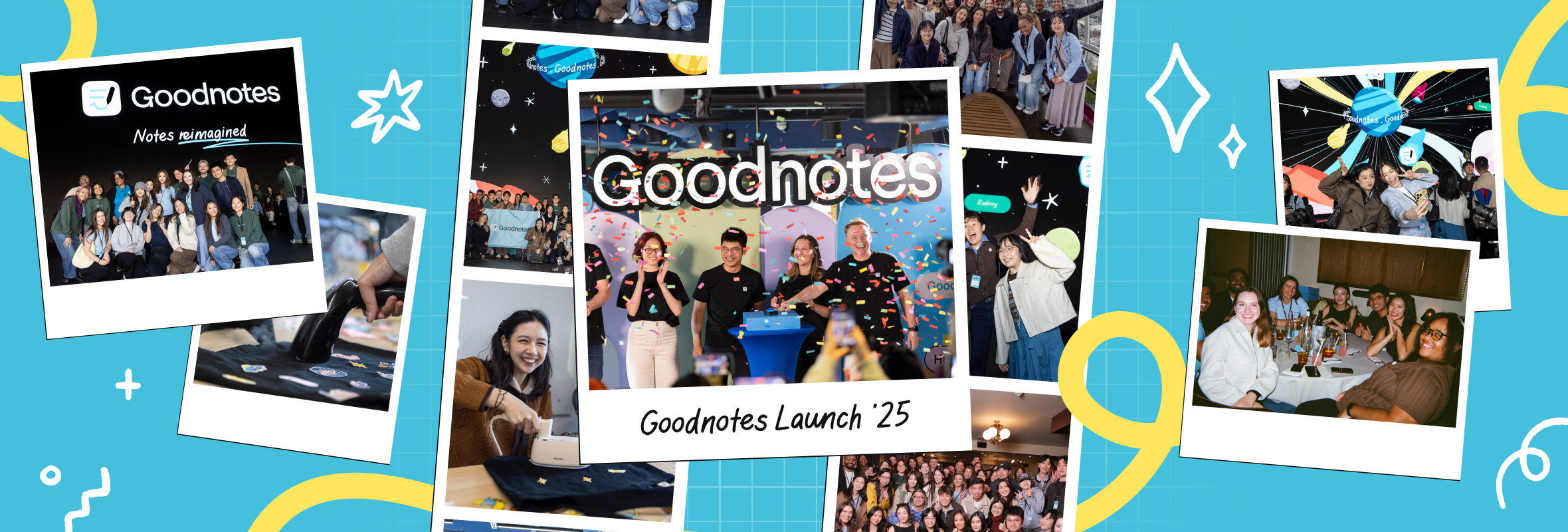
During our September launch, we invited creators to explore some of our newest and most powerful features, from AI-powered workflows to visual whiteboards and presentation tools. Each creator approached the app in their own way, exploring new features to find what works best for them.
Creators Kirstin, Singh, and Elena shared how they are using Goodnotes to simplify processes, stay organized, and turn ideas into action.
Embrace the scrap: Brainstorm freely on Whiteboard first
Kirstin, digital planning and tech enthusiast, says her ideas start messy, in what she calls a “scrap style” process. Instead of forcing structure too early, she begins in Goodnotes Whiteboard where she can “start (her) notes very unstructured,” pulling ideas together visually. She maps connections using adjustable shapes and arrows that she can “granularly adjust” as her ideas evolve, before moving them into Text Documents to refine scripts and plans.
During the planning stage for her video content, Kirstin would previously move between planning tools and note-taking tools. Now, with both Whiteboard and Text Documents available, she can simply switch tabs “rather than jumping to a different app,” keeping her workflow “streamlined in a single app,” from video scripts and brainstorming boards to digital planner, templates, and text document for new content ideas.
Try it out: Start your next project on a blank whiteboard, without worrying about structuring your ideas just yet. Map them out as they come, and use Text Documents when you’re ready to give them some more structure.
Follow more of Kirstin’s creative workflow and digital planning insights on YouTube and Instagram
Design templates that fit your workflow
Singh, a YouTuber, software engineer, and digital nomad, treats Goodnotes as his creative command center: A place to plan, present, and produce engaging content without juggling multiple tools. With AI-powered features “right at (his) fingertips,” he moves quickly from idea to execution.
Instead of relying on an all-in-one planner, Singh builds and customizes templates around how he actually works, creating custom weekly calendars and visual task lists in minutes. He also tracks progress visually, coloring tasks halfway when started and fully when complete, turning planning into a more intuitive and visual process for him.
When it’s time to present, he connects Goodnotes directly to a projector or TV, allowing him to highlight key points live so that audiences stay focused on what is being explained. For social content, he uses the tape feature to reveal ideas one by one, a simple technique that “makes the video more engaging” to his viewers.
Try it out: Create one simple weekly template that matches how you already plan to work, then refine it as your routine changes, adding customizations that work for you.
Follow Singh on YouTube or Instagram for more of his content strategies and insights.
Turn notes into insights with Goodnotes AI
With a packed schedule balancing work, learning, and personal growth, Elena, a study vlogger and digital stationery creator, values tools that save time and reduce friction. Using the integrated AI features in Goodnotes, she turns everyday notes into instant insights without needing to leave the app.
She writes and handwritten notes as usual, then asks AI to summarize key ideas, generate conclusions or answer follow-up questions on the go, like “an actual assistant doing something for (her).” When learning from lectures or courses, she records sessions directly in Goodnotes and uses AI-generated summaries to review the material afterward.
To stay organized, Elena built custom planners and trackers inside her notebooks, managing her busy schedule in a way that makes each hour count.
Try it out: After recording your next meeting or lecture, ask AI for a quick summary and three takeaways to turn raw notes into something more actionable
Follow Elena on YouTube and Bilibili to see more of how she balances work with learning, and for more productivity tips.
Discover your own workflow
Across each workflow, whether it’s brainstorming visually, designing custom workflows, presenting ideas, or turning notes into insight, they all highlight the power of exploration and experimentation.
Each creator approaches Goodnotes differently, showing how the app can adapt to different styles and needs. Try these tips out for yourself, and you might discover approaches that work uniquely for you.