TL;DR
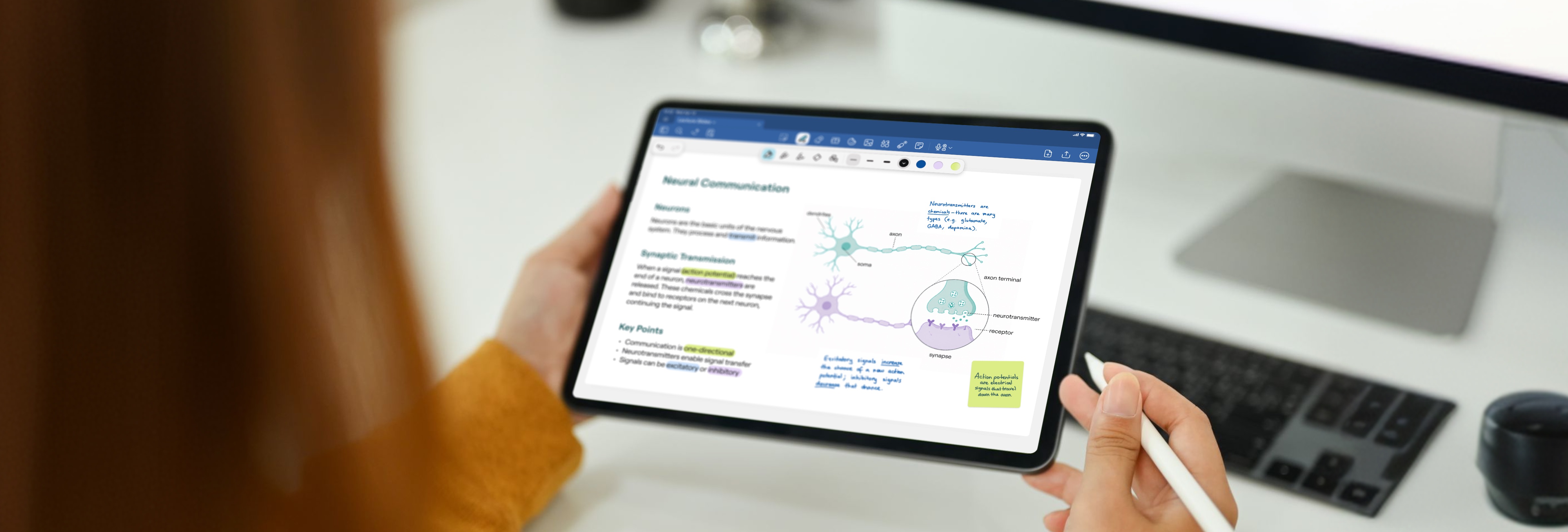
Transitioning to digital note-taking doesn't mean giving up the memory-boosting benefits of handwriting. By using a stylus on a digital screen, you retain the full cognitive advantages of writing by hand while gaining the efficiency and organization of a paperless system.
- Retain learning benefits: Brain activity and memory retention remain nearly identical whether you use a digital stylus or an ink pen.
- Gain modern conveniences: Going digital gives you searchable handwritten text, instant slide annotation, lighter bags, and automatic cloud backups.
- Ease into the transition: Start with just one slide-heavy class to build a rhythm before switching all your subjects over.
- Digitize old notes: Scan your existing paper notebooks into the app as needed to keep all your study materials organized in one searchable location.
So you’re thinking about going digital with your note-taking, but you’re not sure if it’s right for you. Maybe you learn better by hand. It’s a fair thing to worry about, and a good sign that you’re taking your studies seriously.
Here’s the thing, though. Going paperless does not need to be at odds with your studies. You can benefit from both writing by hand and going digital.
Here’s why that works.
Does handwriting really help you learn?
Yes. A 2014 Princeton and UCLA study found that students who took notes by hand did better than students who used a laptop. Because writing takes more time, you simply don’t have the time to copy things down word for word. You actually need to listen and put those ideas into your own words, and that’s what helps them stick.
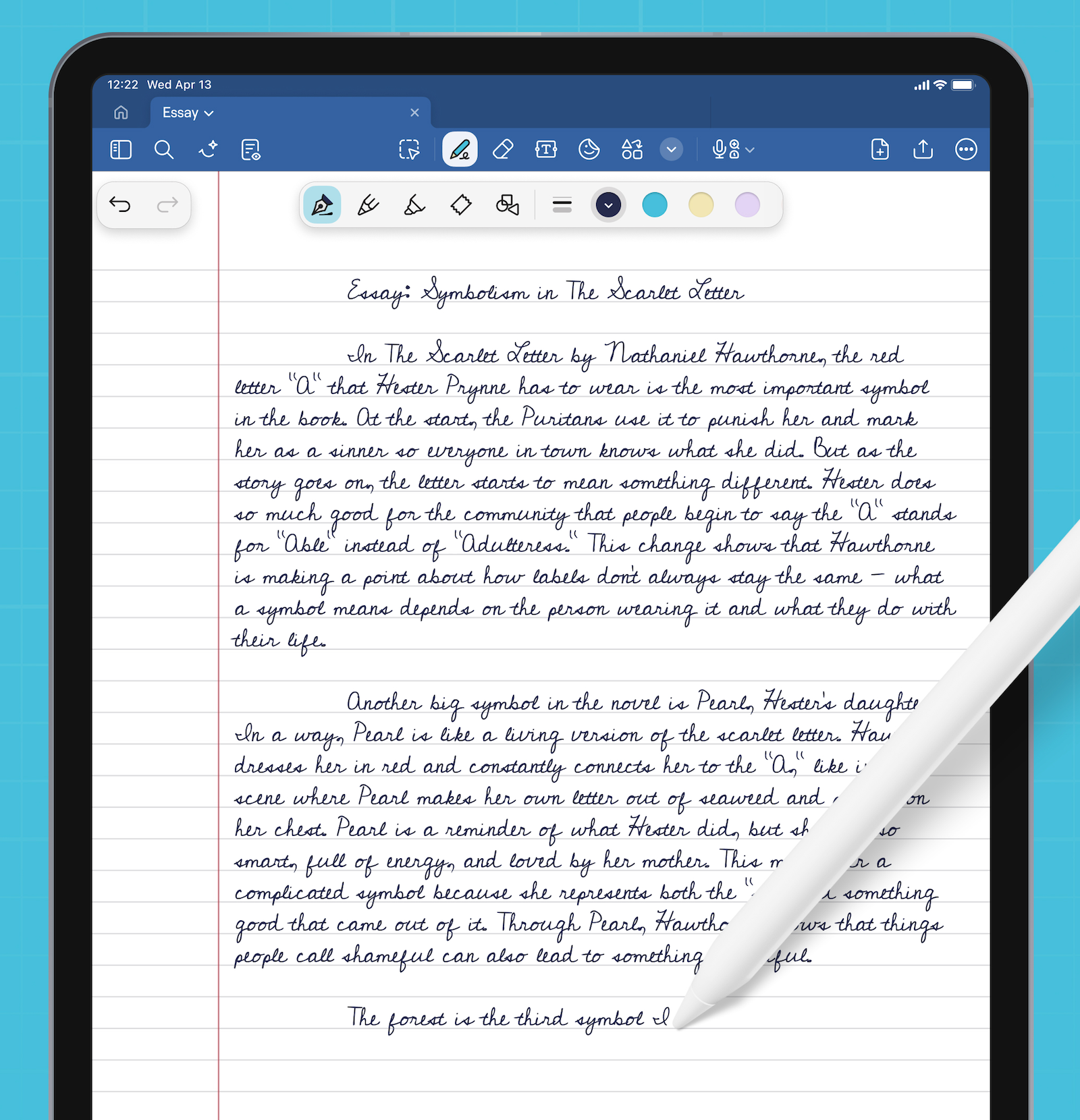
Another study in 2024 found something similar: Yes, writing by hand produced far more brain activity that researchers link to learning and memory than typing did, but what about when using a digital pen? Turns out the levels of brain activity were very similar to those who used ink pens. The benefits of writing by hand come from the act of writing itself, regardless of what surface you’re using.
So, writing your notes by hand does help you learn, even on an iPad. Plus, you’re also gaining every benefit of going digital on top.
What you gain by going paperless
On top of keeping the benefits of handwriting your notes, you also gain the benefits of taking them digitally.
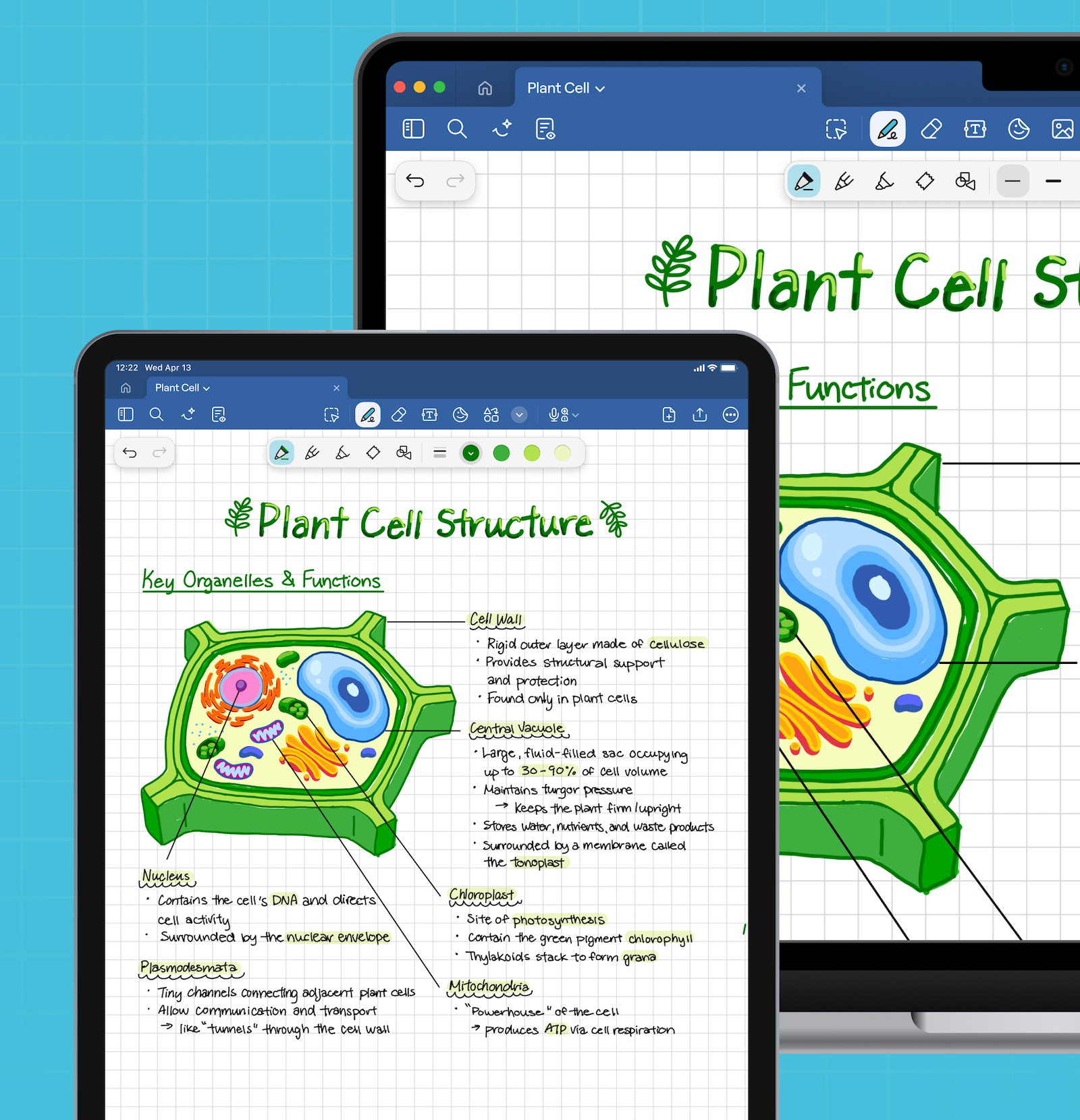
You can find anything in seconds. Even your handwritten notes. Say you jotted a formula in the margin back in week three, and you’re trying to find it during finals. Search for the formula and Goodnotes will find it.
You can mark up slides without printing them. Import your lecture slides into your notebook and write over them. If you make a mistake, you can simply erase it and write again. No printer required.
Your bag gets a lot lighter. One device instead of five notebooks and a folder full of printouts. Your shoulders will thank you.
A lost notebook is no longer a disaster. Everything syncs and backs up on its own. Left your iPad on the bus? All your notes are still safe on your other devices.
Now, with paperless notes, you can still experience the freedom that handwriting gives you, just without the limitations that paper can have.
How to start, one subject at a time
It’s tempting to make the big switch all in one evening. Don’t. Ease into it with a single class to get a feel for how you take notes digitally, then roll it out from there.
- Pick one class for this semester. Ideally it’s a slide or reading-heavy course where you’re already buried in PDFs. That’s where going digital helps most, so you’ll feel the payoffs fast.
- Set up your notebook. Create a single notebook for the class and import the first set of slides.
- Start writing on top of the slides where it helps. Worry about the colours later. Tweak your system as you become more familiar with it.
Once you’ve built up a rhythm or practice for your first notebook, start a second one for another class. By midterms, you’ll have eased into digital for most of your classes without having to face a big, overwhelming change.
Now, about your old paper notes
You don’t have to leave them behind, and you definitely don’t have to rewrite them.
Take photos of, or scan your paper notebooks into Goodnotes so they sit alongside everything else. Your notes, once scanned, can also become searchable, so a pile of notebooks you’re barely flipping through has now become a source you can pull from in seconds.
Most common mistakes to avoid
These are some of the most common slip-ups that get in the way of building a note-taking practice.
- Switching everything over at once. A new app or habit takes a week or two to feel natural. Piling that onto every class at the busiest point of the semester will get overwhelming. Start with one class, then add more once it feels easier.
- Over-organizing before you’ve written a note. We’ve all done this, built an elaborate folder system for something you haven’t even used yet. Take the notes first, and then sort them out later.
- Scanning every old notebook on day one. Unless you know you need them all, scan the relevant notes in as you go.
- Getting lost in customization. Tweaking pens and colors is fun, but when you’re starting out, just focus on taking the notes first. There will be time to customize later.
A simple setup
Here’s a basic setup that works for most students.
- Use one notebook per class. Makes your classes easy to find.
- Import slides and readings as you go. Drop each set into the right notebook and write on top.
- Review at the end of the week. It’s always a good idea to look back on your notes to see what you understand, and what you need to spend more time on.
Start with one subject this week
You don’t have to decide whether you work best on paper or on screen. With Goodnotes, you can write by hand and still benefit from the learning process that comes with handwritten notetaking.
Goodnotes is free to download. Start with one subject, and take notes the way that works for you.