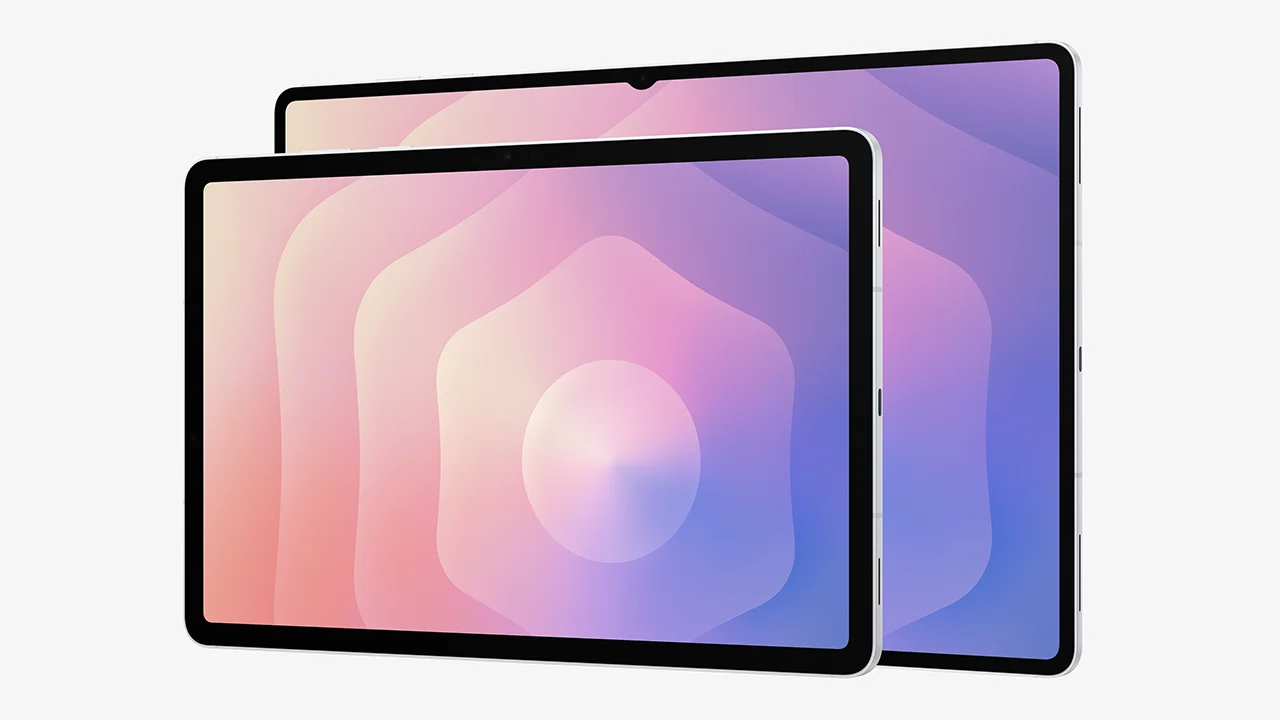
在 Samsung 平板電腦上,學習和工作均變得更智能

免費使用 1 年 Goodnotes,續訂更可享八折優惠。 優惠適用於 Galaxy Tab S11 系列、S10 系列和 S9 系列。

Galaxy Tab with Goodnotes App

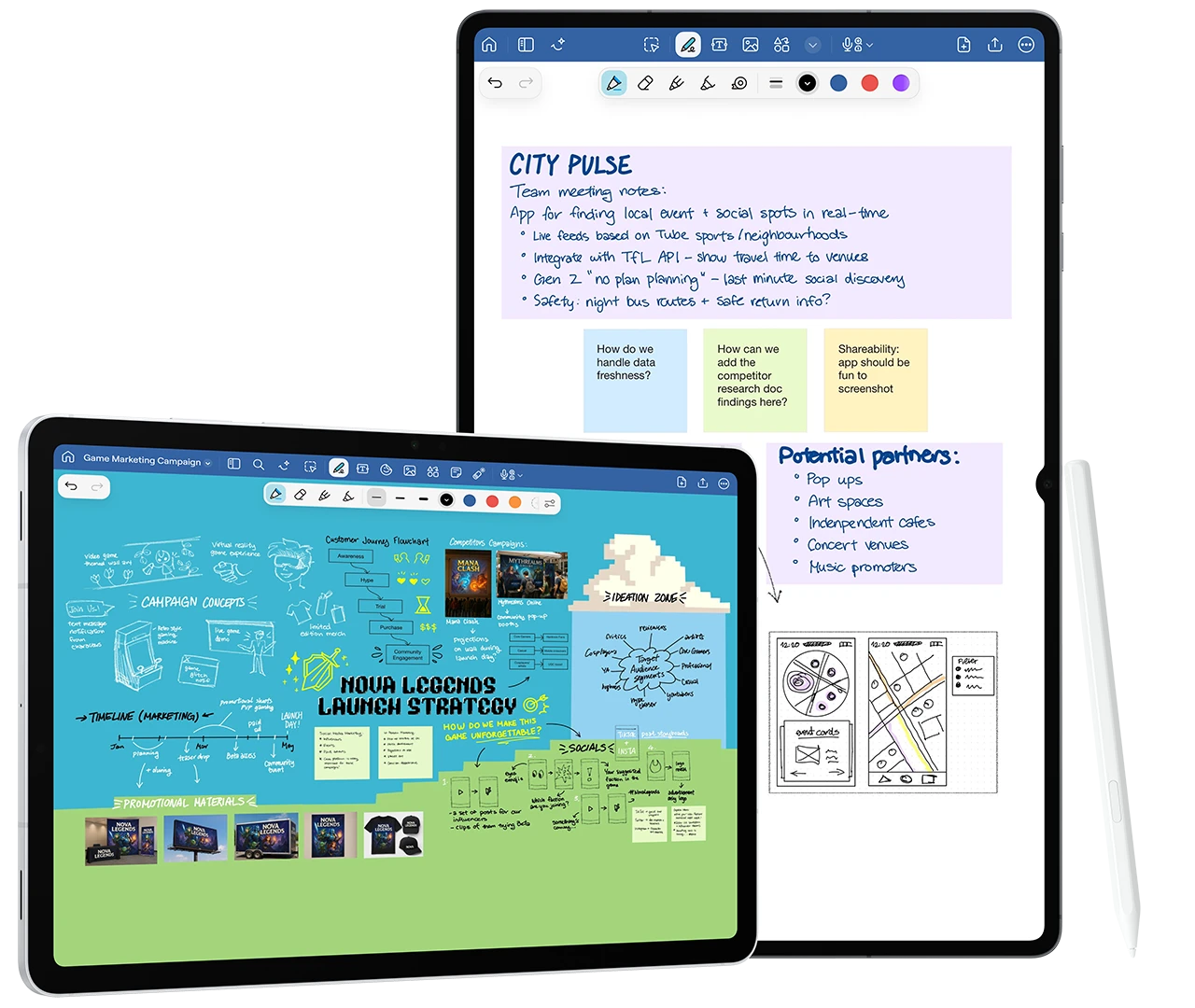
體驗手寫的無限可能

An example of using Goodnotes

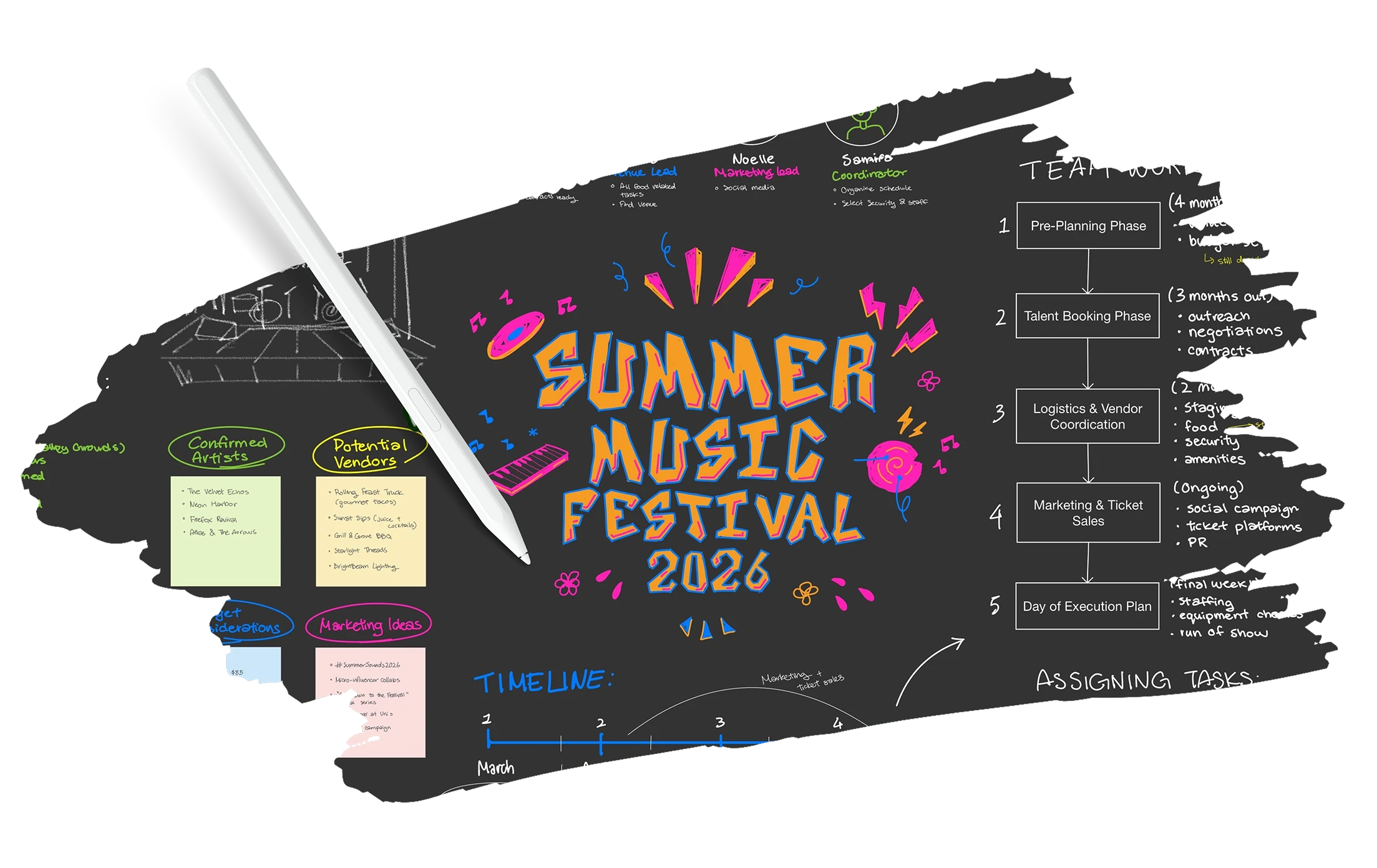
在空白畫布上髓心書寫方程式、心智圖或圖表。 記下內容後,還能輕鬆編輯手寫筆記。

An example of using Goodnotes
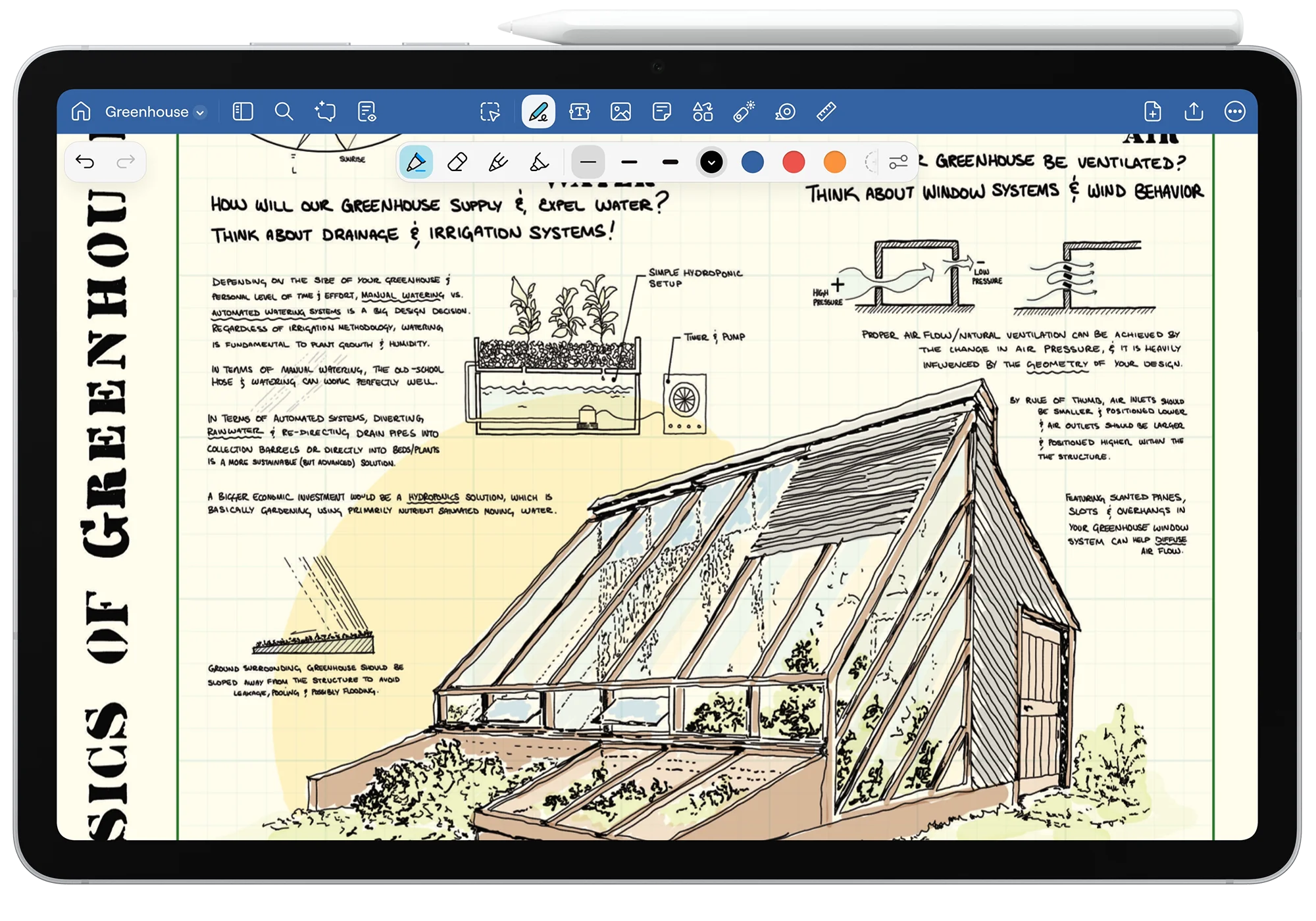
Multiple GoodNotes Templates

超過 50 種筆記範本,滿足各種需求

Multiple GoodNotes Templates

不論是空白紙、方格紙、點格紙還是康乃爾筆記,任你挑選。 拿起筆開始書寫吧!

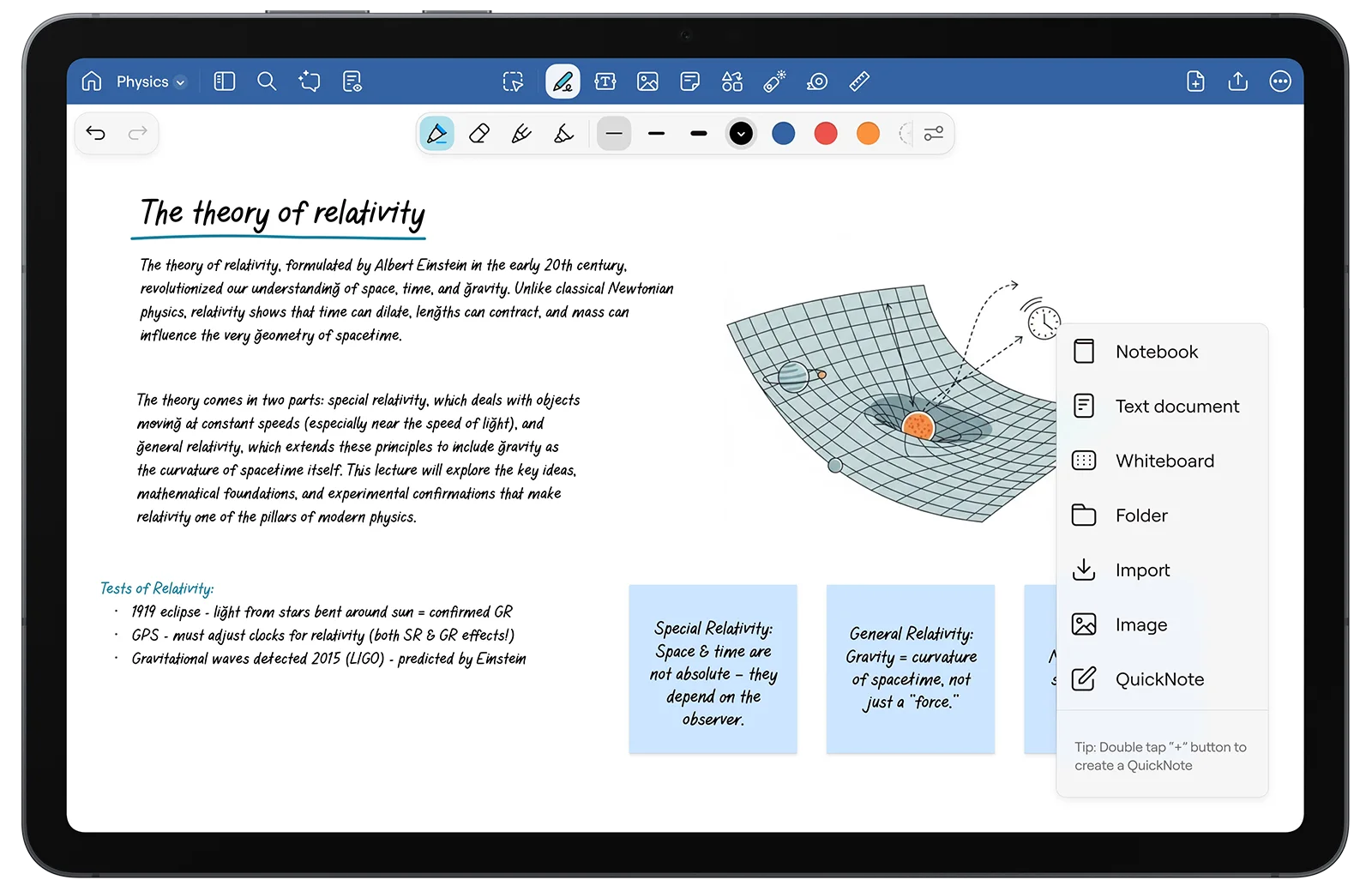
跨裝置輕鬆協作,分享筆記更簡單

The UI of Goodnotes for Android with a note on the theory of relativity.

只要分享筆記連結,就能邀請他人檢視、編輯及留言。

The UI of Goodnotes for Android with a note on the theory of relativity.

Samsung Galaxy 獨家功能

長按 S Pen 的 Pen 按鈕,即可切換為橡皮擦功能。

預載高級範本、貼紙與數位手帳。

兌換教學

免費使用 1 年 Goodnotes,續訂更可享八折優惠。 優惠適用於 Galaxy Tab S9、S9 FE、S10、S10 FE、S10 Lite 和 S11 系列。*
適用於 Android 系統
適用於 Windows 系統
1

點一下 Galaxy Picks 資料夾中的 Goodnotes 圖示,或在裝置上找到它,立即開啟使用!

2

安裝 Goodnotes 應用程式

3

註冊帳號立即領取優惠,開始使用吧!

1

點擊 Windows 應用程式庫中的 Goodnotes 圖示

2

註冊以領取優惠

3

從 Windows 應用商店安裝 Goodnotes 應用程式

4

開啟 Goodnotes 並開始使用

探索符合優惠條件的裝置

Galaxy Tab S11 系列

提供最新的 Galaxy AI 功能和更強大的 Samsung DeX 體驗——又輕又薄,專為輕鬆作業而設計的平板電腦。

Galaxy Tab S10 系列

搭載 Galaxy AI 的強大功能,抗反光的絢麗螢幕,讓你的視野更開闊,效率更提升。

Galaxy Book 4 與 5 系列

360 度翻轉設計結合 S Pen 精準操控,靈活方便。

立即購買
* 符合資格的裝置包括

Galaxy Tab S9、S9 Plus、S9 Ultra、Galaxy Tab S9 FE、S9 FE Plus、Galaxy Tab S10 Plus、S10 Ultra、Galaxy S10 FE、S10 FE Plus、Galaxy Tab S10 Lite、Galaxy Tab S11、S11 Ultra、Galaxy Book 4、Galaxy Book 4 360、Galaxy Book 4 Pro、Galaxy Book 4 Pro 360、Galaxy Book 4 Ultra、Galaxy Book 4 Edge、Galaxy Book 5、Galaxy Book 5 360、Galaxy Book 5 Pro、Galaxy Book 5 Pro 360、Galaxy Book 5 Ultra

裝置支援情況可能因地區而異

立即下載 Goodnotes